0142530-000 AB KLA-Tencor Confidential 11-5
3/13/09
KLA-Tencor P-16+ / P-6 User’s Guide System Security - Group User Admin - Manage Users
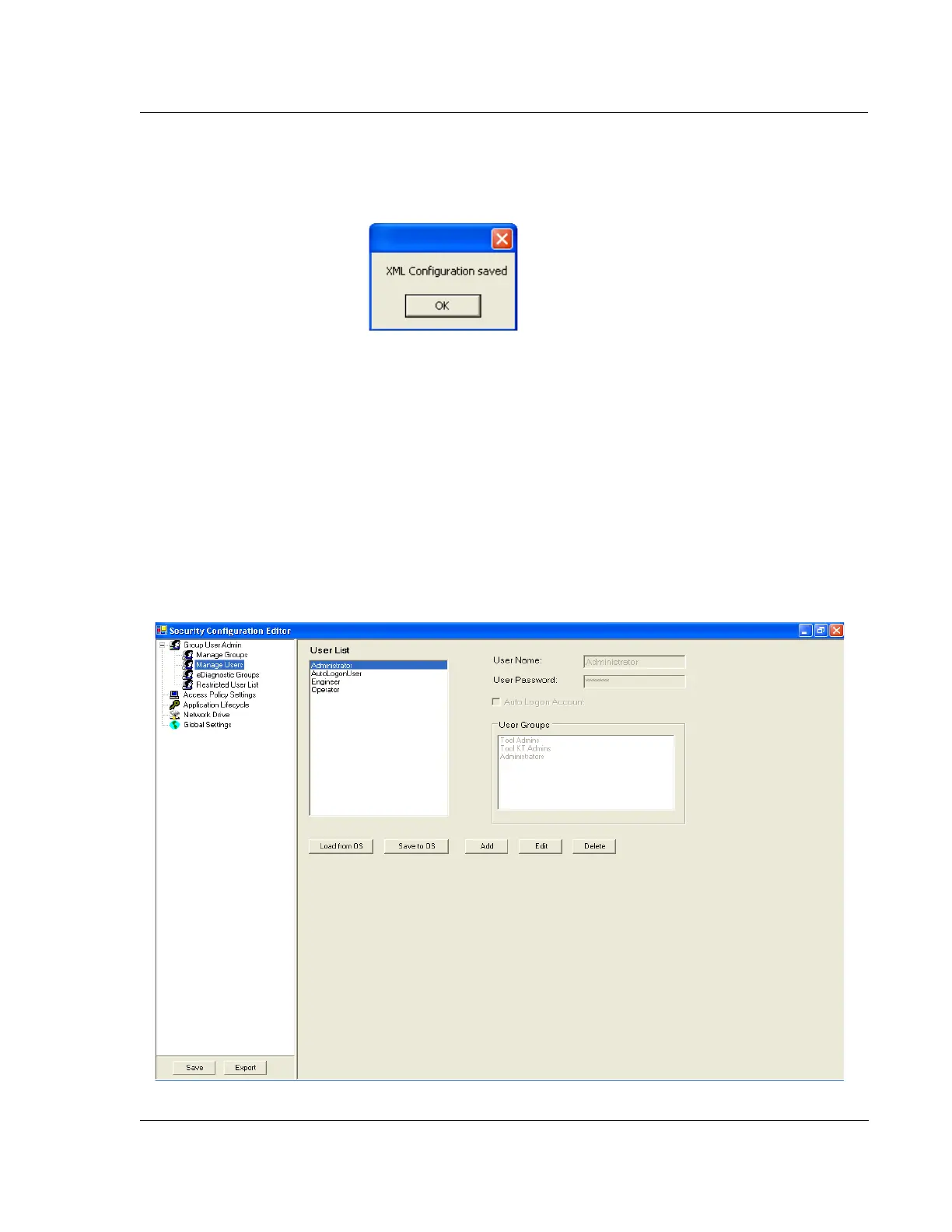
5. The software will display a dialog box informing the user of a successful save of
the configuration changes, as shown in Figure 11.4.
6. Close the Security Configuration Editor.
7. Restart the computer to have the new changes take affect.
GROUP USER ADMIN - MANAGE USERS 11
Figure 11.5 shows the Group User Admin - Manage Users dialog. User
administration is performed through Windows XP, as previously described. The only
application of the Manage Users setting is if the user needs to change the
AutoLogonUser password. It is recommended to not change this password and leave
it at its default setting. If the password of any other user needs to be changed, this
should be performed through Windows XP.
Figure 11.4 XML Configuration Saved
Figure 11.5 Group User Admin - Manage Users



 To Next Page