Scan Recipes - Scan Recipe Catalog Screen Components KLA-Tencor P-16+ / P-6 User’s Guide
3-8 KLA-Tencor Confidential 0142530-000 AB
3/13/09
ToolBar 3
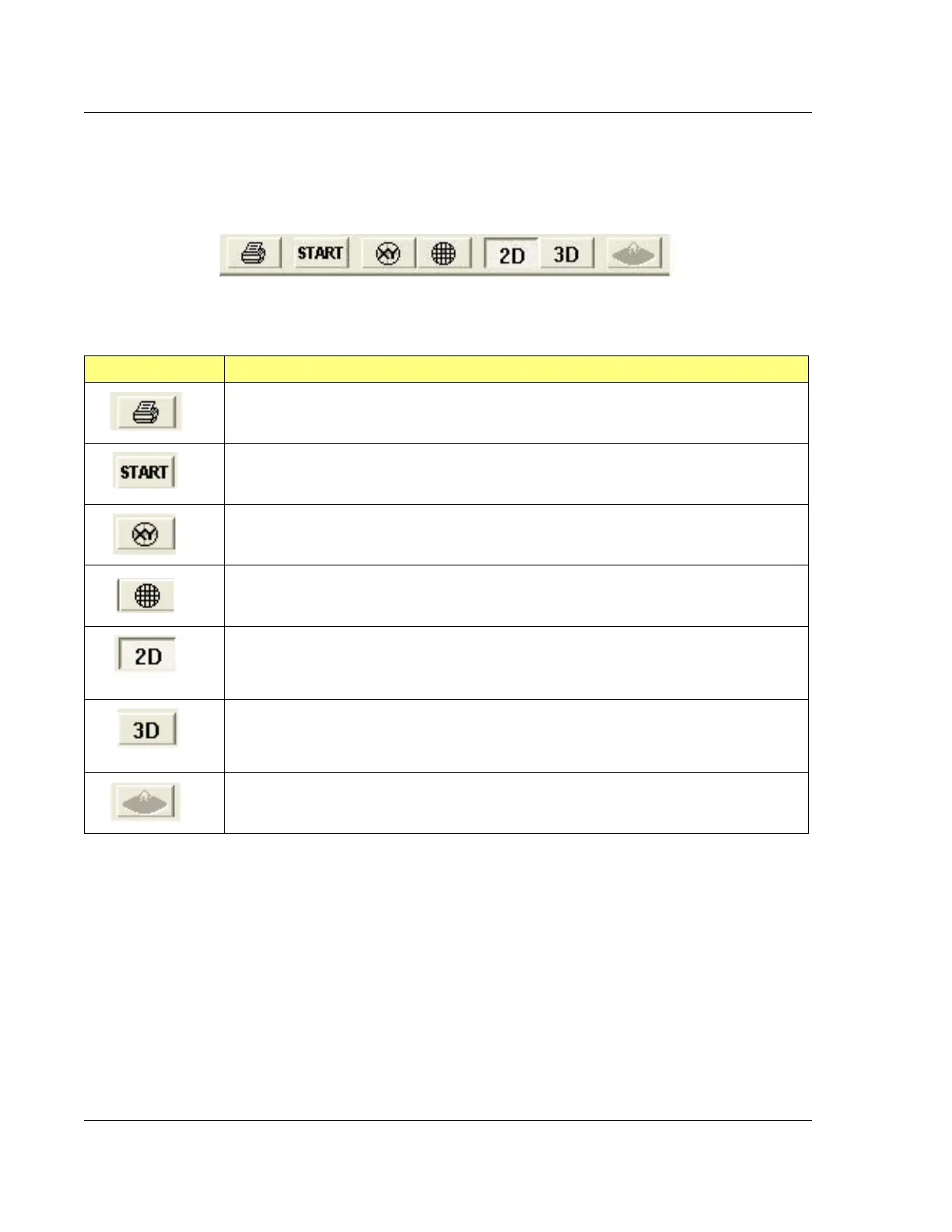
The ToolBar has eight icons that work as short cuts to functions.
The function of each icon is described in Table 3.10.
Figure 3.5 ToolBar Icons
Table 3.10 ToolBar for the Scan Recipe Catalog Screen
ToolBar Icon Description
Prints the currently highlighted recipe.
Starts a scan using the highlighted recipe in the List window.
Switches to XY View screen with the current recipe active, ready for a scan to be run.
Switches to the XY View screen to teach Die Grid
(P-16+ Only with Optional Pattern
Recognition Feature).
Displays the following in the List window:
2D Scan Recipes, when in the Scan Recipe Catalog screen;
2D Sequence Recipes, when in the
Sequence Recipe Catalog screen
Displays the following in the List window:
3D Scan Recipes, when in the Catalog Scan Recipe screen;
3D Sequence Recipes, when in the
Catalog Sequence Recipe screen.
Launches Apex application and sends the current file to Apex in a separate window.



 To Next Page