Sequence Recipe and Data - Creating a Sequence Recipe KLA-Tencor P-16+ / P-6 User’s Guide
6-12 KLA-Tencor Confidential 0142530-000 AB
3/13/09
3. Save the Sequence by clicking on Sequence to display its menu, then on Save.
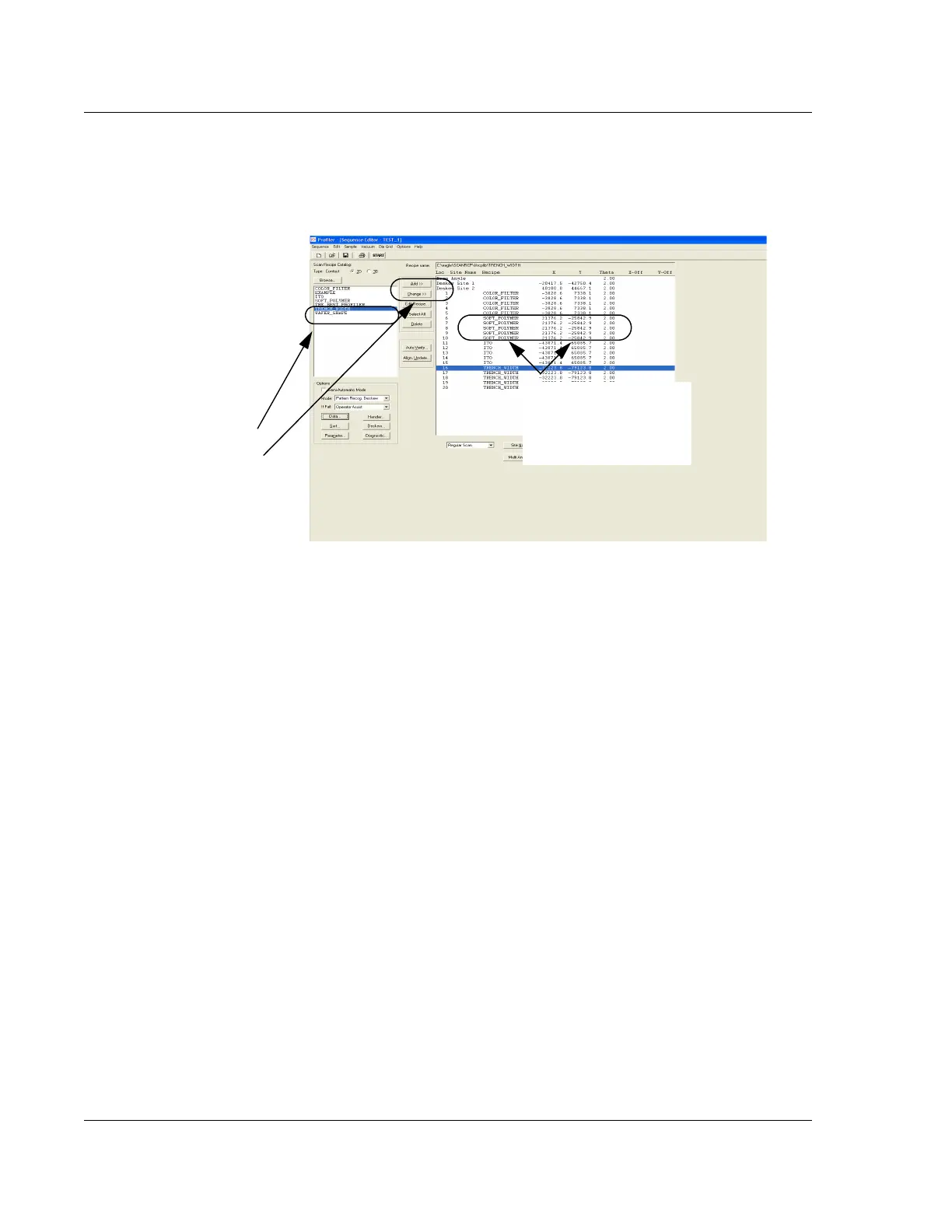
Adding Scan Recipes 4. The Sequence Editor appears with no scan recipes in the Sequence list. Add the
required recipes to the sequence using the following procedure: (See
Figure 6.13.)
a. In the scan recipe list, click the first recipe to be included in the sequence.
It highlights when selected.
b. Click the
Add button to add the recipe to the sequence.
c. Repeat this procedure for every scan recipe that is to be added to the
sequence.
Figure 6.13 Sequence Editor Set Up for New Recipe
The Sequence Editor comes up
with no recipes listed. Use Step
4 to create a sequence of
recipes:
1. Highlight a scan recipe.
2. Click the Add button.
3. Repeat Steps 1 and 2 for
each additional recipe.
When the recipe is added, it
appears in the list with the
scan location parameters
displayed as
NOT DEFINED.



 To Next Page