0142530-000 AB KLA-Tencor Confidential 3-5
3/13/09
KLA-Tencor P-16+ / P-6 User’s Guide Scan Recipes - Scan Recipe Catalog Screen Components
Menu Bar 3
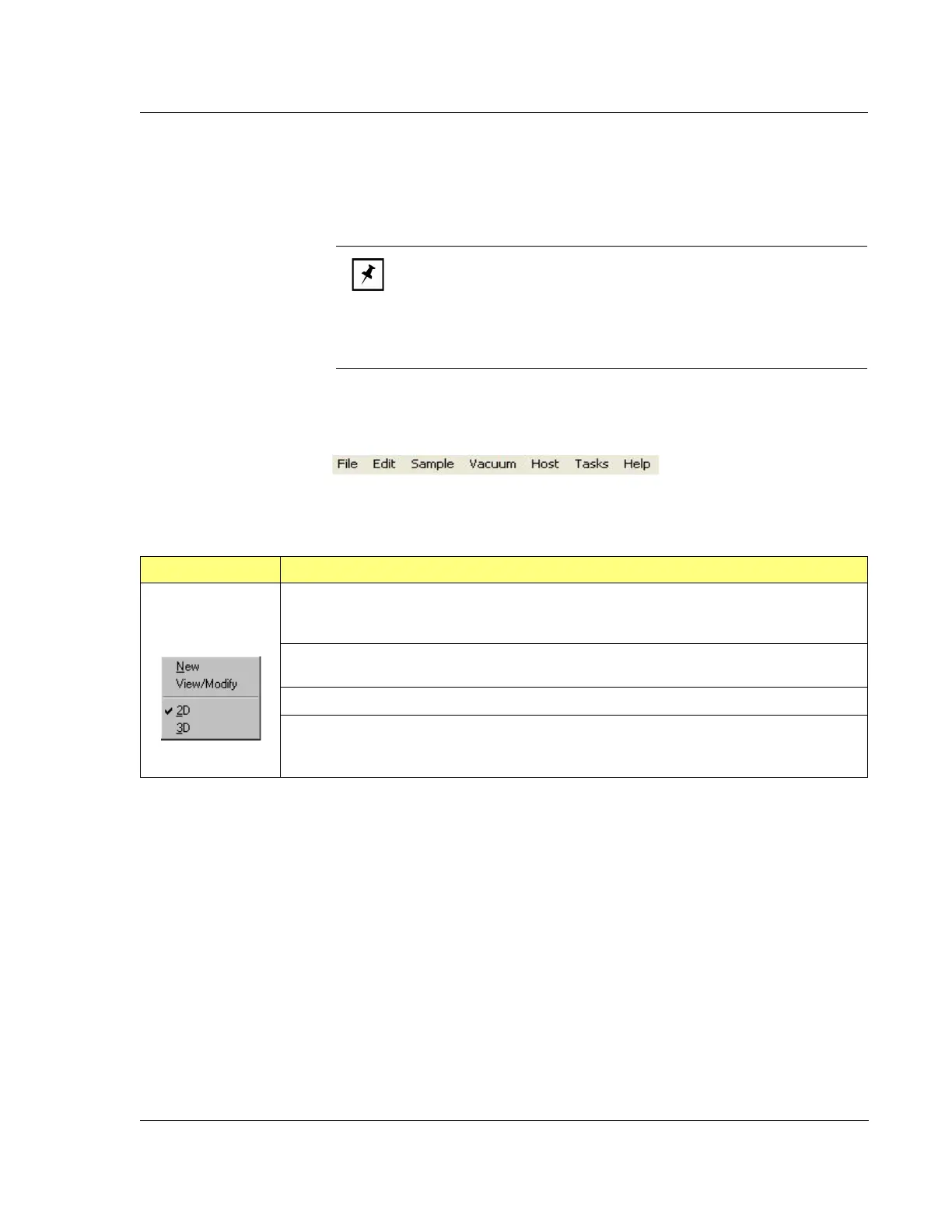
The following tables present the content of each drop-down menu in the Menu Bar
for the
Scan Recipe Catalog screen.
.
NOTE: One or more of the menu options in a given drop-down menu
might be grayed out. This can be due to the permission status of the
operator currently logged onto the system, it being an option that is not
currently available because it requires other system options to be
enabled before use, or the option’s unavailability at this stage in the
procedure.
Figure 3.4 Menu Bar for Scan Recipe Screen
Table 3.2 Edit Menu Options Description
Edit Menu Description
New This opens the Recipe Editor screen with an untitled recipe that is using the format of the
highlighted recipe in the catalog screen. The recipe title is “UNTITLED” until the new recipe
parameters are set and it is saved with a new name.
View/Modify This opens the Recipe Editor screen displaying the parameters of the recipe that
is highlighted on the
Scan Recipe screen.
2D This displays the 2D list of Scan Recipes in the Catalog display area. (See Figure 3.2.)
3D This displays the 3D list of Scan Recipes in the Catalog display area. (See Figure 3.2.)



 To Next Page