0142530-000 AB KLA-Tencor Confidential 11-27
3/13/09
KLA-Tencor P-16+ / P-6 User’s Guide System Security - Procedure to Add Security Groups to User Accounts
4. Type in the security group name(s) in the object names field and click on OK
when complete.
5. Click on OK from the user group window to complete adding the security
group(s) to the user account.
6. Repeat these steps for each user account that requires access to security
group(s).
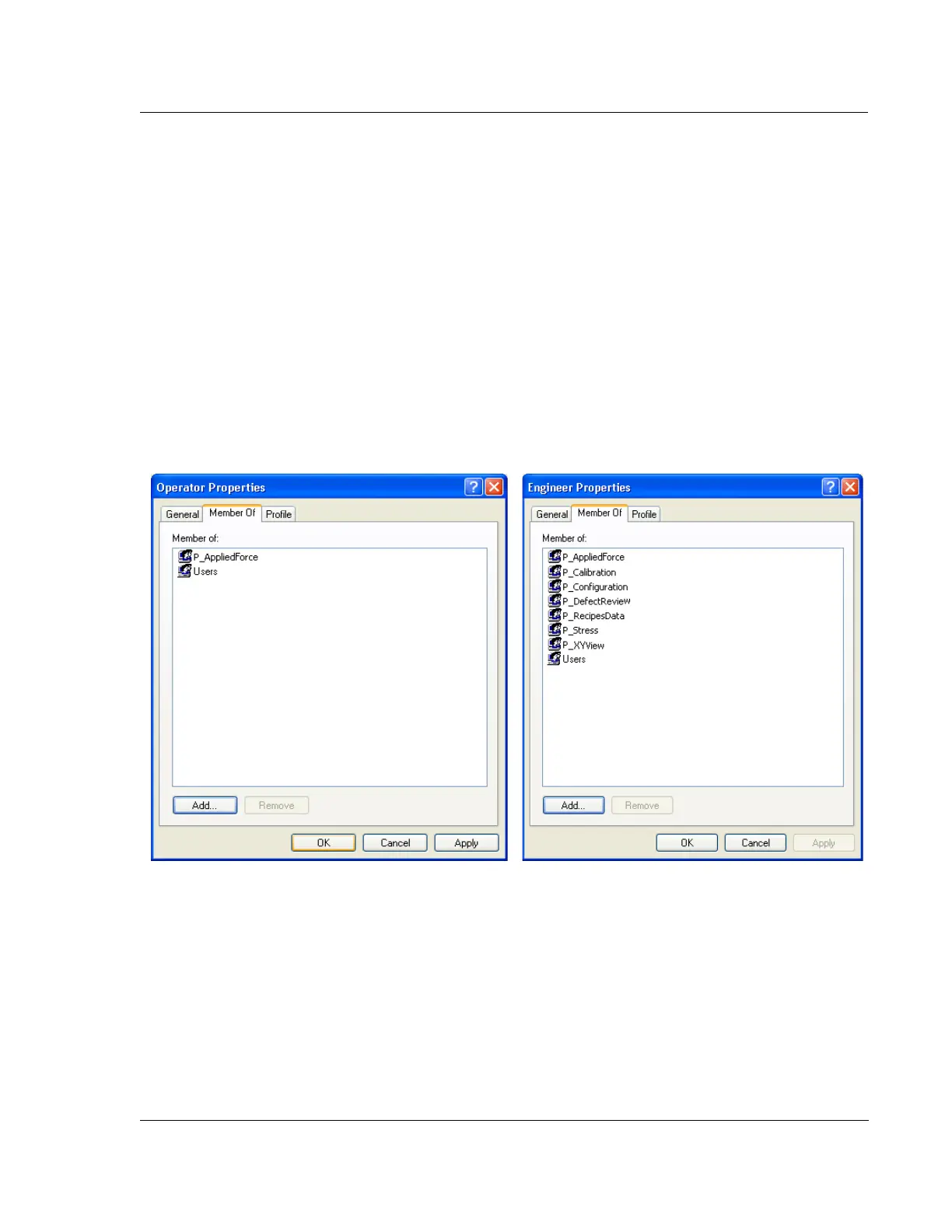
Figure 11.28 shows a typical operator and engineer user account. The operator
belongs to the Profiler P_AppliedForce and Windows XP Uer security groups and is
thus limited to only running recipes, viewing data, and running the applied force
calibration. The engineer has access to most functionality, but is limited from the
advanced access to calibrations and configuration settings. A lower level of engineer
might be limited to only creating recipes and modifying data. Each tool administrator
should create similar accounts to ensure that users can only access functions that they
are trained on and require access to perform their daily job functions.
Figure 11.28 Examples of Operator and Engineer Security Group Access



 To Next Page