View Scan Window - 3D Screen Function KLA-Tencor P-16+ / P-6 User’s Guide
5-10 KLA-Tencor Confidential 0142530-000 AB
3/13/09
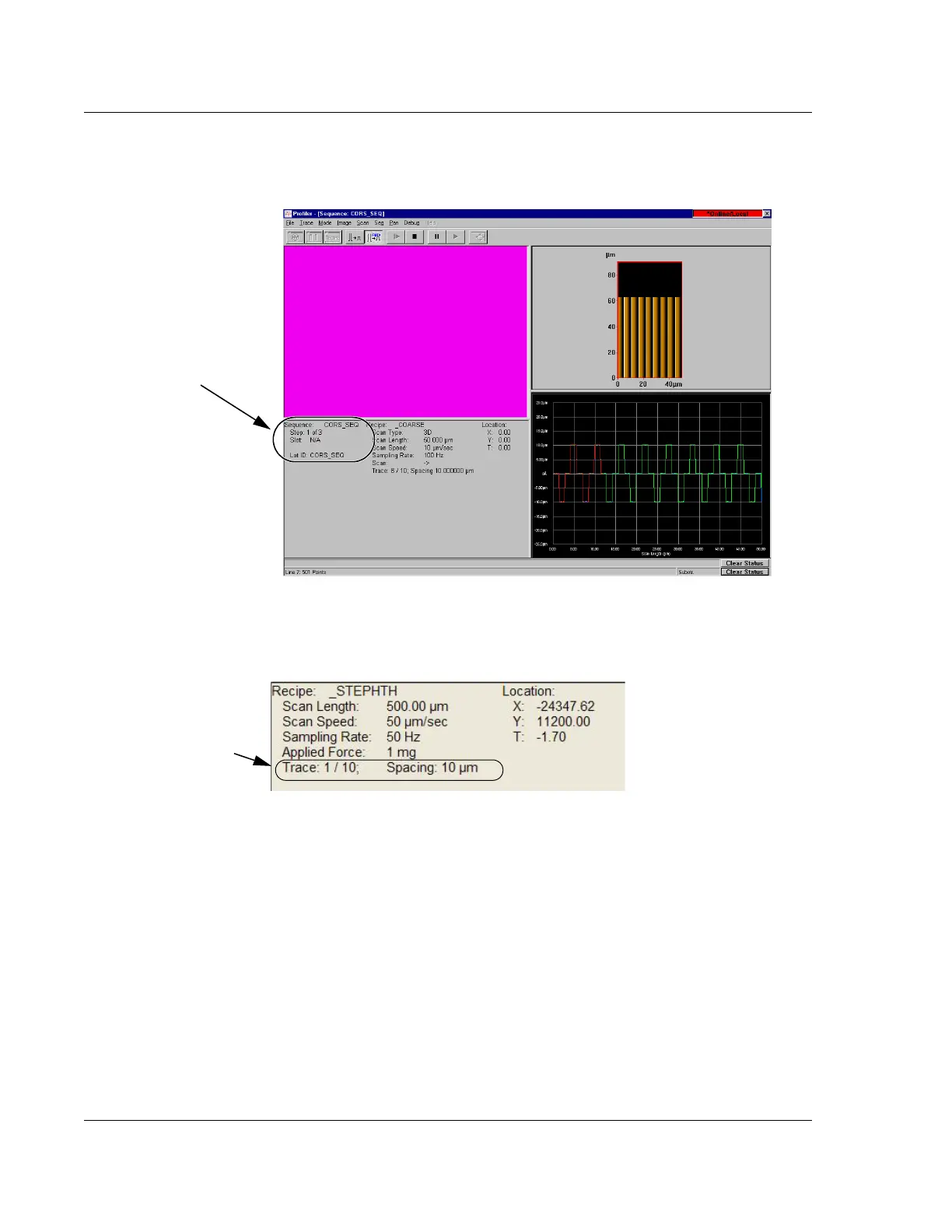
3D Scan Information Field 5
3D Scan Recipe Column 5
The first column in the Scan Information Field is the scan Recipe column. It contains
the scan recipe name and some of the critical determining recipe parameters.
The 3D column adds
Trace to information presented in a 2D parameter set.
Figure 5.7 3D View Scan Screen During a Scan Sequence
When performing a
sequence, the Sequence
information is added to the
information set.
Figure 5.8 3D Scan Window - Scan Information Field
The only parameter in this
field that is different from
the 2D field is
Trace:



 To Next Page