0142530-000 AB KLA-Tencor Confidential 14-3
3/13/09
KLA-Tencor P-16+ / P-6 User’s Guide Configuration - System Geometry
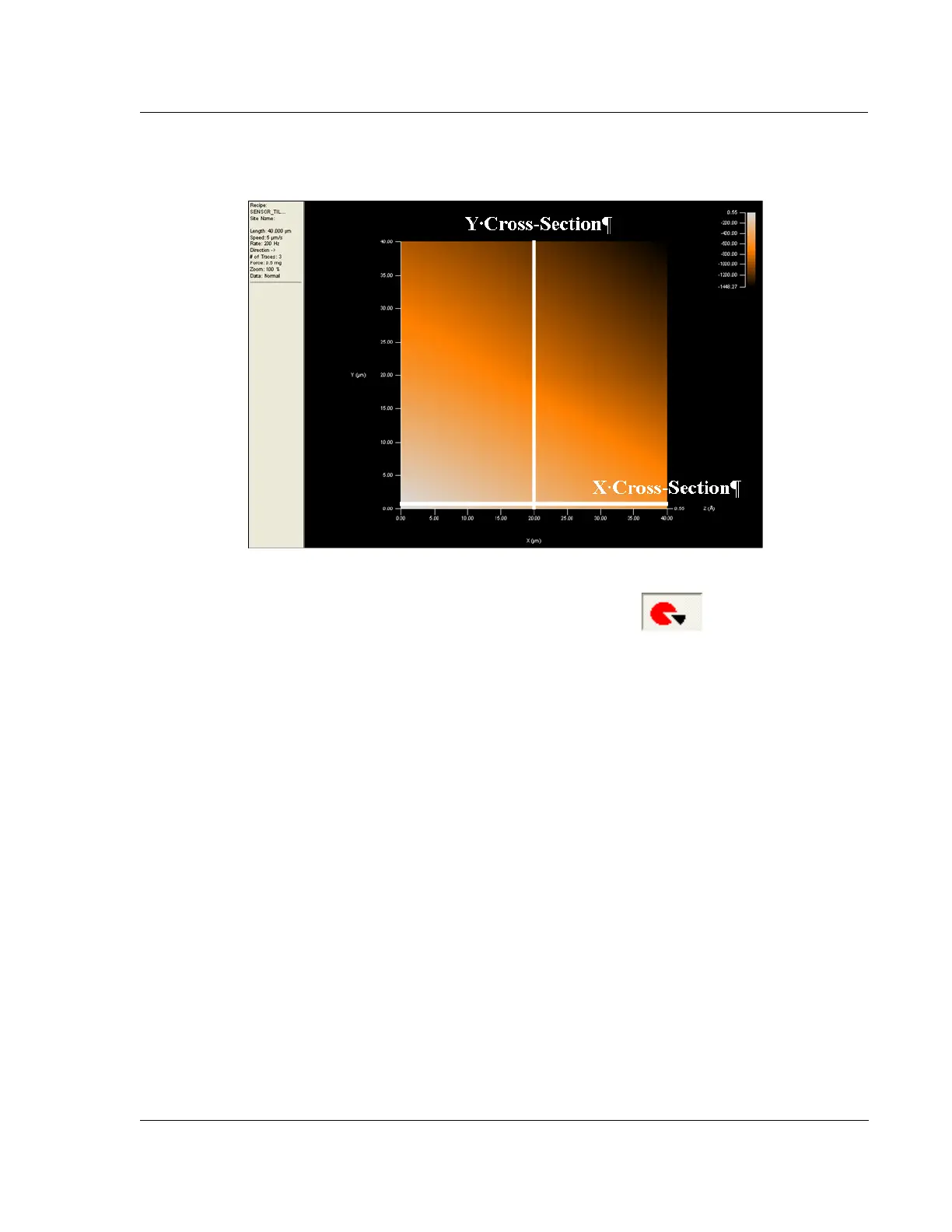
5. Enable the cross-section toolbar function. Take a cross-section in
the x-direction, as indicated in Figure 14.1, on the first line of the 3D scan. It
should look similar to Figure 14.2.
6. The leveling cursors should be at the start of the scan to disable leveling. The
step height cursors should be at each end of the scan to calculate the tilt of the
scan.
Figure 14.2 Example Sample Stage Tilt Calibration Scan



 To Next Page