0142530-000 AB KLA-Tencor Confidential 3-9
3/13/09
KLA-Tencor P-16+ / P-6 User’s Guide Scan Recipes - Scan Recipe Catalog Screen Components
Catalog Screen Access Buttons 3
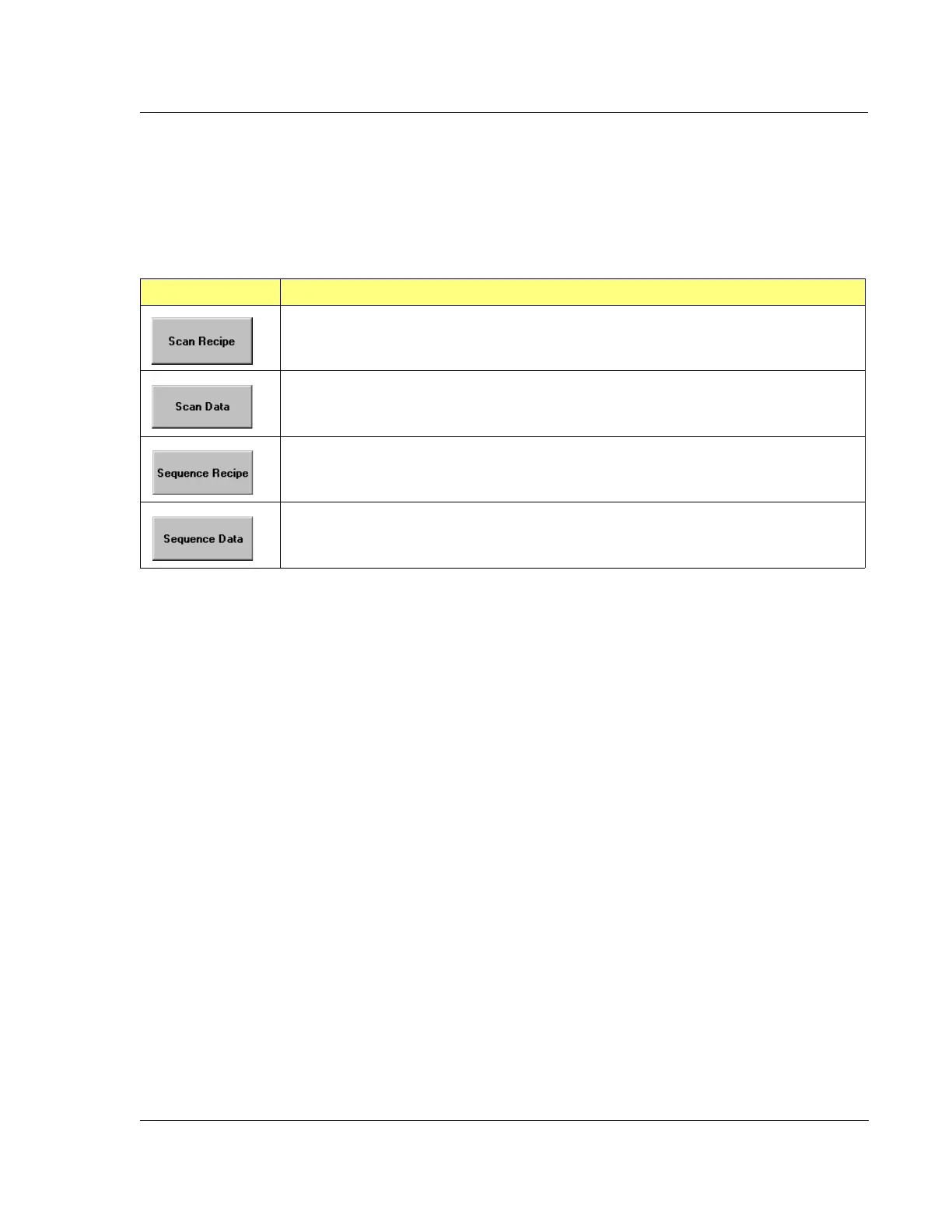
The Catalog screen presents access to four sets of information. The Scan Recipe and
the Sequence Recipe screen, provide access to the currently defined recipes available
for execution in the P-16+ / P-6 Profiler system. Two data screens provide access to
saved Sequence and Scan data file information.
Table 3.11 Catalog Screen Access Buttons
Tool Bar Icon Description
This button displays the list of currently available Scan Recipe folders, which when chosen,
display their recipes in the Catalog screen’s List window. (See Figure 3.2.)
This button displays the list of currently available Scan Data folders, which when chosen,
display their data set in the Catalog screen’s List window. (See Figure 3.2.)
This button displays the list of currently available Sequence Recipe folders, which when
chosen, present their recipes in the Catalog screen’s List window. (See Figure 3.2.)
This button displays the list of currently available Sequence Data folders, which when
chosen, present their data sets in the Catalog screen’s List window. (See Figure 3.2.)



 To Next Page