0142530-000 AB KLA-Tencor Confidential 7-7
3/13/09
KLA-Tencor P-16+ / P-6 User’s Guide Analyzing 3D Scan Data - 3D Analysis Screen Features
2. Place the cursor over the graphic display and right-click to display the tool
menu.
3. In the tool menu, move the cursor over
Zoom Tool to display its menu.
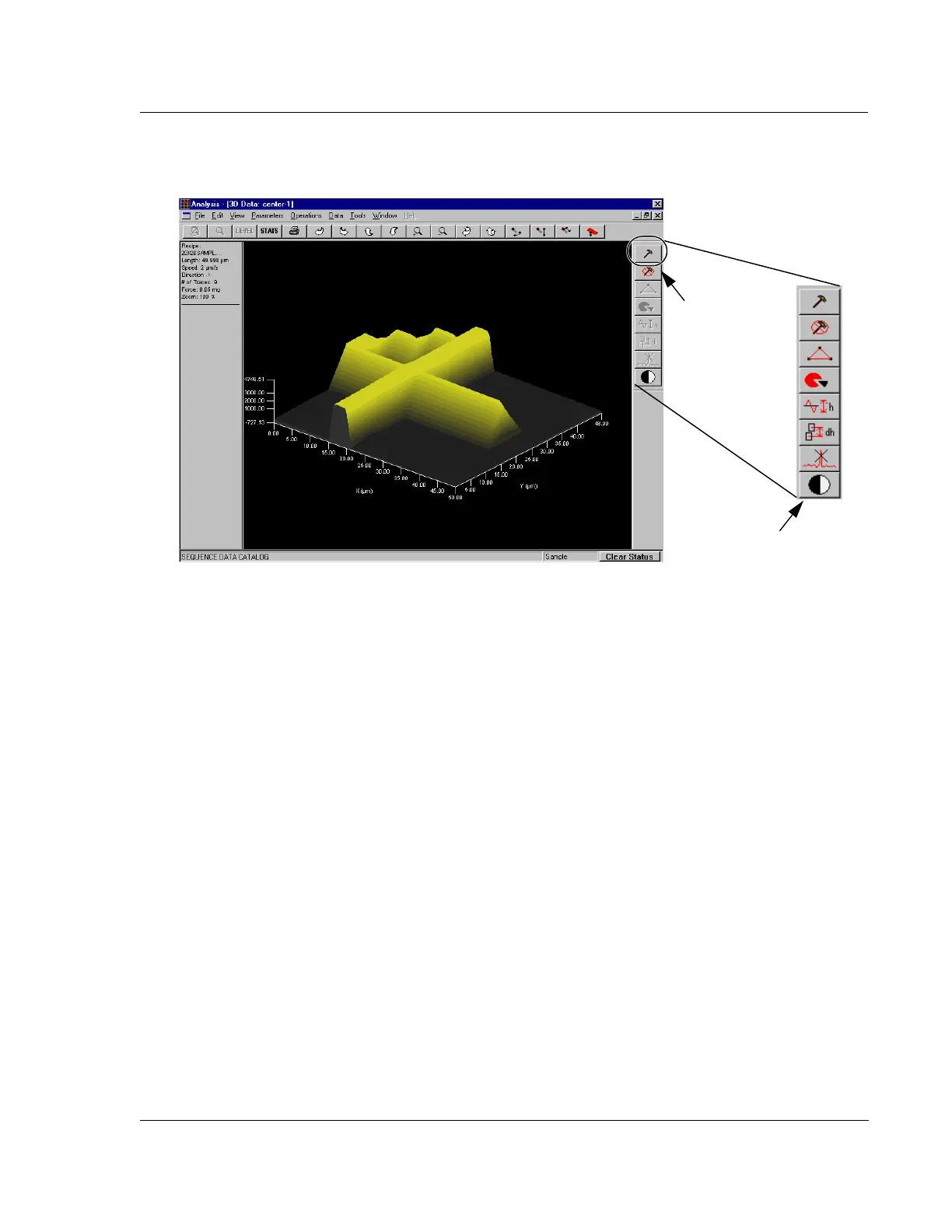
Figure 7.8 Analysis Screen - Tool Activation
Step 1Click the
Tool Activation
button to activate
the tool. Active tools
are red and black.
Tools after activation.



 To Next Page