Stylus Change Procedure - Stylus Removal and Replacement KLA-Tencor P-16+ / P-6 User’s Guide
13-10 KLA-Tencor Confidential 0142530-000 AB
3/13/09
Calibration Procedure 13
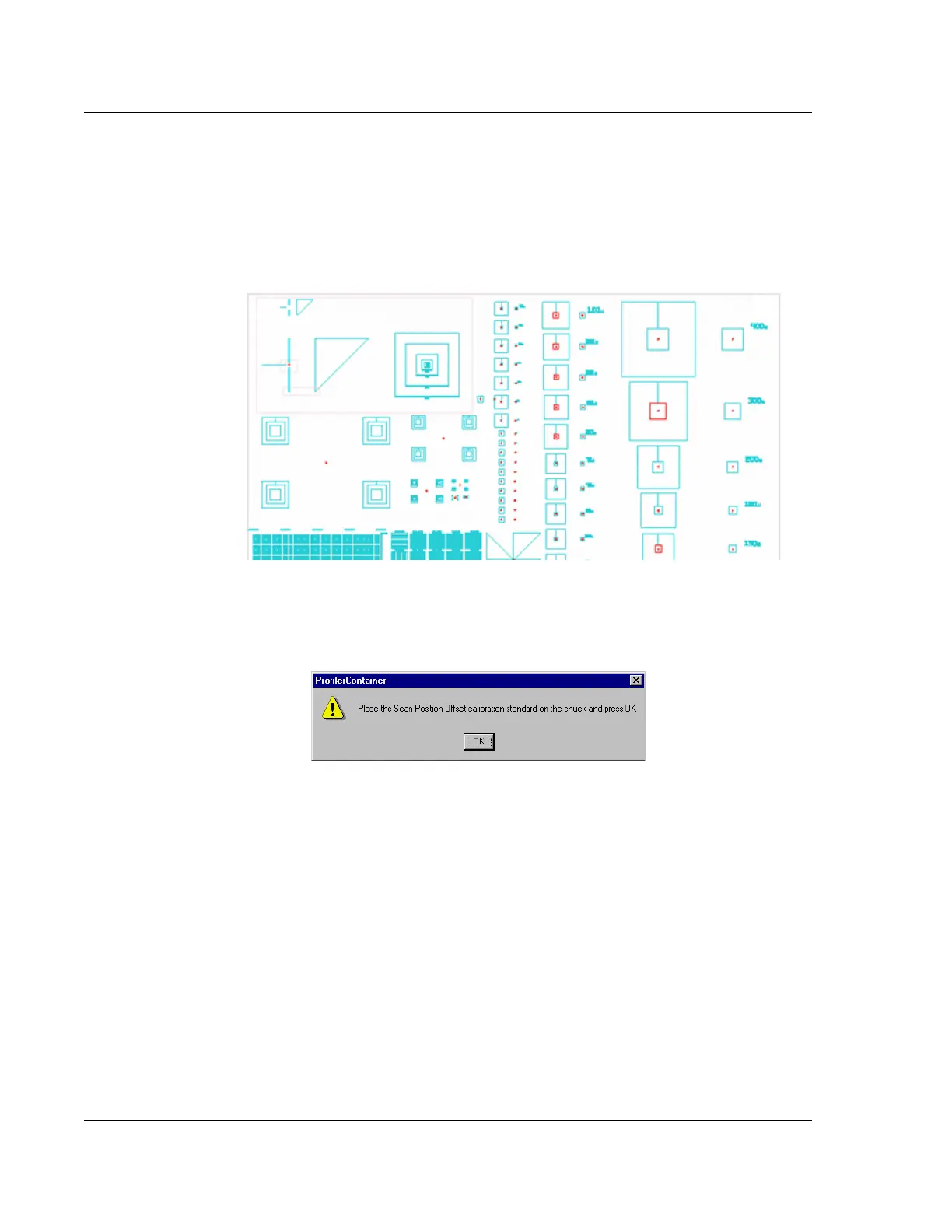
Use the ProCal Wafer (see Figure 13.13) to perform the Scan Position Offset
Calibration and determine the distance that the stylus tip is offset from the crosshair
overlay in the XY View window.
1. A message box is displayed requesting the user to place the Scan Position Offset
tool on the stage. (See Figure 13.14.)
2. Open the stage door.
Figure 13.13 KLA-Tencor ProCal Wafer
Figure 13.14 Message Box Requesting SPO Standard Placement



 To Next Page