0142530-000 AB KLA-Tencor Confidential 2-3
Friday, March 13, 2009
KLA-Tencor P-16+ / P-6 User’s Guide Basic Skills - Starting the Profiler Application
Preliminary
4. The E10 state is not being tracked by the software, so it can be left at the
default value.
5. Click on Logon
STARTING THE PROFILER APPLICATION 2
Introduction 2
The Profiler application is the interface with the P-16+/P-6 Profiler system from
which the scan functions are performed and viewed.
Profiler Start-Up Procedure 2
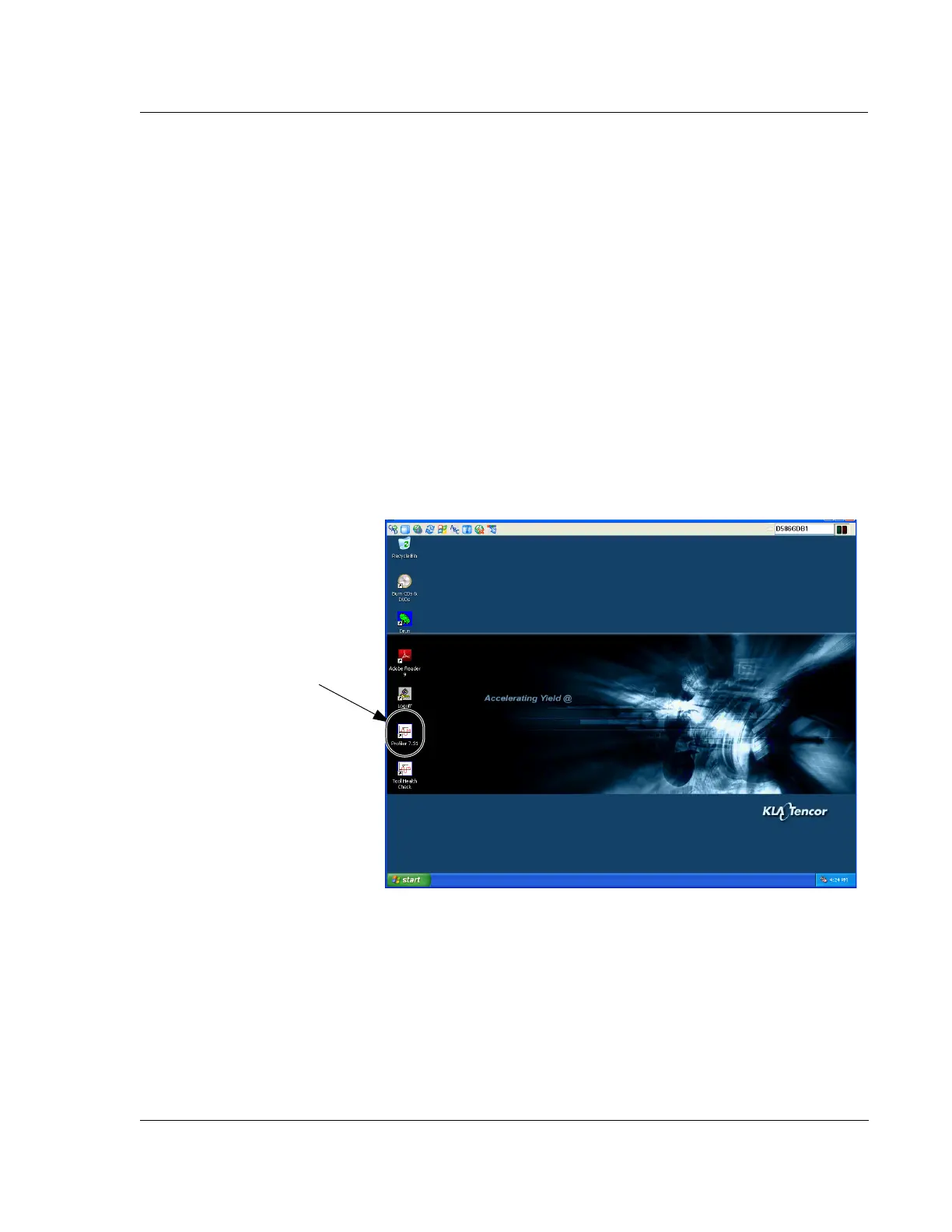
1. Use the trackball to locate the Profiler icon with the screen cursor. Double-click
the
Profiler icon to initiate startup of the P-16+ / P-6 Profiler system. (See Figure
2.2.)
Figure 2.2 Program Icons
Step 1 When the boot cycle
is complete and the log on is
complete, double-click the
Profiler icon to initiate
system start-up.



 To Next Page