0142530-000 AB KLA-Tencor Confidential 6-15
3/13/09
KLA-Tencor P-16+ / P-6 User’s Guide Sequence Recipe and Data - Creating a Sequence Recipe
11. Repeat Step 5 through Step 10 (Teach Scan Location) for each recipe in the
sequence. Be sure to use the same die as that used to teach the first location.
Associating Dies with a Sequence Using Die Grids 6
After a die grid has been associated with the scans in a sequence, it is possible to
associate other dies on the same sample with the scans using the die grid. This creates
a longer sequence in which additional scan locations on the sample are scanned
automatically, using validated scan locations.
Use the following procedure to associate dies with the sequence scans using die grids.
1. Ensure that the procedure in Linking a Die Grid with a Sequence (Optional
Feature, P-16+ only) on page 6-5 has been completed for the sequence being
used.
2. From the Sequence Editor highlight the recipe that is to have additional dies
associated with.
3. Click
Die Grid in the menu bar. (See Figure 6.17.)
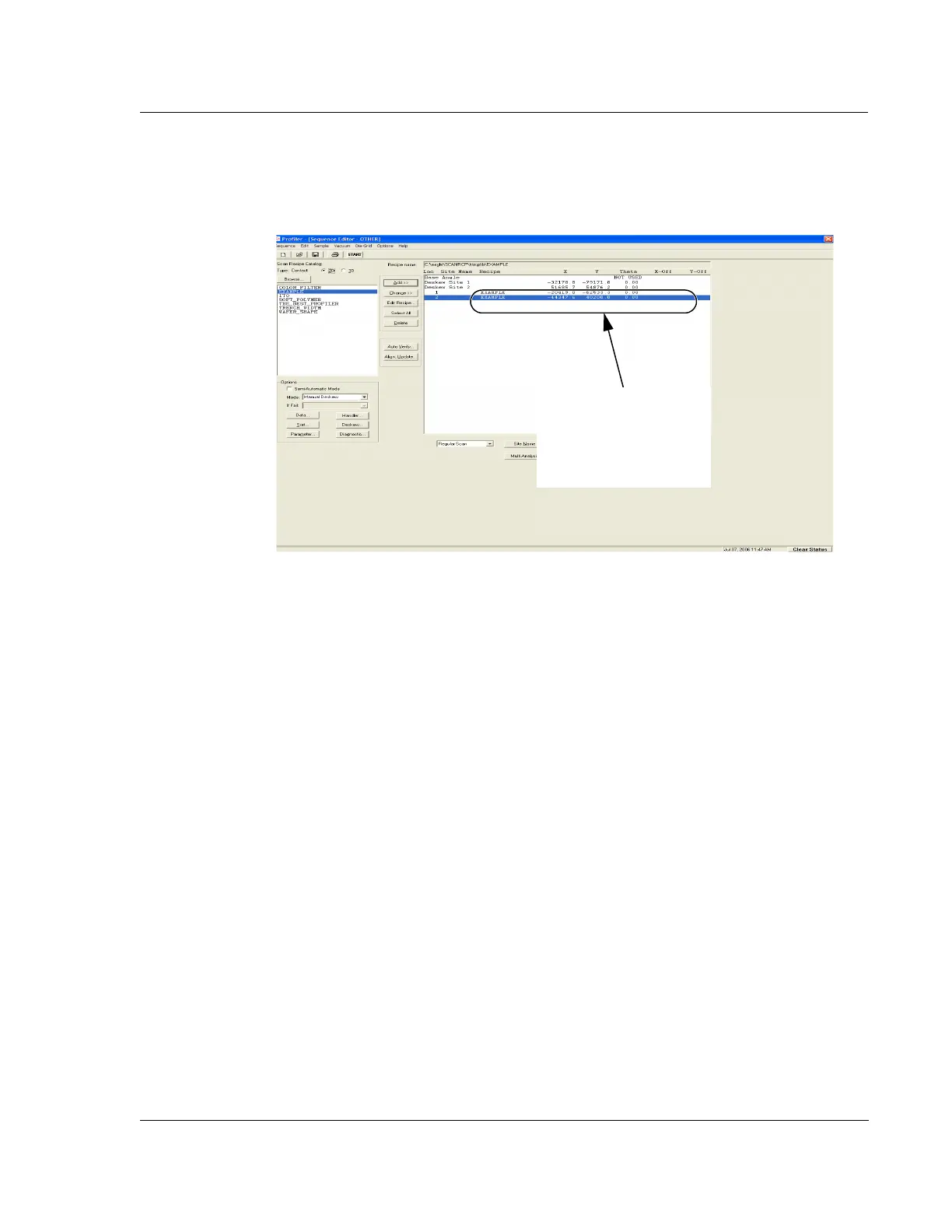
Figure 6.16 Sequence Editor
This scan sequence uses
two recipes. Both have the
scan locations taught as
indicated by the X, Y, and
Theta coordinates.



 To Next Page