0142530-000 AB KLA-Tencor Confidential 3-51
3/13/09
KLA-Tencor P-16+ / P-6 User’s Guide Scan Recipes - Creating and Editing a Scan Recipe
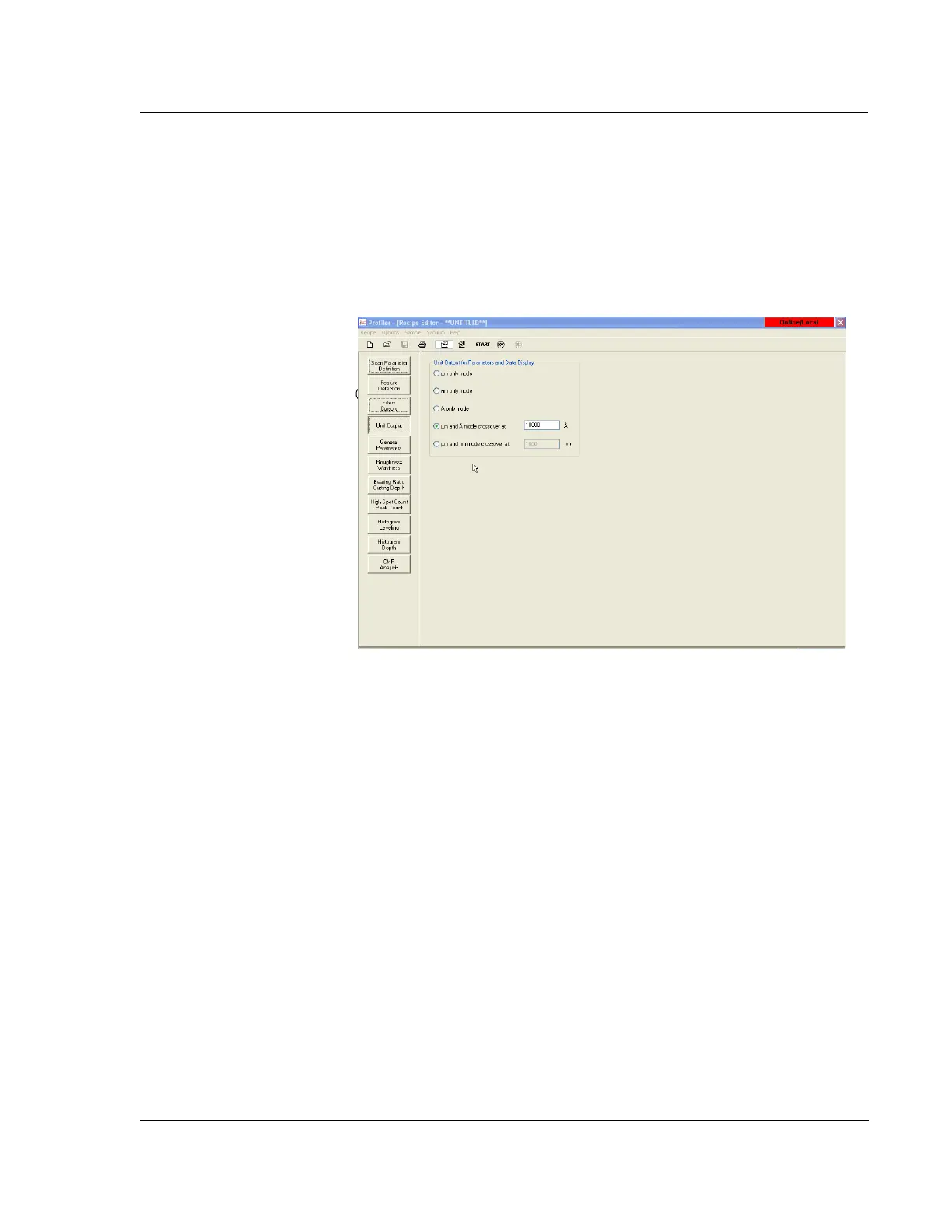
Unit Output 3
Unit Output is designed to give the user an opportunity to determine units of output
for the parameters calculated and to set automatic crossover values for unit changes.
The options here let the user choose the units for the 2D graphical display through the
recipe that is used to generate the scan.
General Parameters 3
The General Parameters window contains a variety of surface analysis calculations
which are performed on the scan data when the options are chosen before the scan, or
if they are applied to the scan data after the original data has been saved.
For each surface analysis option chosen, a post scan calculation is performed and
displayed on the Analysis screen. To access the
General Parameters window, click the
General Parameters button in the Recipe Editor screen. (See Figure 3.42.)
Figure 3.41 Recipe Screen with Unit Output Dialog Box



 To Next Page