Calibrations - P-16 Series Level Calibrations KLA-Tencor P-16+ / P-6 User’s Guide
12-16 KLA-Tencor Confidential 0142530-000 AB
3/13/09
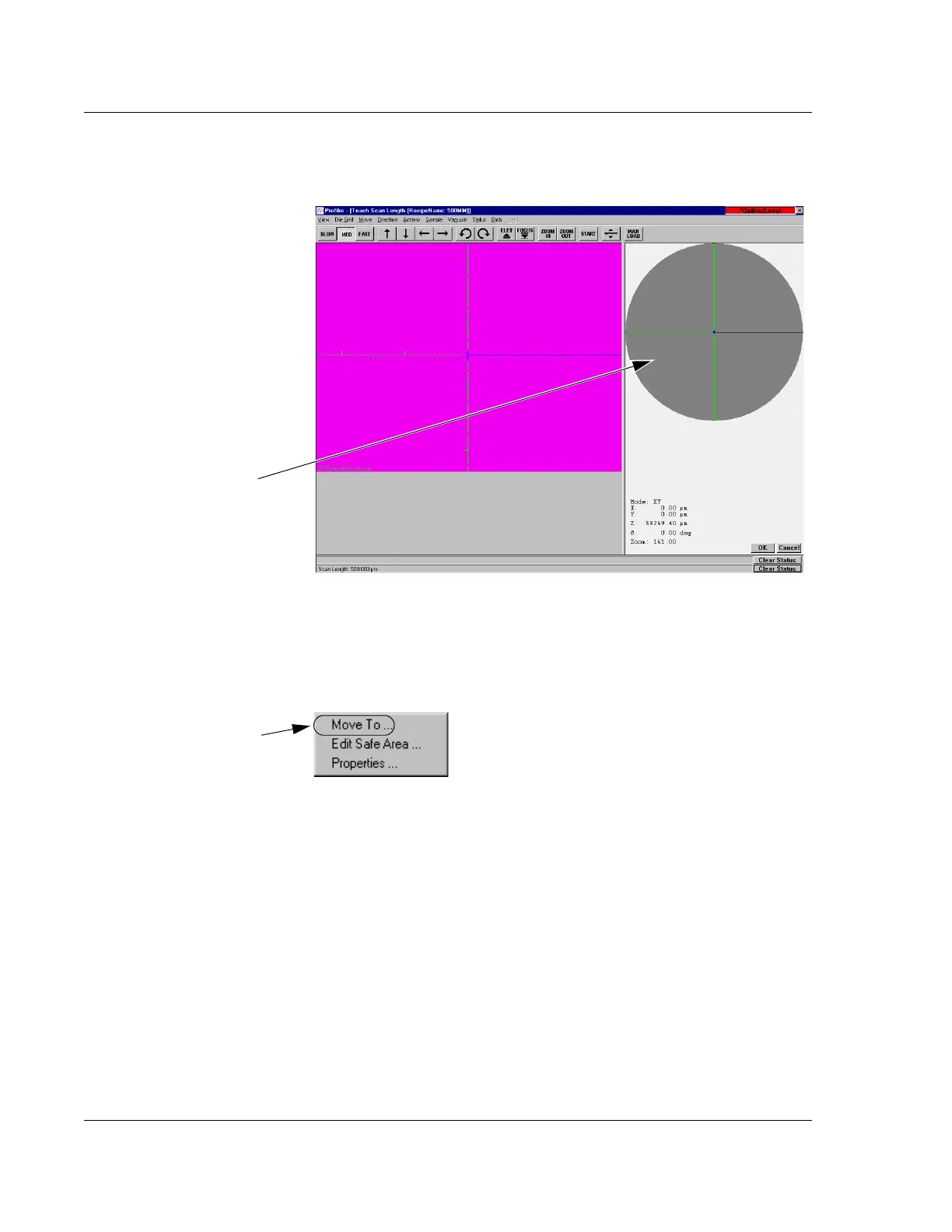
1. Open the XY View screen. (See Figure 12.17.)
2. Right-click in the navigation window to display the Move Menu. (See
Figure 12.18.)
3. From the Move Menu choose
Move To… (See Figure 12.18.)
Figure 12.17 Activating Focus in the XY VIEW Screen
Step 2 Right-click in
the Navigation
window to open the
Move To… menu.
Figure 12.18 Move To Menu
Step 3 Choose Move
To…
to open the Move
To Position dialog box.



 To Next Page