0142530-000 AB KLA-Tencor Confidential 11-3
3/13/09
KLA-Tencor P-16+ / P-6 User’s Guide System Security - Configuring KLA-Tencor Security
3. Enter a valid User Name that has been previously created, such as
Administrator.
4. Enter a valid Password (case sensitive) that is associated with the User Name.
5. The E10 state is not being tracked by the software, so it can be left at the default
value.
6. Click on Logon.
CONFIGURING KLA-TENCOR SECURITY 11
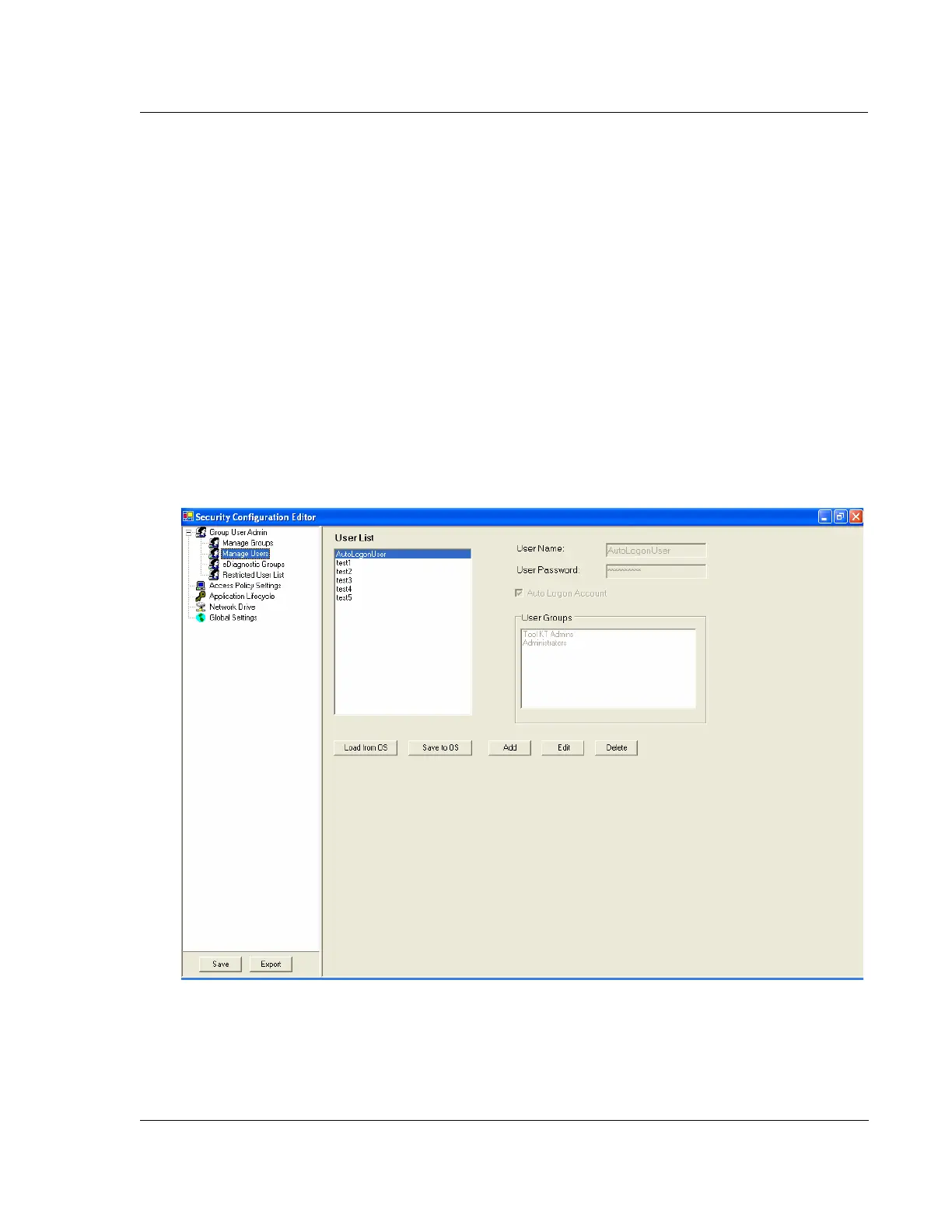
Security settings are defined in the Security Configuration Editor as shown in
Figure 11.3. This program controls the access level of the Administrator and
non-administrator to Windows XP functions. It also enables auto logon into
Windows XP. In addition, it provides supplemental user management, however most
user management activity is performed through Windows XP as described as in the
Security Groups section of the manual. Finally, it allows for the automatic launch of
programs when logging into Windows XP.
Figure 11.3 Security Configuration Editor



 To Next Page