Analyzing 3D Scan Data - 3D Analysis Screen Features KLA-Tencor P-16+ / P-6 User’s Guide
7-28 KLA-Tencor Confidential 0142530-000 AB
3/13/09
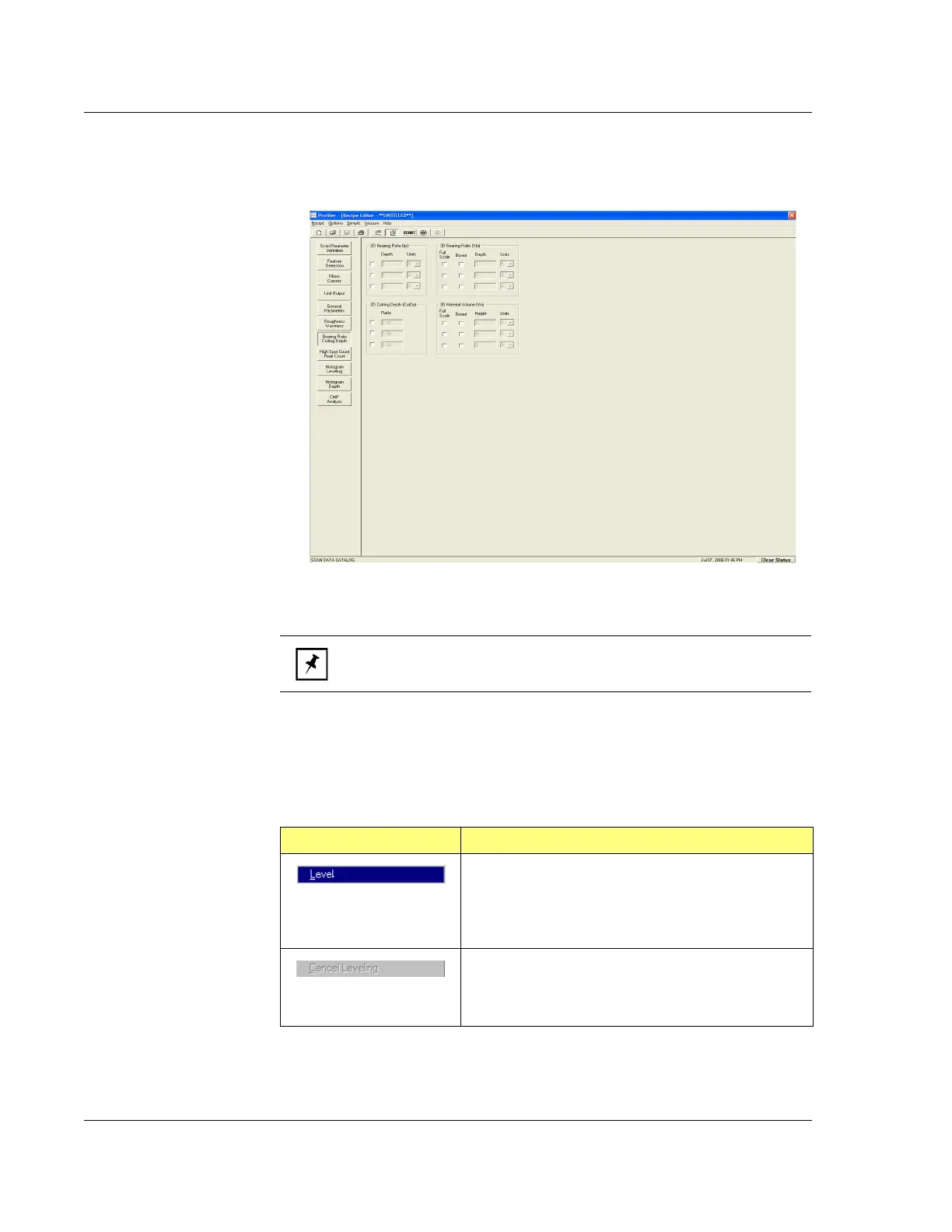
7. Make the required adjustments to the 3D parameter settings. (See Figure 7.18.)
8. When all changes are complete, click on the Analysis icont on the tool bar to
process the data with the new recipe settings.
Operations Menu in the Analysis Screen Menu Bar 7
Figure 7.18 Bearing Ratio/Cutting Depth in Recipe Editor
NOTE: The High Spot Count/Peak Count parameters are only for 2D
analysis and do not show up in 3D analysis.
Table 7.12 Operations Menu Options (From Menu Bar)
Menu Item Description of Action
This option activates the Leveling procedure by
activating the tool bar to the right of the image,
orientating the image to the
Top View, and placing the
leveling cursors on the image surface. (See Table 7.5,
Level tool.)
This button is activated when the Leveling procedure is
activated. If the Leveling procedure is begun and the
user wishes to cancel it prior to completion, this button
can be clicked to abort the procedure.



 To Next Page