0142530-000 AB KLA-Tencor Confidential 2-7
Friday, March 13, 2009
KLA-Tencor P-16+ / P-6 User’s Guide Basic Skills - Clearing a Status Bar Message
Preliminary
4. A Profiler Container (message box) appears asking, “Are you sure you want to
exit the Profiler?” Click
Yes to exit.
5. Choose
Shut Down from the menu.
CLEARING A STATUS BAR MESSAGE 2
Introduction 2
Messages appear in the status bar at the bottom of the window when an action or
circumstances create the potential for instrument malfunction, such as occurs with a
motion error. The system status bar also presents messages that guide the user through
many of the system procedures. When a message appears, the status bar at the bottom
of the screen becomes red and the status bar must be cleared before it can display any
new messages.
Clearing a Status Bar Message Procedure 2
After reading the message in the status bar at the bottom left of the screen, click the
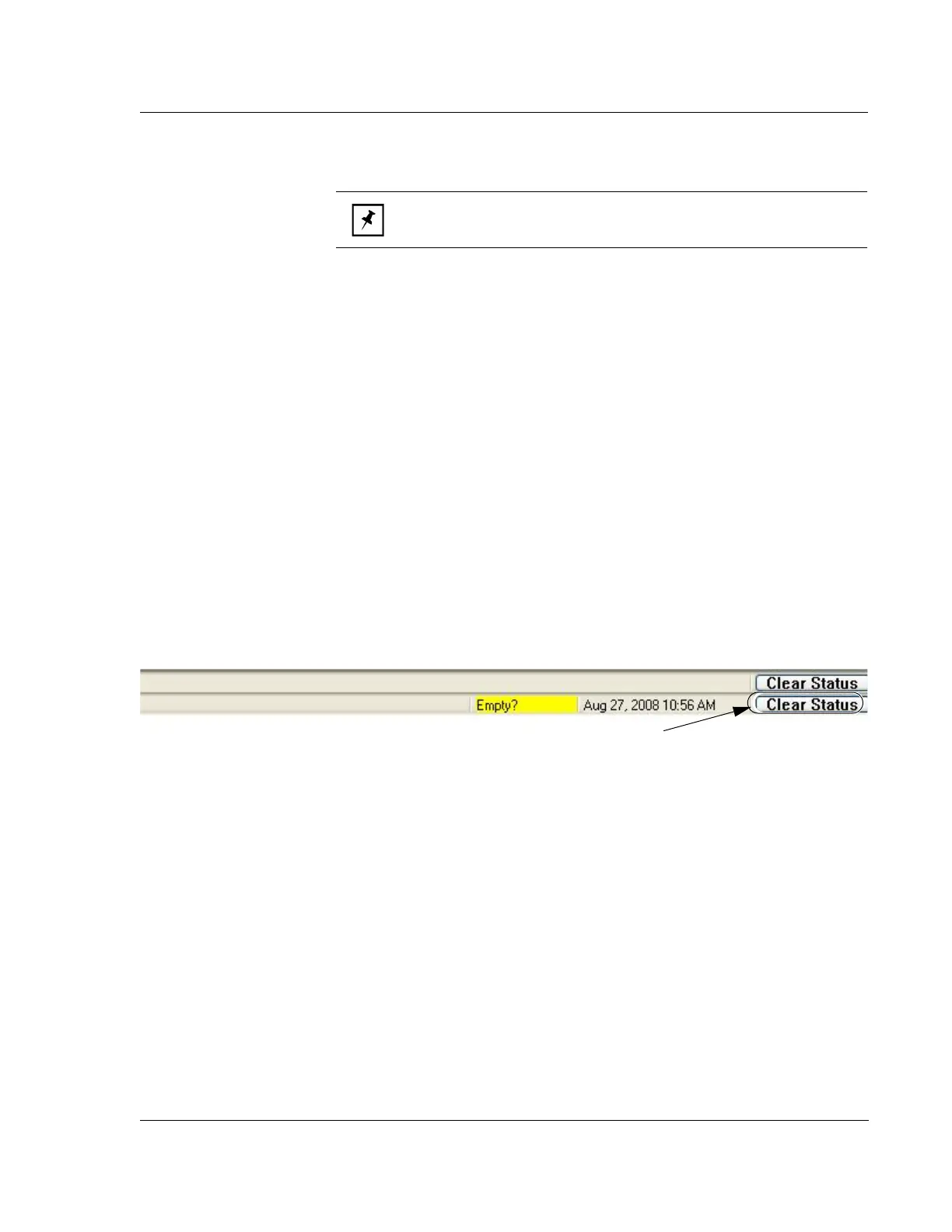
Clear Status button on bottom right of the status bar to proceed. See Figure 2.5.
NOTE: The Profiler system will initialize upon shutdown..
Figure 2.5 Clearing the Status Diagnostic Messages
Clear Status button to
clear Status Bar



 To Next Page