0142530-000 AB KLA-Tencor Confidential 6-27
3/13/09
KLA-Tencor P-16+ / P-6 User’s Guide Sequence Recipe and Data - Editing the Options Field in the Sequence Editor
Teaching the Base Angle (P-16+ Only) 6
The Base Angle is an offset angle relative to the orientation of the sample’s pattern. It
is used to align scans with the wafer geometry. It is to be used primarily for scan
sequences using manual load in conjunction with the
No Automatic Load/Unload
handler option in the system. (The Base Angle is fixed for all scans in the sequence.
Use the following procedure to program the Base Angle.
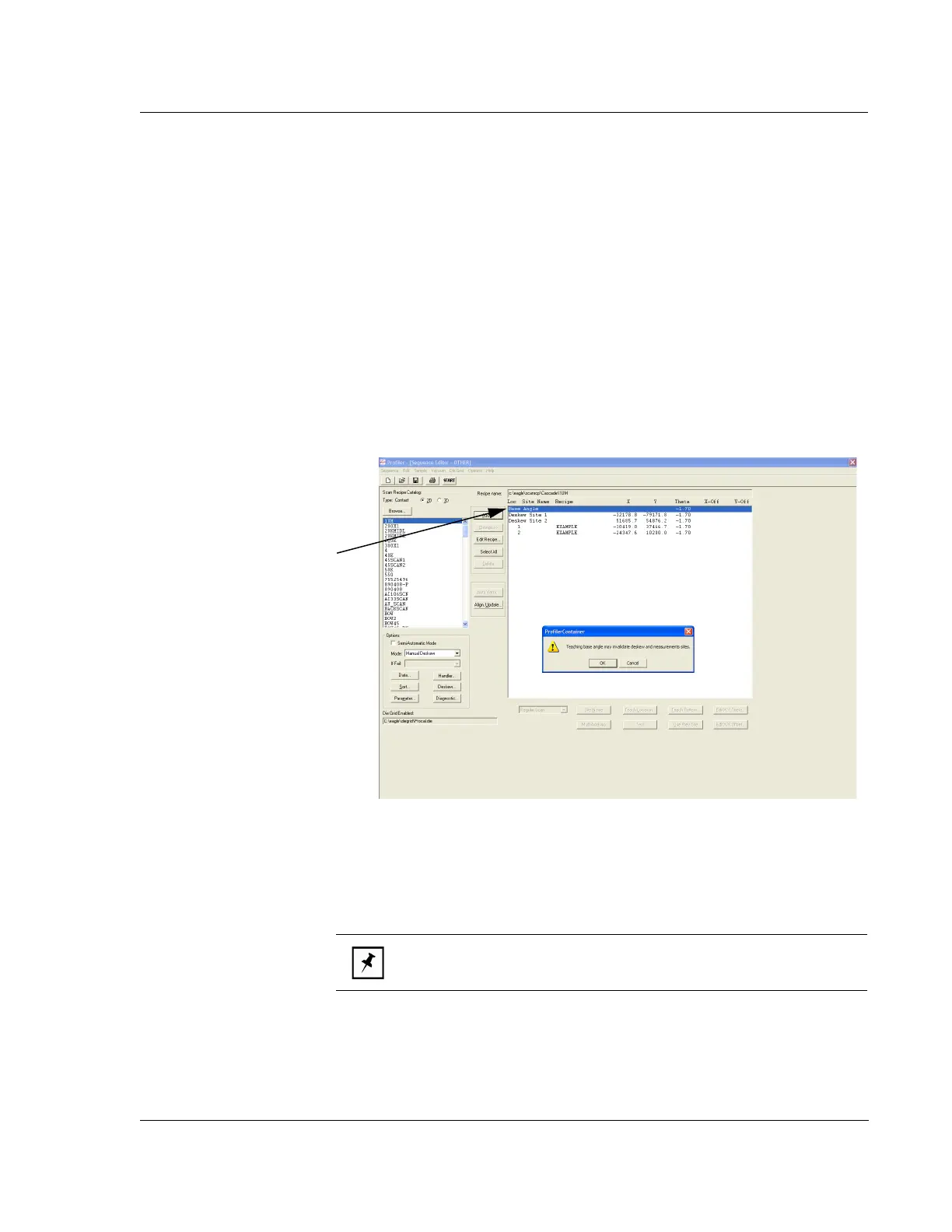
1. Double-click
Base Angle in the sequence list. (See Figure 6.26.)
2. A warning is displayed before the Teach Location screen appears. The warning
says that deskew and measurement sites could be invalidated. Click
OK to
proceed or
Cancel to abort the procedure.
3. Before the Teach Location screen appears, a warning message is generated,
stating that updating the Base Angle may invalidate the Deskew sites.
4. The Teach Location window appears. Locate a line or other pattern to use for a
reference.
5. Click the clockwise or counterclockwise
Rotation buttons in the toolbar until the
crosshair is aligned with the reference feature.
Figure 6.26 Sequence Editor
Step 1 Double-click Base
Angle
to open the Teach
Location screen.
NOTE: As the range rotates, if necessary, move the stage to keep the
reference feature in the field of view.



 To Next Page