0142530-000 AB KLA-Tencor Confidential 6-25
3/13/09
KLA-Tencor P-16+ / P-6 User’s Guide Sequence Recipe and Data - Editing the Options Field in the Sequence Editor
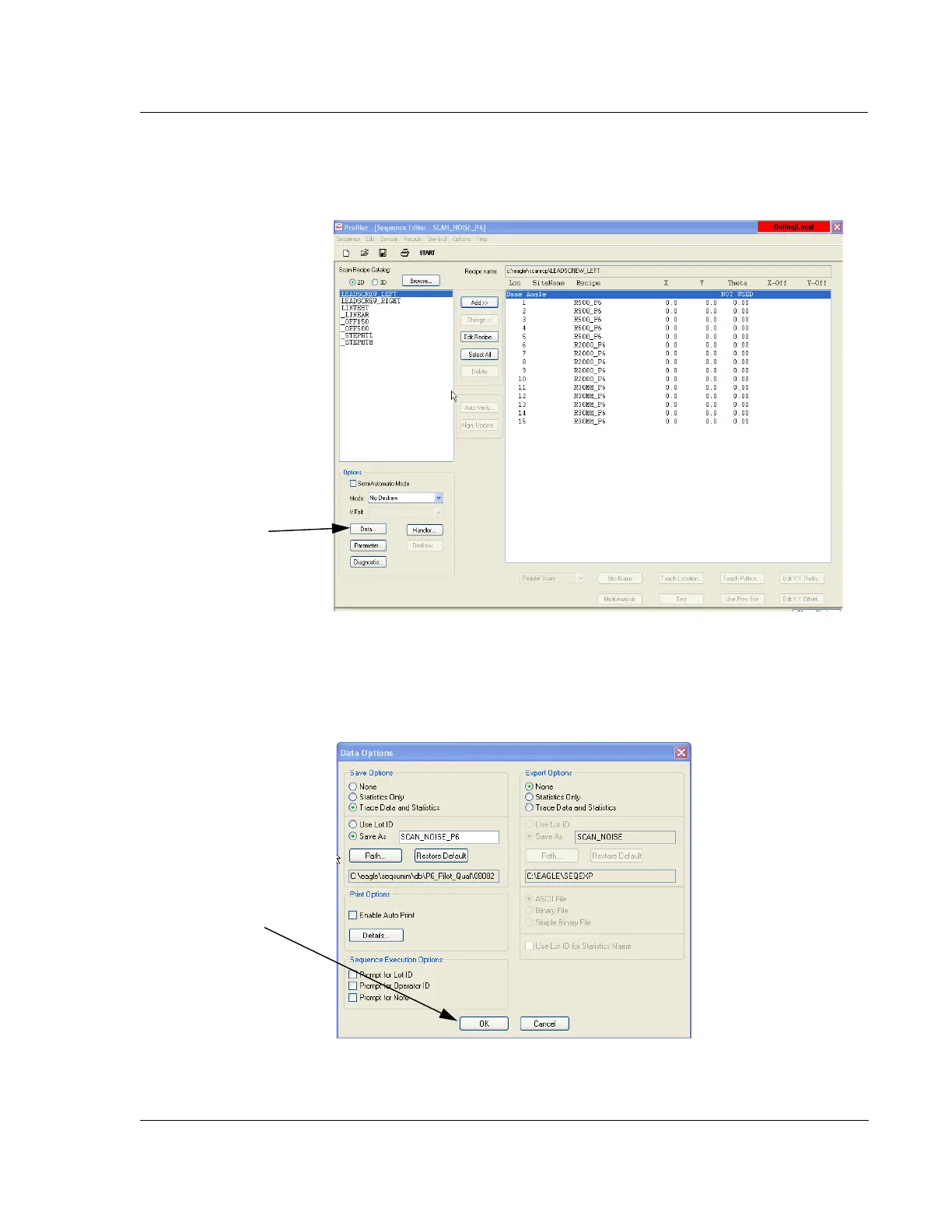
Begin: Set Data Options 2. Click the Data button to choose options for data collection that automatically
execute upon sequence completion.
The
Data Options dialog box appears. (See Figure 6.25.) Once set, the Profiler
automatically either exports, saves, or prints the file data.
Figure 6.24 Sequence Editor
Step 2 Click the Data
button to open the
Data
Options
dialog box.
Figure 6.25 Data Options
Step 1 When the
options have been
chosen, click
OK.



 To Next Page