0142530-000 AB KLA-Tencor Confidential 5-5
3/13/09
KLA-Tencor P-16+ / P-6 User’s Guide View Scan Window - 2D Screen Function
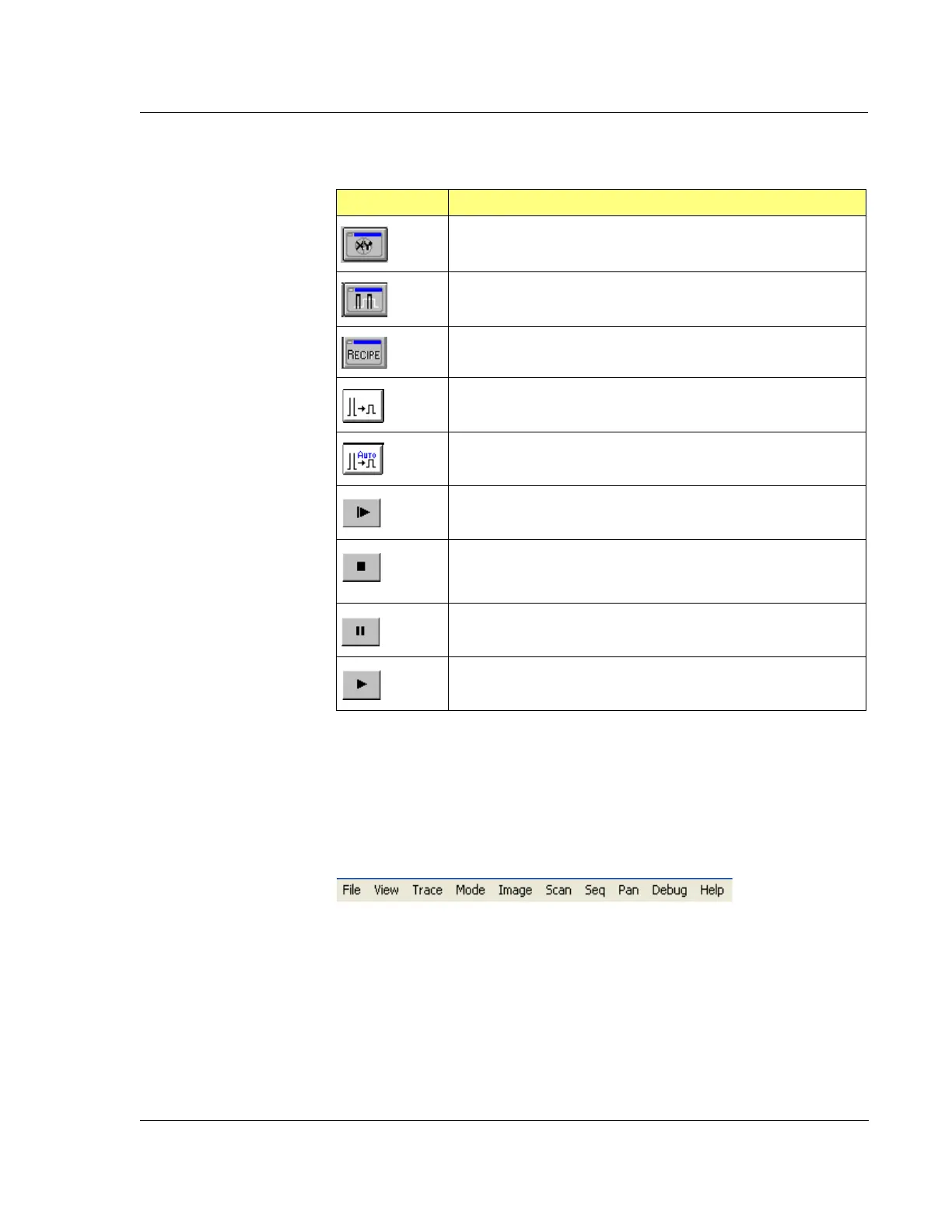
2D View Scan Screen Menu Bar 5
The menu bar contains those functions that are related to the activities required in the
View Scan Screen. Some of the functions are duplicated in the tool bar. (See
Figure 5.5.) Each menu is discussed in its own table.
Table 5.4 2D View Scan Window Tool Bar Buttons
Button Description
XY View Screen Icon – Changes to view the XY View screen.
Analysis Screen Icon – Changes screens to view the Analysis
screen.
Recipe Editor Screen Icon – Changes screens to view the Recipe
Editor Screen
Manual Scaling – Resizes the trace to fit in the graph. Requires
operator initiation.
Auto Scaling – Automatically resizes the trace after each scan.
START SCAN – Starts a stopped scan. The scan that was stopped
begins again from the start, the prior partial scan is not retained.
STOP SCAN – Stops a scan that is in process. A stopped scan
cannot be started again from the place in the scan where it
stopped. The scan begins again from the beginning.
PAUSE SEQUENCE – N/A for single scans.
START/RESUME SEQUENCE – N/A for single scans.
Figure 5.5 2D View Scan Screen Menu Bar



 To Next Page