0241110-000 AB KLA-Tencor Confidential 16-7
3/13/09
KLA-Tencor P-16+ / P-6 User’s Guide Backup and Restore -
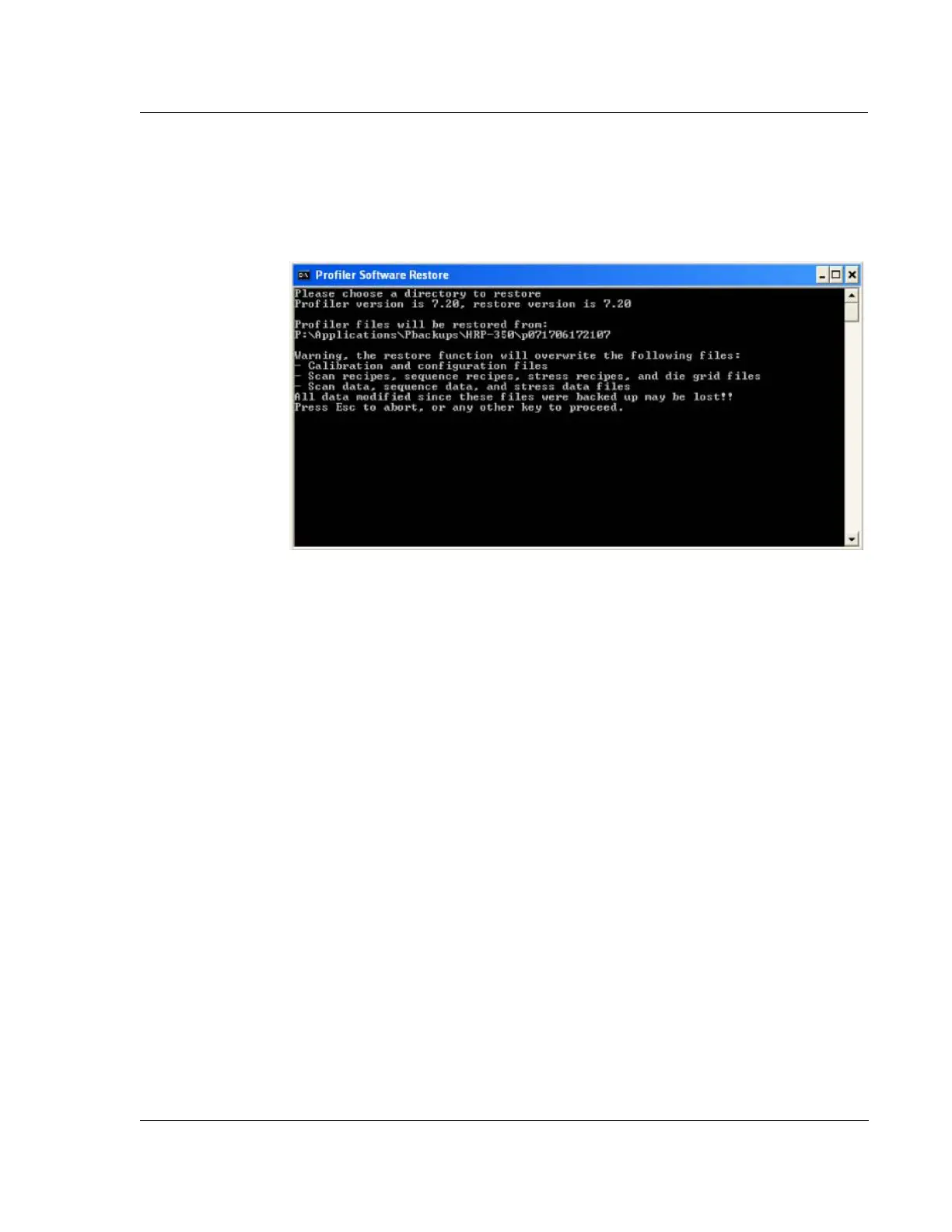
8. The second command prompt window will display the status of the restore, as
shown in Figure 16.10. The time for the backup will vary depending on the data
transfer rate and the files chosen for backup. Excluding data, backup will
typically take less than 10 minutes.
9. Press any key to continue, which will close the second command prompt
window. Close the first command prompt window by typing Exit.
10. Start Profiler software and verify correct functionality of the Profiler by running
standard qualification recipes.
Figure 16.10 Profiler Restore Complete



 To Next Page