APEX 2D/3D - Getting Started - Overview of Apex 2D/3D KLA-Tencor P-16+ / P-6 User’s Guide
8-2 KLA-Tencor Confidential 0142530-000 AB
3/13/09
Loading a Studiable
Studiable is a word that refers to all data (2D profile, 3D surface...) that can be
studied and that can be stored in a file. Apex can load files from a large number of
measurement instruments.
See www.digitalsurf.fr/en/mntformats.htm for more information.
The general toolbar at the top of the screen is available when you click the
background of the document. (See below.)
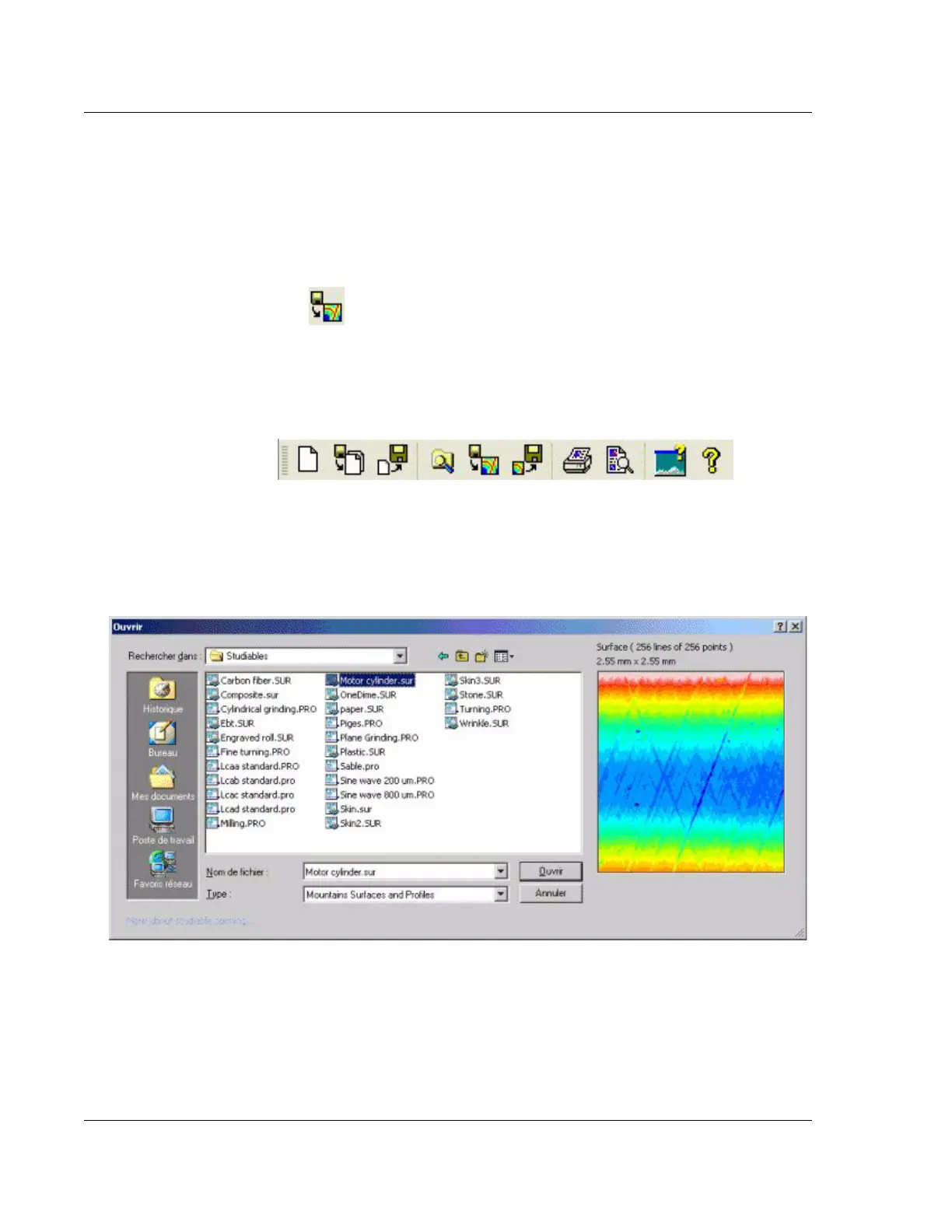
Navigate to the Samples folder in the installation directory of the software, and click
Studiables. Select one of the .sur or .pro files, for example Motor cylinder.sur, and
open it.
The .sur file extensions are 3-dimensional surface files, whereas .pro file extension
are 2-dimensional profile files.
The studiable is displayed in a reserve at the top left side of the document.
Click File >Open, or click the Open Studiable button in
the general toolbar.
Figure 8.2 General Toolbar
Figure 8.3 Studiables Directory



 To Next Page