0142530-000 AB KLA-Tencor Confidential 9-11
3/13/09
KLA-Tencor P-16+ / P-6 User’s Guide Stress (Optional feature) - Creating Stress Data
2. When both pre- and post-stress data files are chosen, the Calculate button is
enabled. Check the recipe shown in the Analysis box and ensure that it matches
the recipe used for the pre and post stress scans. The stress cannot be calculated
if the recipe name used for the pre and post scans do not match.
3. Click
OK to start the calculation. Enter the Film Thickness in microns (μm) then
click
OK.
Analyzing the Results 9
The results in each category are displayed in MPa and dynes/cm
2
. In addition, the R:
in each set of data represents the change in the Radius of Curvature.
NOTE: If an incorrect match is made of recipes between
the pre- and post-stress data files, then the stress cannot
be calculated. The software only checks to see if the recipe
names match. If the user modifies a recipe parameter, such
as the scan length, the calculation will proceed, but the
results are not necessarily valid.
NOTE: The method used to calculate the radius of
curvature, polynomial or 13-point least squares fit, can be
changed in the recipe, then re-calculate the stress with the
new method. To do this, exit stress results, and change the
radius of curvature calculation method.
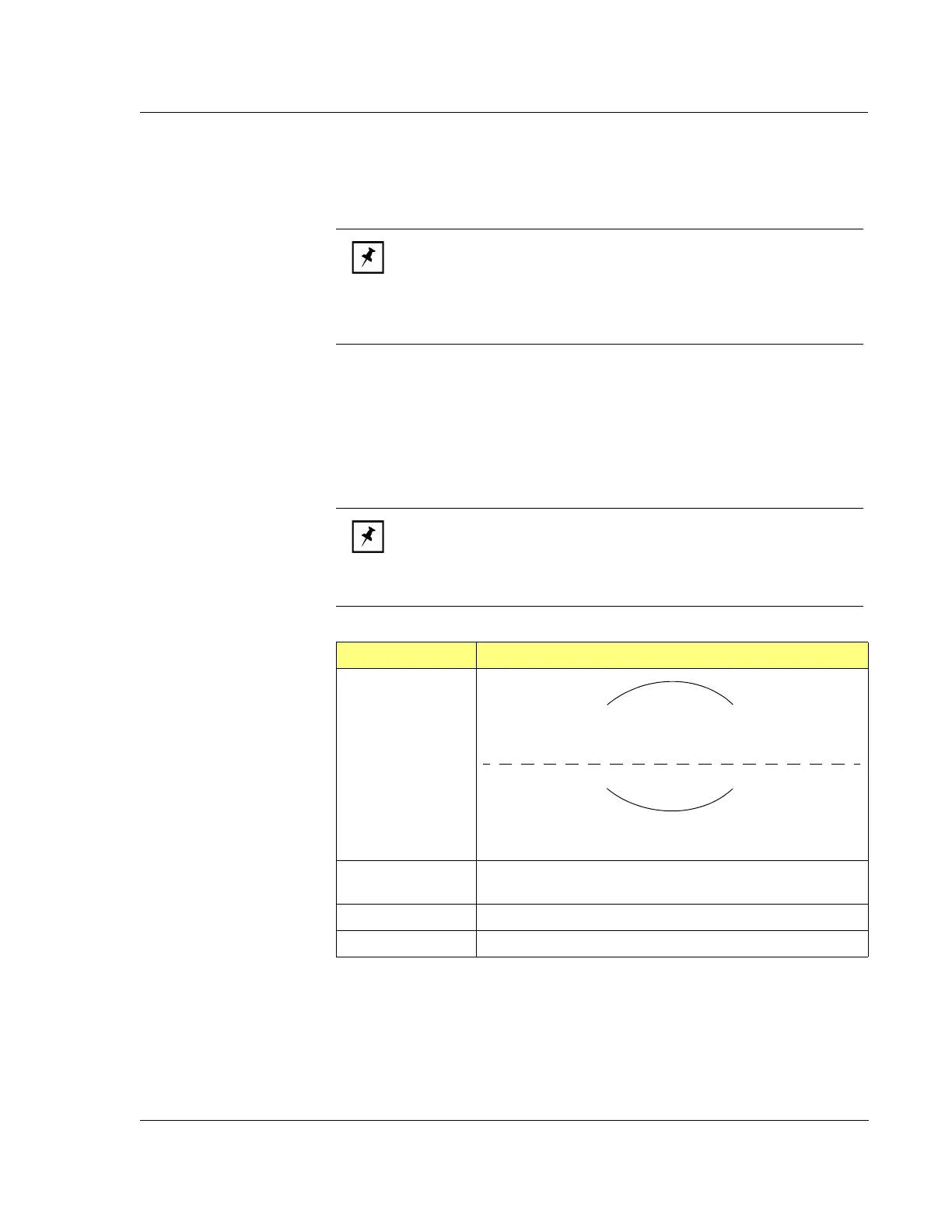
Table 9.3 Stress Calculation Results Box Contents
Result Explanation
Stress Designation Compressive
Negative value average stress (Ave.)
Negative change in radius.
Tensile
Positive value average stress (Ave.)
Positive change in radius.
Ave. Average stress over the entire scan, derived from the
polynomial fit of the entire profile minus 5% on either end.
Max. Maximum absolute stress over the entire profile
Center Stress at the center of the profile



 To Next Page