0142530-000 AB KLA-Tencor Confidential 7-17
3/13/09
KLA-Tencor P-16+ / P-6 User’s Guide Analyzing 3D Scan Data - 3D Analysis Screen Features
Edit Menu 7
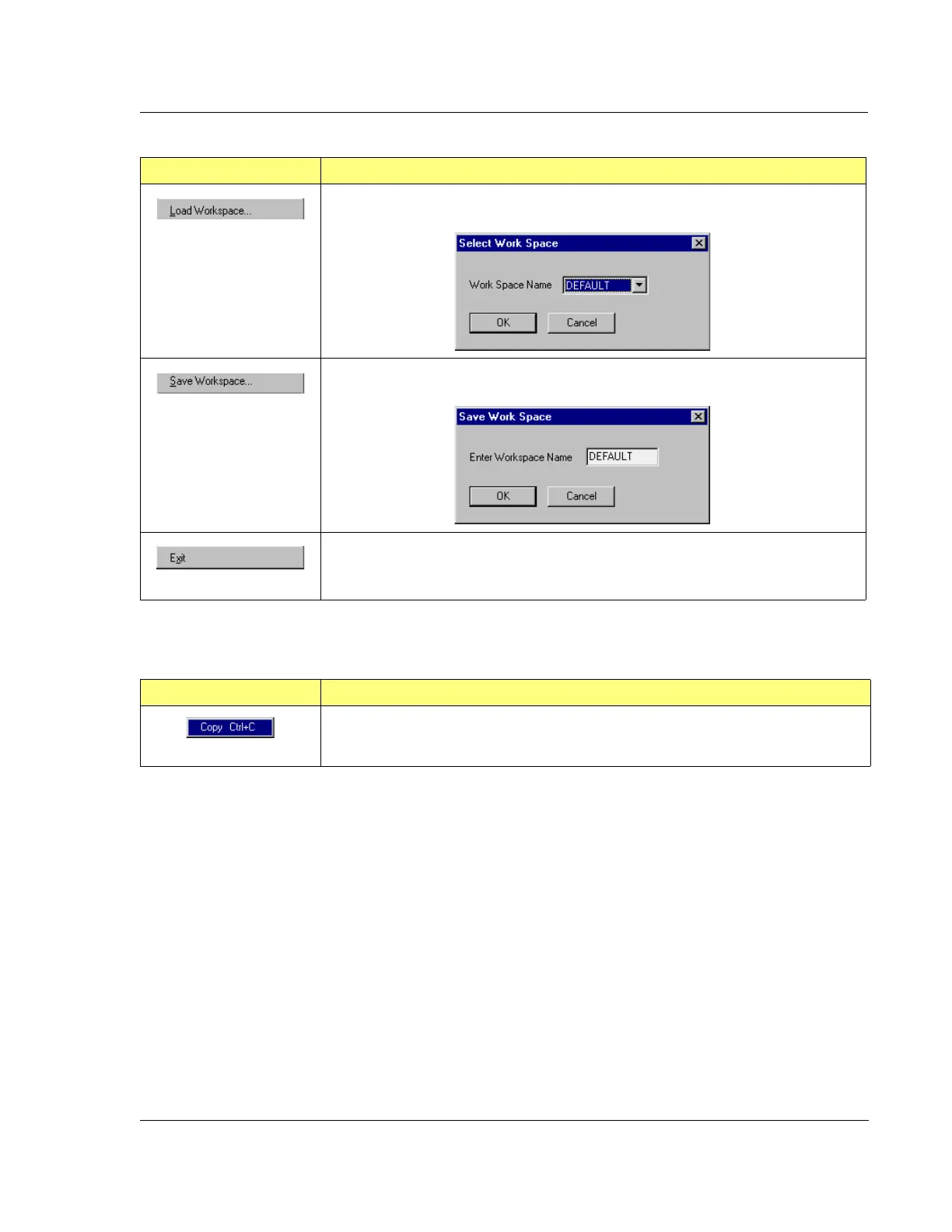
This option allows the user to choose a specifically designed work space from a
drop-down menu in the Select Work Space dialog box.
This option presents a dialog box that allows the user to establish a named work
space.
This option Exits from the Analysis screen.
Table 7.7 File Menu Operations (Continued)
Menu Item Description of Action
Table 7.8 Edit Menu Option
Menu Item Description of Action
This option places the image and data information on the clipboard.



 To Next Page