0142530-000 AB KLA-Tencor Confidential 2-5
Friday, March 13, 2009
KLA-Tencor P-16+ / P-6 User’s Guide Basic Skills - Navigating Between Program Level Screens
Preliminary
This is the starting point for operating the instrument. In this screen, scan and
sequence recipes can be accessed for system operation. Each icon along the right
side of the screen opens another application that contains the parameters or
controls for a specific type of task. (See Table 2.1)
NAVIGATING BETWEEN PROGRAM LEVEL SCREENS 2
Introduction 2
The program level Profiler screens all have the program icons along the right border
of the screen. These icons can be used to navigate between the various other program
screens contained in the Profiler software.
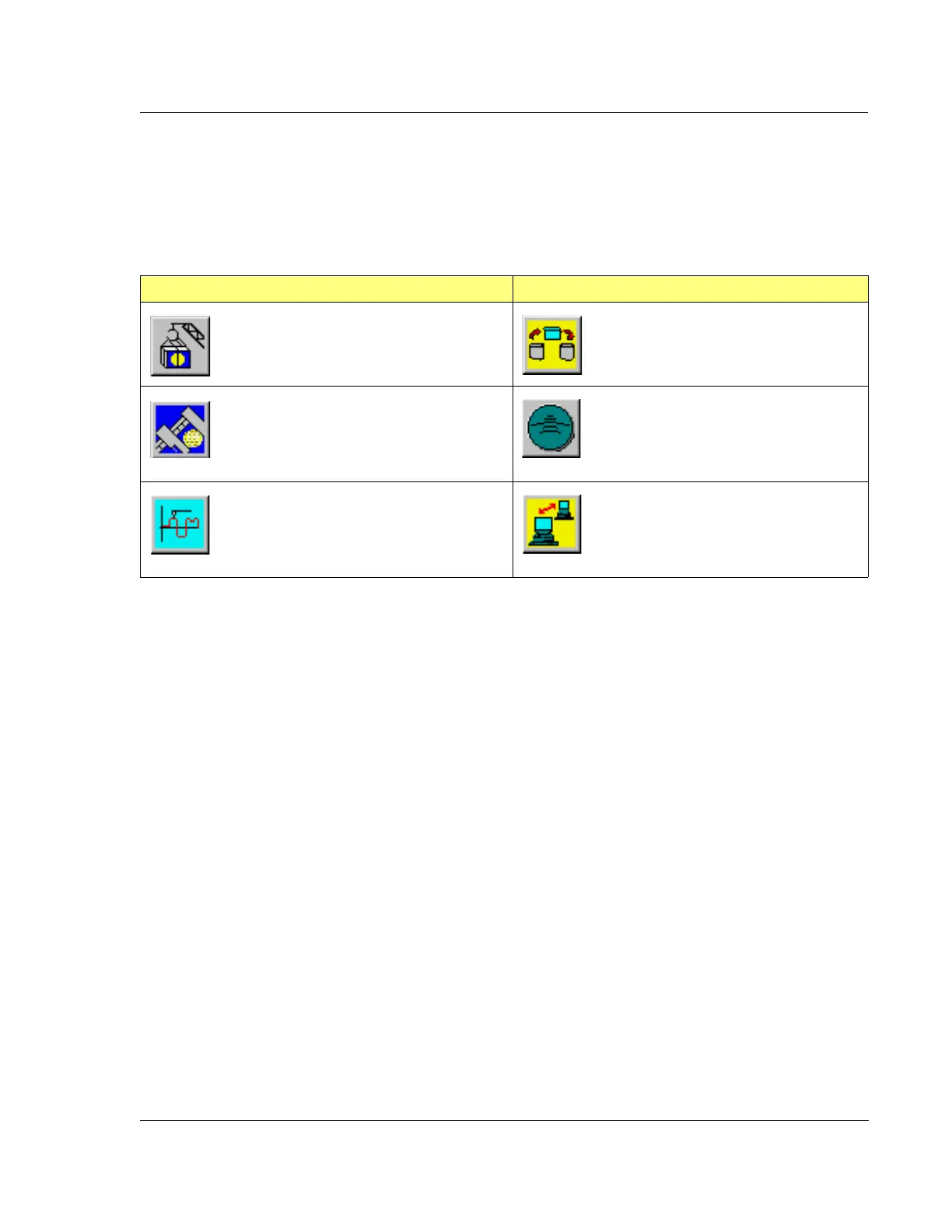
Table 2.1 Profiler Program Access Icons
Icon Description Icon Description
Configuration
Displays the Profiler Configuration
screen. This screen provides access to
various configuration windows.
Database File Manager
Displays the screen that provides
access to files for export/import and
delete.
Calibration
Displays the Profiler Calibration screen.
This screen provides access to system
calibration windows used for accessing
various calibration procedures.
Stress
Displays the Profiler Stress catalog
screen. This screen contains access
to the recipe and data file screens.
Scan
Displays the Profiler Catalog screen.
This screen provides access to the Scan
recipes, Sequence recipes, and data
files.
GEM/SECS
Displays the GEM/SECS screen.
This screen is used to configure the
system relationship with its host.



 To Next Page