0142530-000 AB KLA-Tencor Confidential 2-11
Friday, March 13, 2009
KLA-Tencor P-16+ / P-6 User’s Guide Basic Skills - Loading a Sample
Preliminary
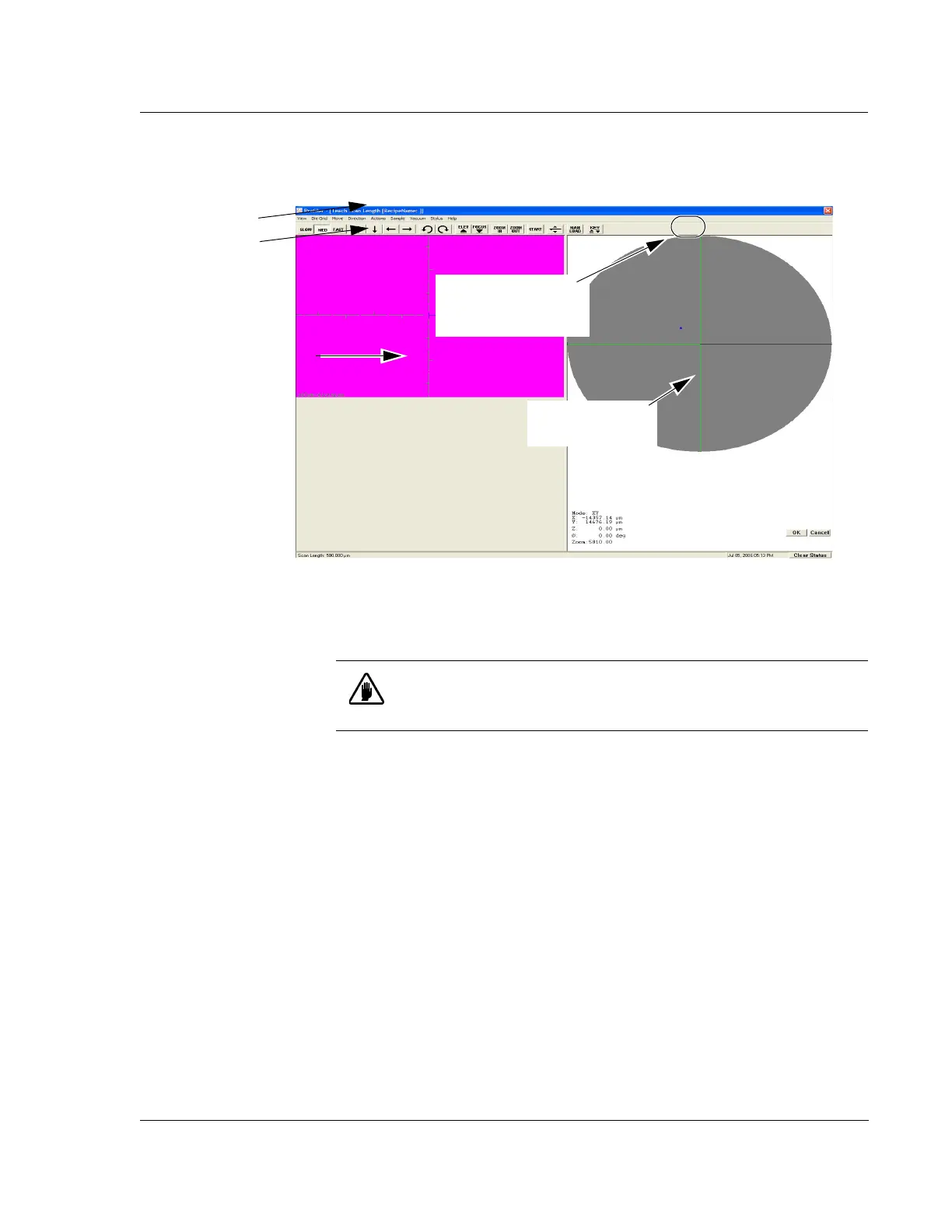
3. Click MAN LOAD (see Figure 2.8) in the Tool Bar to move the stage to the door.
(See Figure 2.8.)
4. Open the door.
5. Place the sample on the stage in the proper orientation.
6. Turn on the vacuum switch located on the left inside edge of the door.
The sample should now be securely in place on the stage.
7. Close the door.
8. Click
MAN LOAD to move the stage back under the system head.
Figure 2.8 XY View Screen
Menu Bar
Tool Ba r
Sample Navigation
Window
Video Display Window
Step 3 Click MAN LOAD
to move the stage to the
door.
CAUTION: Do not open the door until the stage has completely
stopped moving. All motors stop immediately when the door is opened.
(Unless the interlock is disabled.)



 To Next Page