System Security - Login and Logout Procedure KLA-Tencor P-16+ / P-6 User’s Guide
11-2 KLA-Tencor Confidential 0142530-000 AB
3/13/09
y
LOGIN AND LOGOUT PROCEDURE 11
You can change access levels using previously created user from the following
locations:
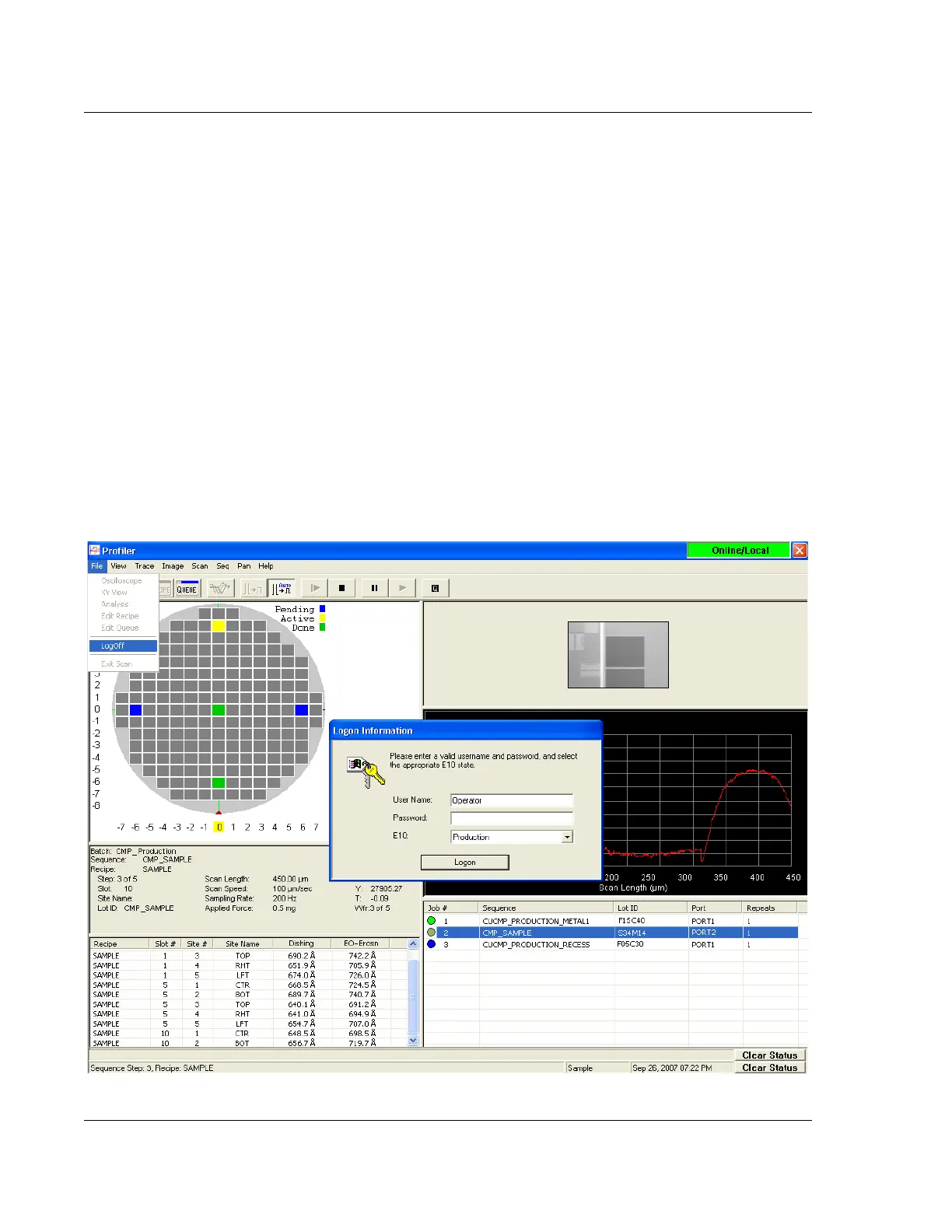
Configuration Page - File menu, select LogOff
Calibration Page - File menu, select LogOff
Scans Catalog - File menu, select LogOff
Import and Export Catalog - File menu, select LogOff
Stress Application - Recipe menu, select LogOff
Defect Review Application - File menu, select LogOff
Sequence Runtime View - File menu, select LogOff
Windows Desktop - Double click on the LogOff shortcut
Programs Menu - Click on the LogOff shortcut
1. LogOff the profiler software from one of the locations listed earlier.
2. Log back into profiler software by entering a valid from the Logon dialog shown
in.Figure 11.2
Figure 11.2 Log On Dialog at Runtime



 To Next Page