0142530-000 AB KLA-Tencor Confidential 14-17
3/13/09
KLA-Tencor P-16+ / P-6 User’s Guide Configuration - Sequence Execution Options
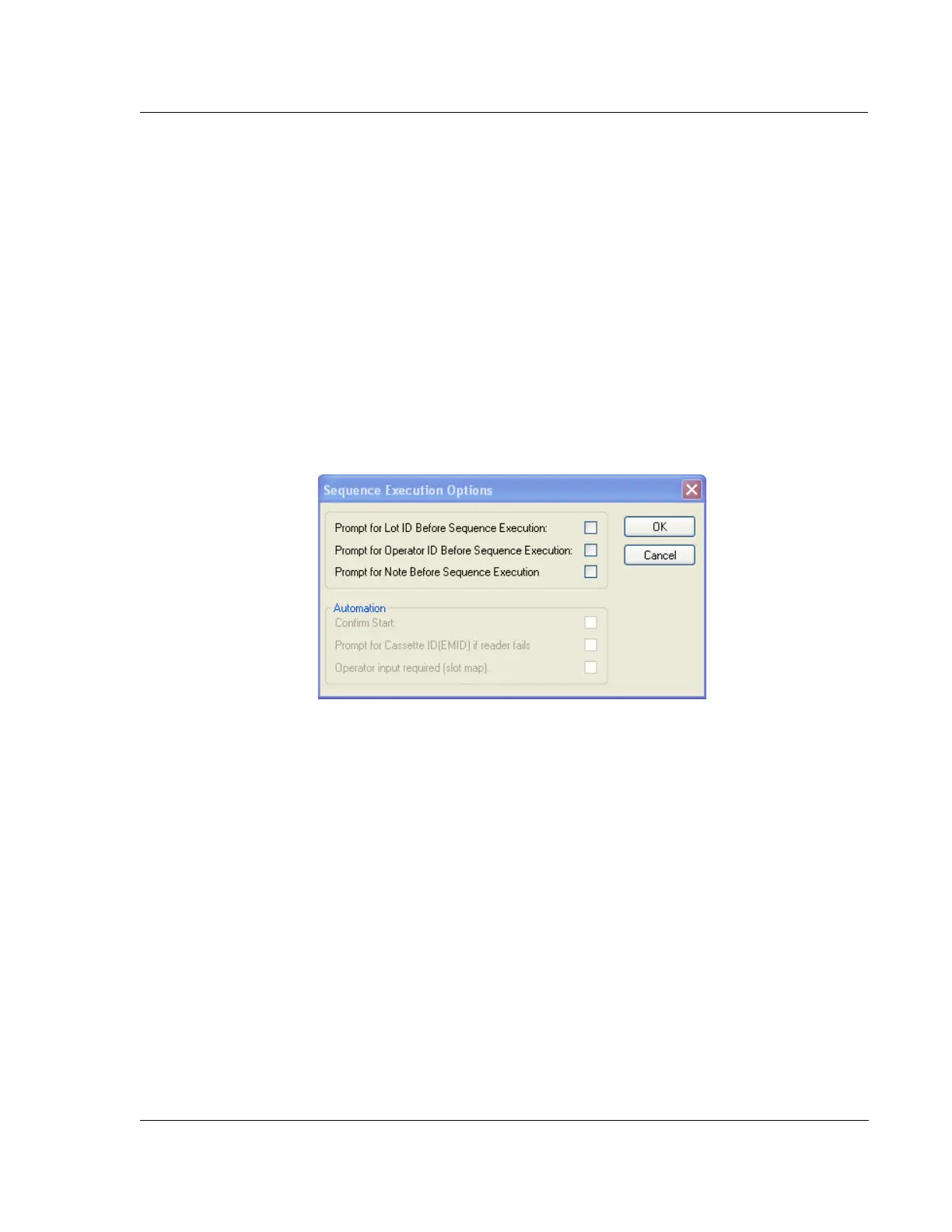
3. Click OK to save the new values and return to the Configuration window, or click
Cancel to return to the Configuration screen without changing the previous
values. (See Figure 14.16.)
SEQUENCE EXECUTION OPTIONS 14
This automatically saves sequence data under a lot ID and/or operator ID. To enable
and define this option, the
Sequence Execution Option must be set to display an ID
information prompt before each sequence.
Open Sequence Execution Options Dialog Box 14
Choose Sequence Execution Option from the option buttons in the Configuration
screen. (See Figure 14.12.)
PROXIMITY SENSOR CONFIGURATION (P-16+ ONLY) 14
The proximity sensor is responsible for signalling when the stylus is in near proximity
to the sample surface. The proximity sensor activity has configurable parameters that
can be accessed in the
Proximity Sensor Configuration dialog box.
Configuration Procedure 14
1. To open the Proximity Sensor Configuration dialog box, click Proximity Sensor…
at the bottom of the Configuration screen menu buttons. (See Figure 14.12.)
The Proximity Sensor dialog box (see Figure 14.18) is divided into four
sections:
Options
Proximity Sensor to Camera Offsets
The options and the variables within each one are discussed in the following
sections.
Figure 14.17 Sequence Execution Options Dialog Box



 To Next Page