System Security - Procedure to change the AutoLogonUser Password KLA-Tencor P-16+ / P-6 User’s Guide
11-6 KLA-Tencor Confidential 0142530-000 AB
3/13/09
y
PROCEDURE TO CHANGE THE AUTOLOGONUSER PASSWORD 11
.
1. Open the Security Configuration Editor and select Group User Admin -
Manage Users.
2. Click on the button Load from OS as shown in Figure 11.5.
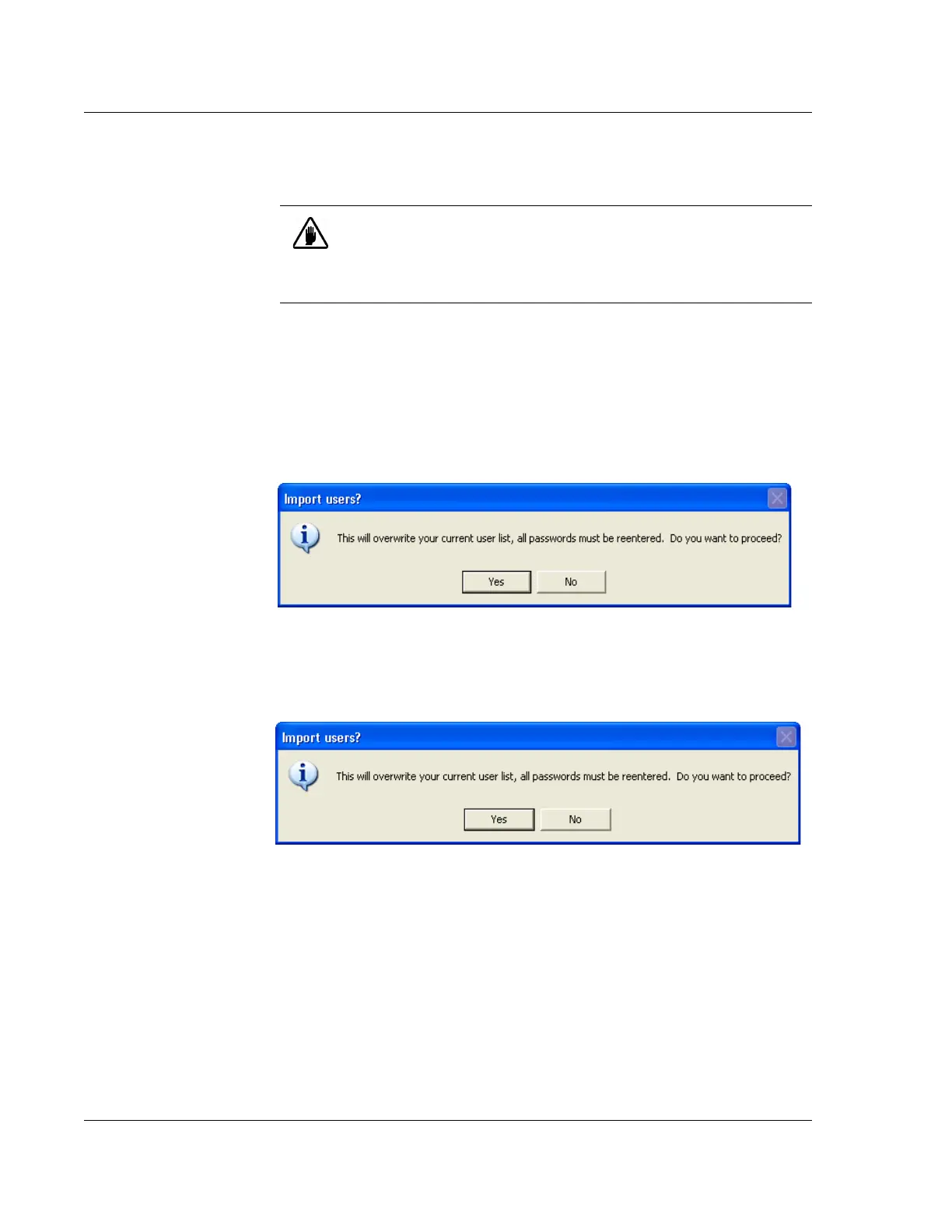
3. The user will be shown a dialog box asking if they want to overwrite the current
user list and reenter all passwords as shown in Figure 11.6. Ensure that all
passwords for the current users are known and select Yes .
4. The user should now choose to load users from the Local System as shown in
Figure Figure 11.7 since the AutoLogonUser is defined on the local computer.
5. After all users are imported from the Local System, the user is required to edit
each user by selecting the Edit button as shown in Figure 11.8 and enter the
password for each user, including the new password for the AutoLogonUser
account.
CAUTION: Changing the AutoLogonUser password is not
recommended. Prior to starting the procedure, the Administrator
changing the AutoLogonUser password must know the passwords of
all other users defined in Windows XP as they will be required to enter
these passwords during the procedure.
Figure 11.6 Load from OS Import Users
Figure 11.7 Choose Users From Local System



 To Next Page