Configuration - Stage Configuration KLA-Tencor P-16+ / P-6 User’s Guide
14-6 KLA-Tencor Confidential 0142530-000 AB
3/13/09
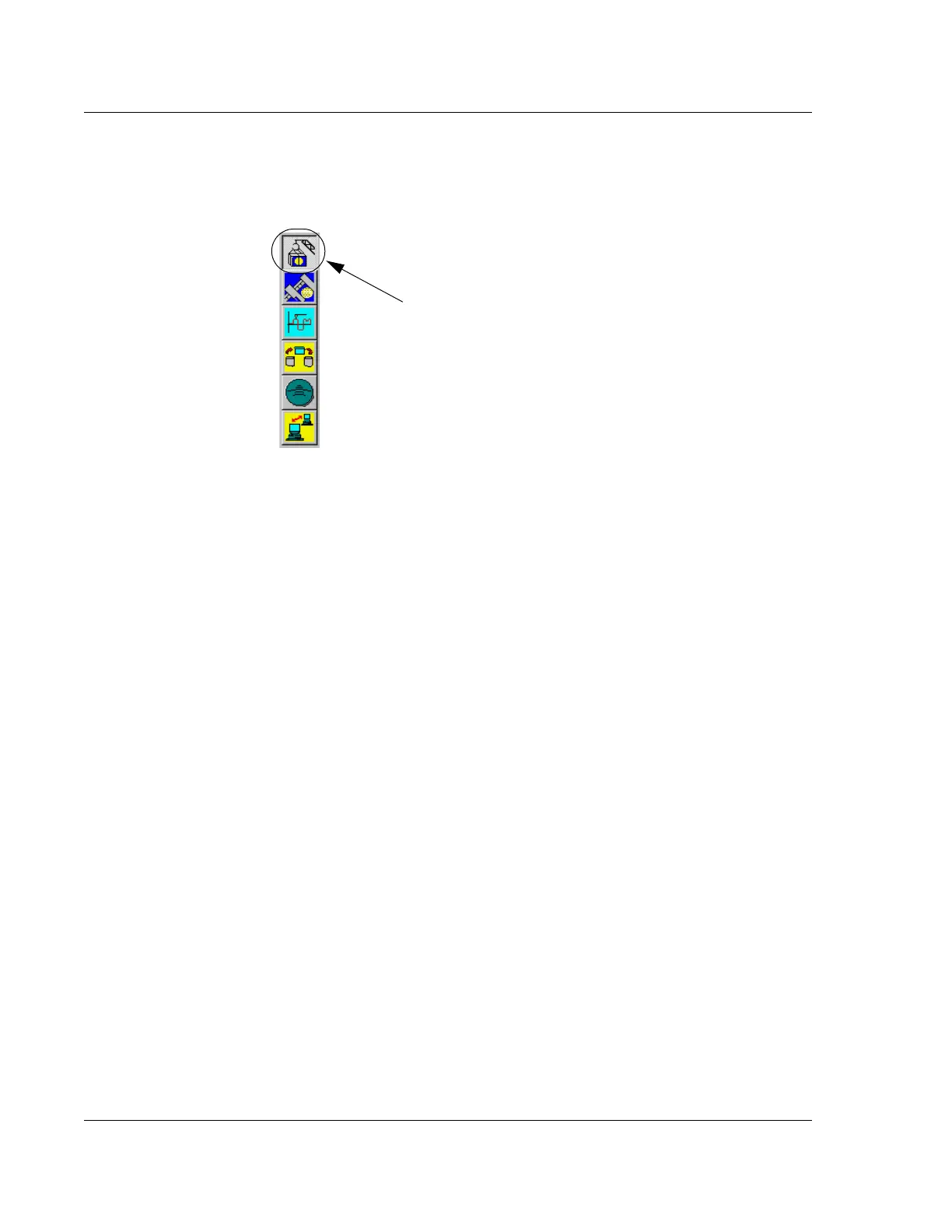
To access the Configuration screen, click the Configuration icon in any system level
screen. (See Figure 14.6.)
The
Configuration window is displayed.
The left side of the screen contains a series of access buttons that open configuration
parameter dialog boxes in which configuration values can be set. The right side of the
window shows some of the current configuration values. Most of these values are set
by manufacturing technicians prior to shipment of the system. Although these values
are editable, they should not be changed without advice from KLA-Tencor
Technical Support personnel.
STAGE CONFIGURATION 14
The items in the Stage Configuration area are all editable using Configuration screen
options. All of the variable fields except the Theta Soft Home Position, the ones with
the active variable fields (white background), can be edited directly in the field itself.
The Theta Soft Home Position must be changed using the configuration procedure
presented by clicking its configuration button.
Figure 14.6 Choose Calibration
Click the Configuration
icon to open the
Configuration screen.



 To Next Page