0142530-000 AB KLA-Tencor Confidential 6-21
3/13/09
KLA-Tencor P-16+ / P-6 User’s Guide Sequence Recipe and Data - Sequence Editor Window Features
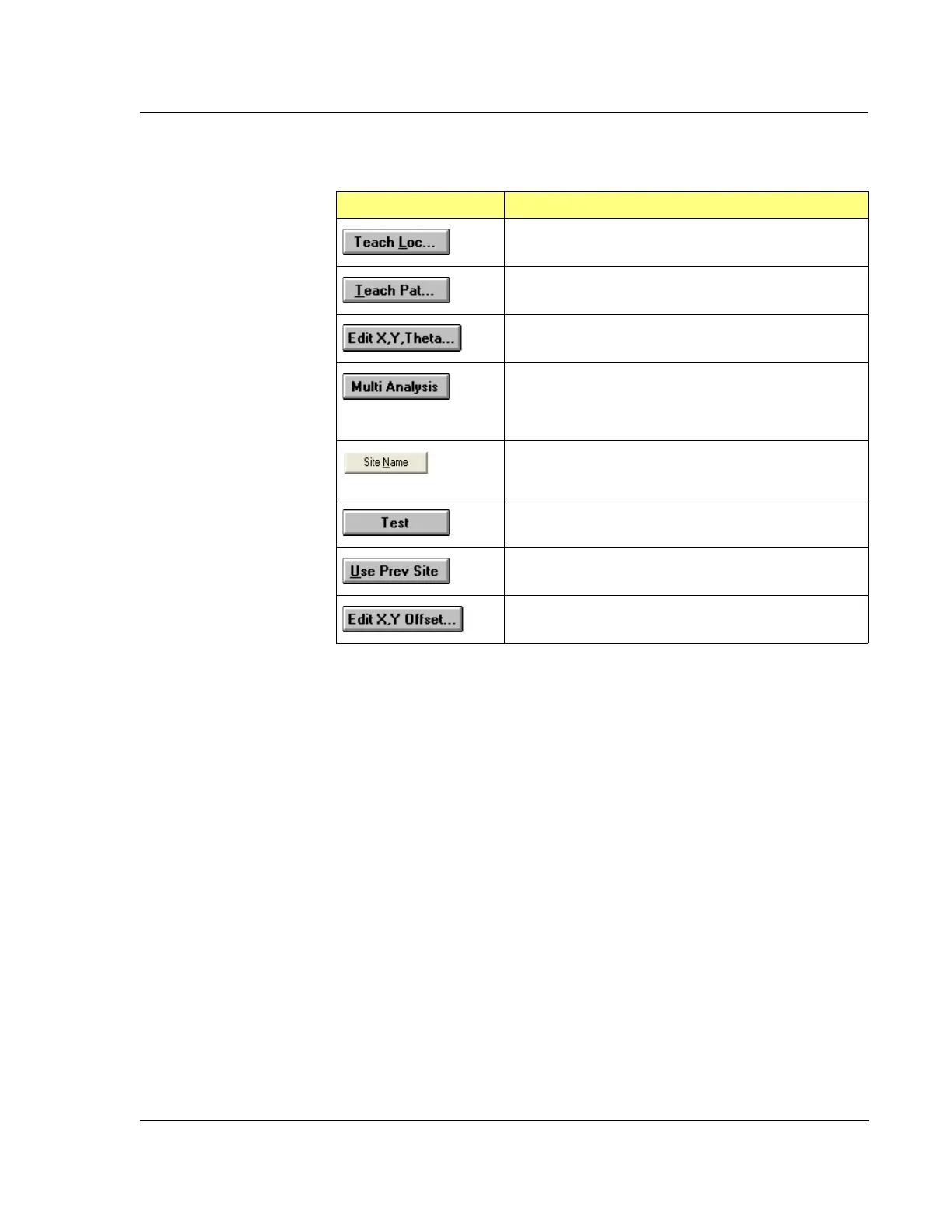
Table 6.4 Site Buttons
Button Description
Goes to the XY view so a measurement site can be
chosen based on a location observed on the screen.
Goes to the XY view so a pattern can be taught for
pattern recognition.
Defines a measurement site by allowing the manual
entry of the X, Y, and Theta coordinates.
Defines the measurement site as a multi analysis site
where analysis is performed on data from the last site
with defined coordinates. Basically, uses the same raw
data but with a different scan recipe.
This button allows the user to name each scan site in a
sequence.
Runs only the highlighted site without running the whole
sequence.
A measurement site can be set up to use the previous
site’s pattern for site-by-site pattern recognition.
X and Y offset values can be manually entered from a
pattern rec site to a measurement site.



 To Next Page