0142530-000 AB KLA-Tencor Confidential 7-27
3/13/09
KLA-Tencor P-16+ / P-6 User’s Guide Analyzing 3D Scan Data - 3D Analysis Screen Features
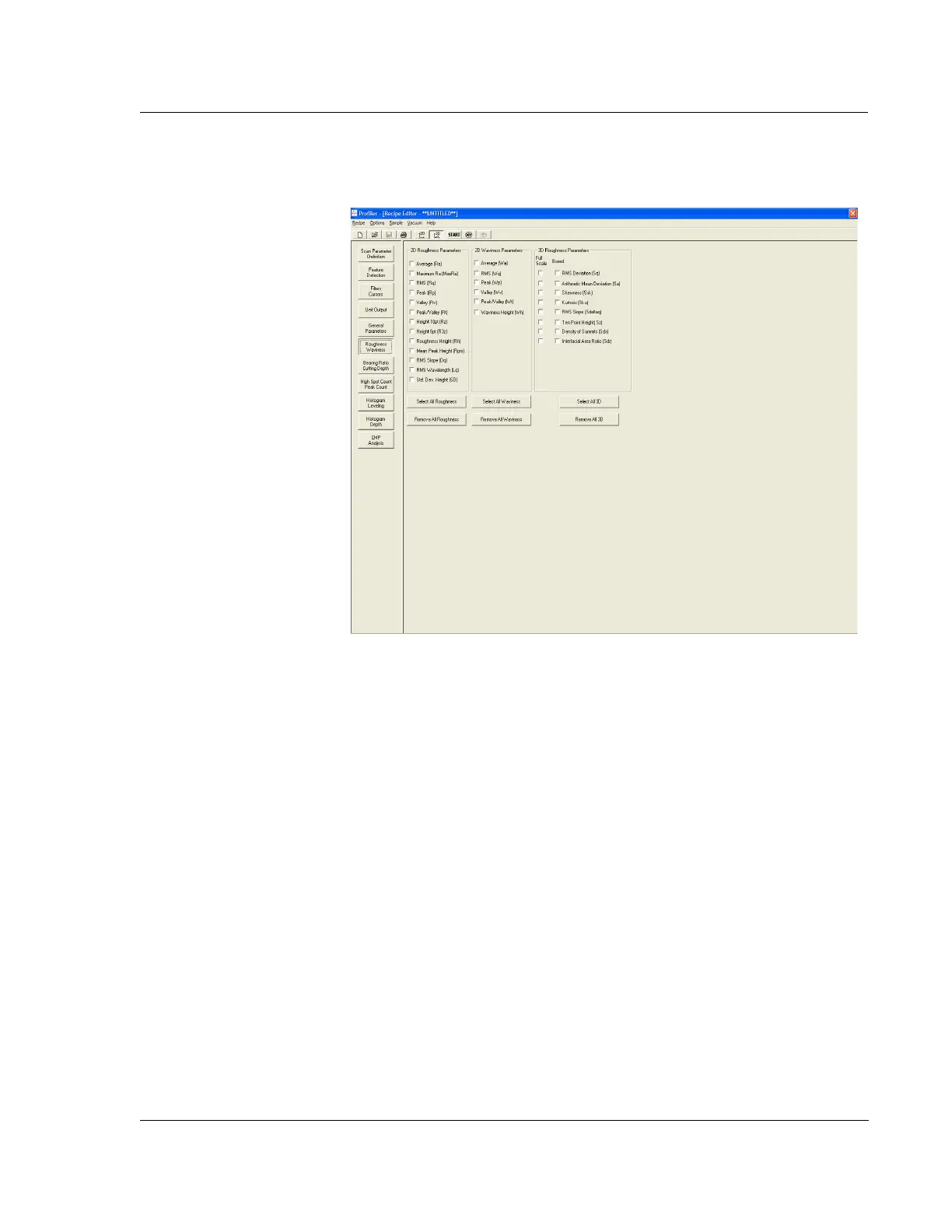
5. Click in each empty check box next to the parameters that are to be displayed in
the
Surface Summary box after the scan. This activates the procedure so that the
information is available for data analysis. (See Figure 7.17.)
Hybrid Parameters 6. This is the set of parameters contained in Bearing Ratio, Cutting Depth, High
Spot Count, and Peak Count. Click the
Bearing Ratio/Cutting Depth button.
(See Figure 7.18.)
Figure 7.17 3D Recipe Editor with Roughness/Waviness Options



 To Next Page