0142530-000 AB KLA-Tencor Confidential 7-41
3/13/09
KLA-Tencor P-16+ / P-6 User’s Guide Analyzing 3D Scan Data - Saving Scan Data
Creating and Saving 2D Slice Data from a 3D Scan 7
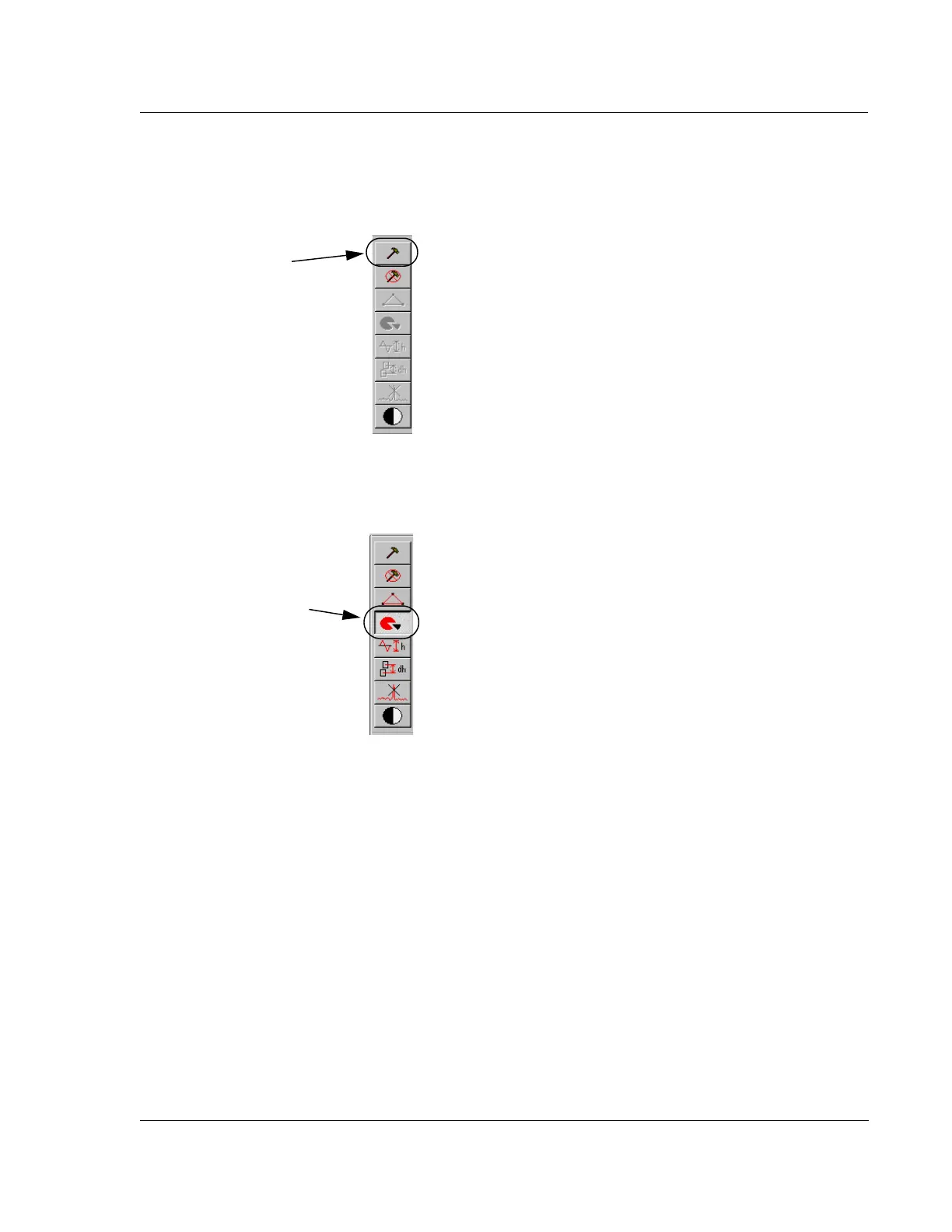
1. From the Analysis Screen, click the hammer tool to activate the tool bar.
2. In the activated tool bar, click the slice tool to activate the slice tool.
Figure 7.27 Analysis Screen - Analysis Tool Bar
Step 1 Click the
hammer icon to
activate the tool bar
function.
Figure 7.28 3D Analysis Tool Bar with Slice Tool Activated
Step 2 Click the slice tool
to activate it.



 To Next Page