0142530-000 AB KLA-Tencor Confidential 7-39
3/13/09
KLA-Tencor P-16+ / P-6 User’s Guide Analyzing 3D Scan Data - Using Image Arithmetic to Compare Data
USING IMAGE ARITHMETIC TO COMPARE DATA 7
Two 3D scans can be compared with similar surfaces or the same site to evaluate
noise and roughness. Both scans must use the same recipe:
Recipe
X-size and Y-size
1. Open the data file that is to be use in the calculations. This is Image 1.
2. Go to the
Operations menu, and select Image Arithmetic.
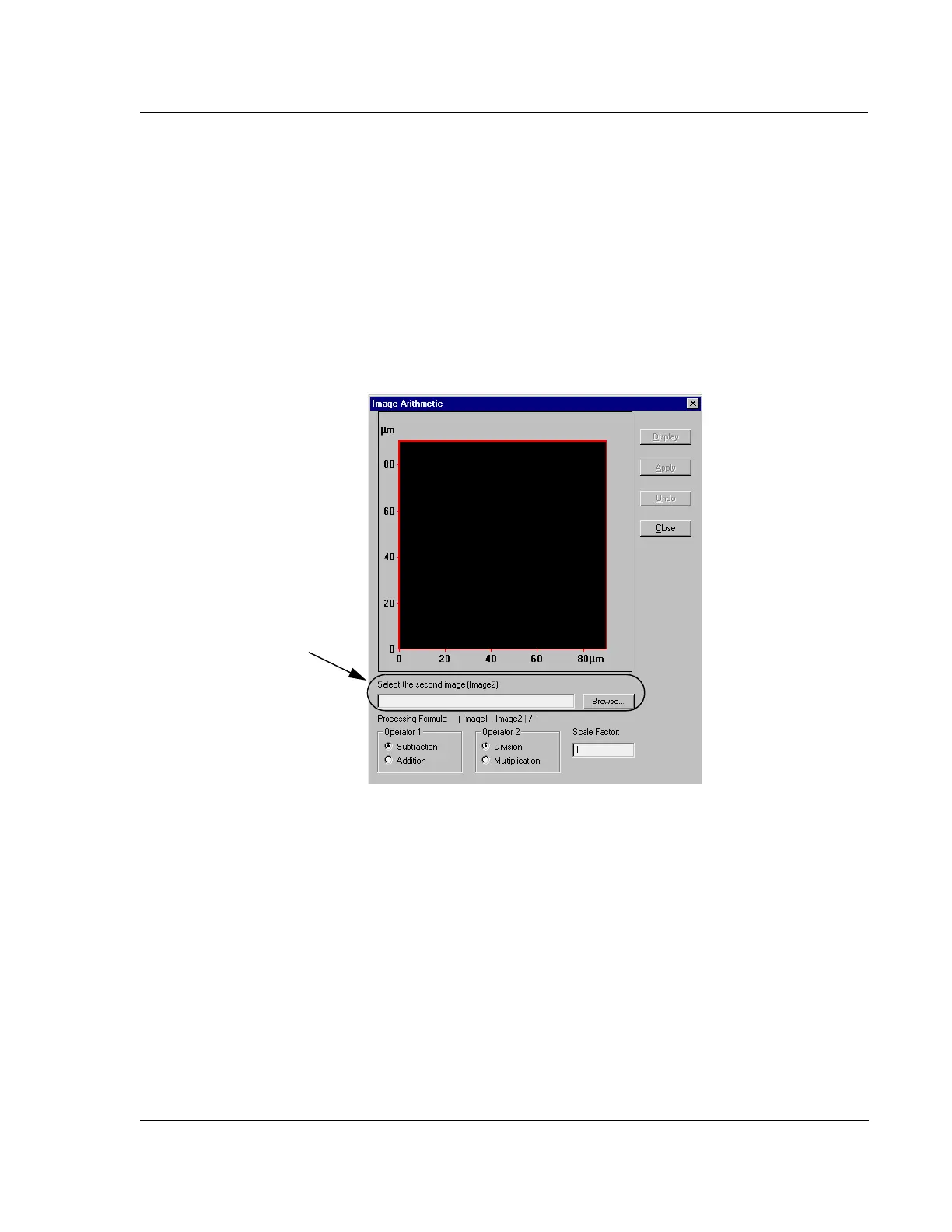
The dialog box appears (see Figure 7.26)
3. Type in the name of the second image or Browse for the second image.
The second image must have used the same recipe as the first image, and it must
be the same size.
4. Press
ENTER, or click the Display button.
The second image appears in the display area in the dialog box.
Figure 7.26 Image Arithmetic Dialog Box
Step 3 Enter the name of
the second image or click
the
Browse… button to
search for the image.



 To Next Page