System Security - Procedure to Add Security Groups to User Accounts KLA-Tencor P-16+ / P-6 User’s Guide
11-26 KLA-Tencor Confidential 0142530-000 AB
3/13/09
y
PROCEDURE TO ADD SECURITY GROUPS TO USER ACCOUNTS 11
1. Select the Users folder, as shown in Figure 11.21.
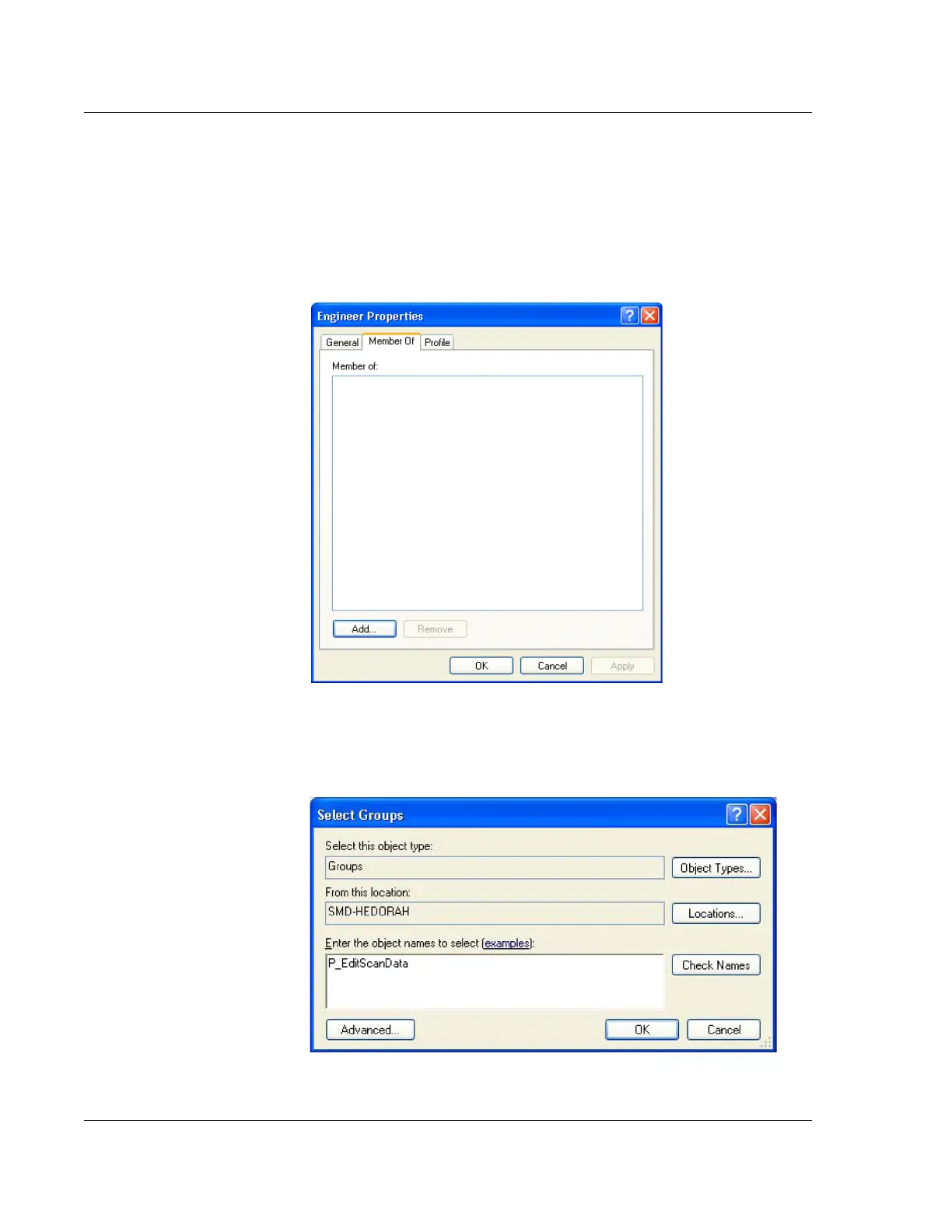
2. Double-click on the ser, such as Engineer, to change the access right to the
Windows XP or Profiler security grups and select the tab Member of as shown
in Figure 11.26
3. Click on Add to grant the user account access to security groups as shown in
Figure 11.27.
Figure 11.26 Windows XP User:Engineer
Figure 11.27 Add a Security Group to a User



 To Next Page