0142530-000 AB KLA-Tencor Confidential 3-15
3/13/09
KLA-Tencor P-16+ / P-6 User’s Guide Scan Recipes - Creating and Editing a Scan Recipe
The Scan Parameter Definition button displays four categories of 2D or 3D scan
parameters:
2D Scan or 3D Scan; Scan Time; Stylus; and Vertical Ranging.
2D Scan Category Parameters - Scan Parameters Definition 3
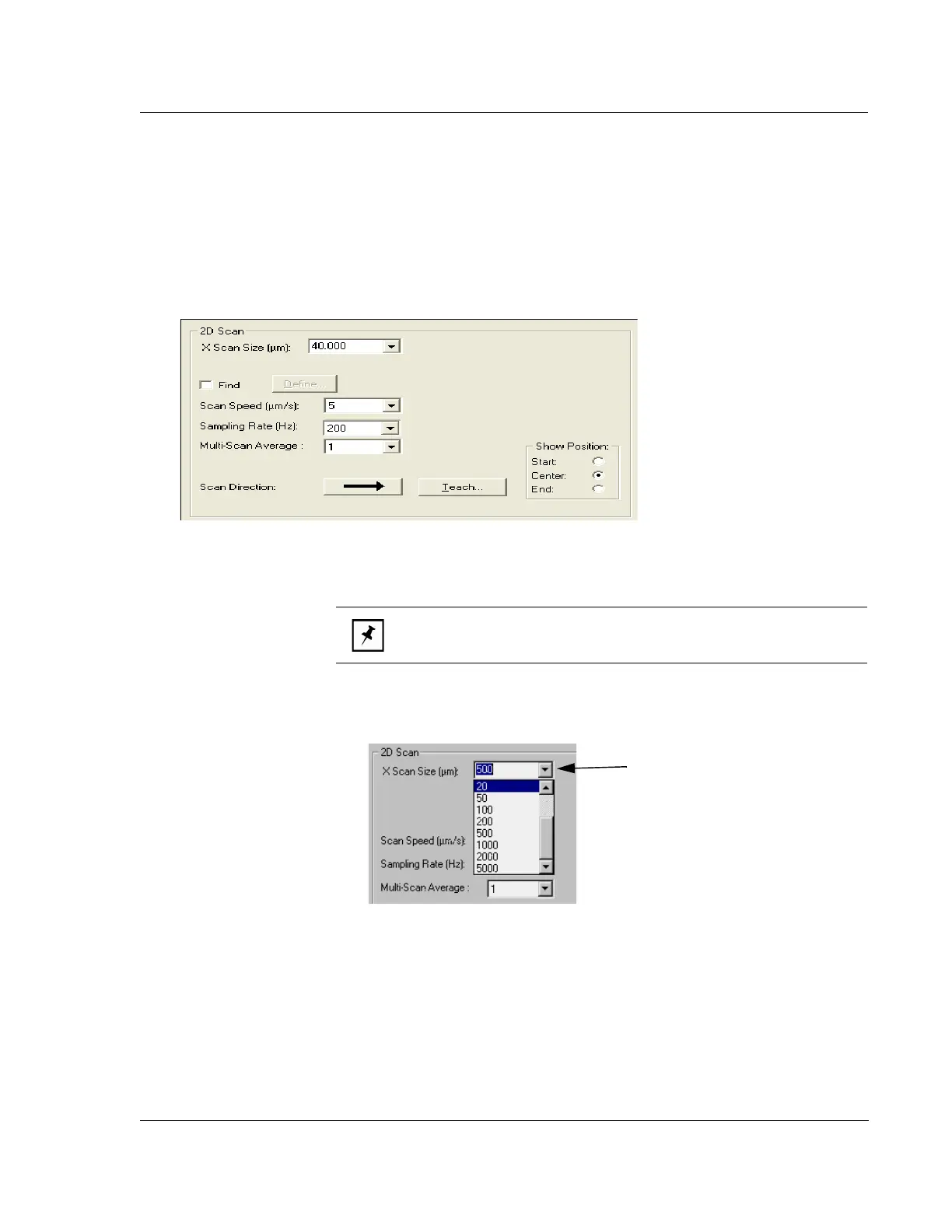
The parameters defined in this category deal with the actual mechanics of the 2D
scan. Each is discussed in Figure 3.11.
1.
X Scan Size (μm). This variable sets the length of the actual scan. It is set in one
of two ways: drop down and user definable.
Figure 3.11 2D Scan Category Parameters
NOTE: The scan length can also be changed when using the Teach
function. See Step 3. on page 3-20 for more details. See the Note.
Figure 3.12 X Scan Size (μm)
Step 1 Click the menu arrow to
display the drop-down menu. To
choose the number of microns (μm)
in the scan length, click the
appropriate number.



 To Next Page