0142530-000 AB KLA-Tencor Confidential 4-13
3/13/09
KLA-Tencor P-16+ / P-6 User’s Guide XY View Screen - Positioning the Scan Site
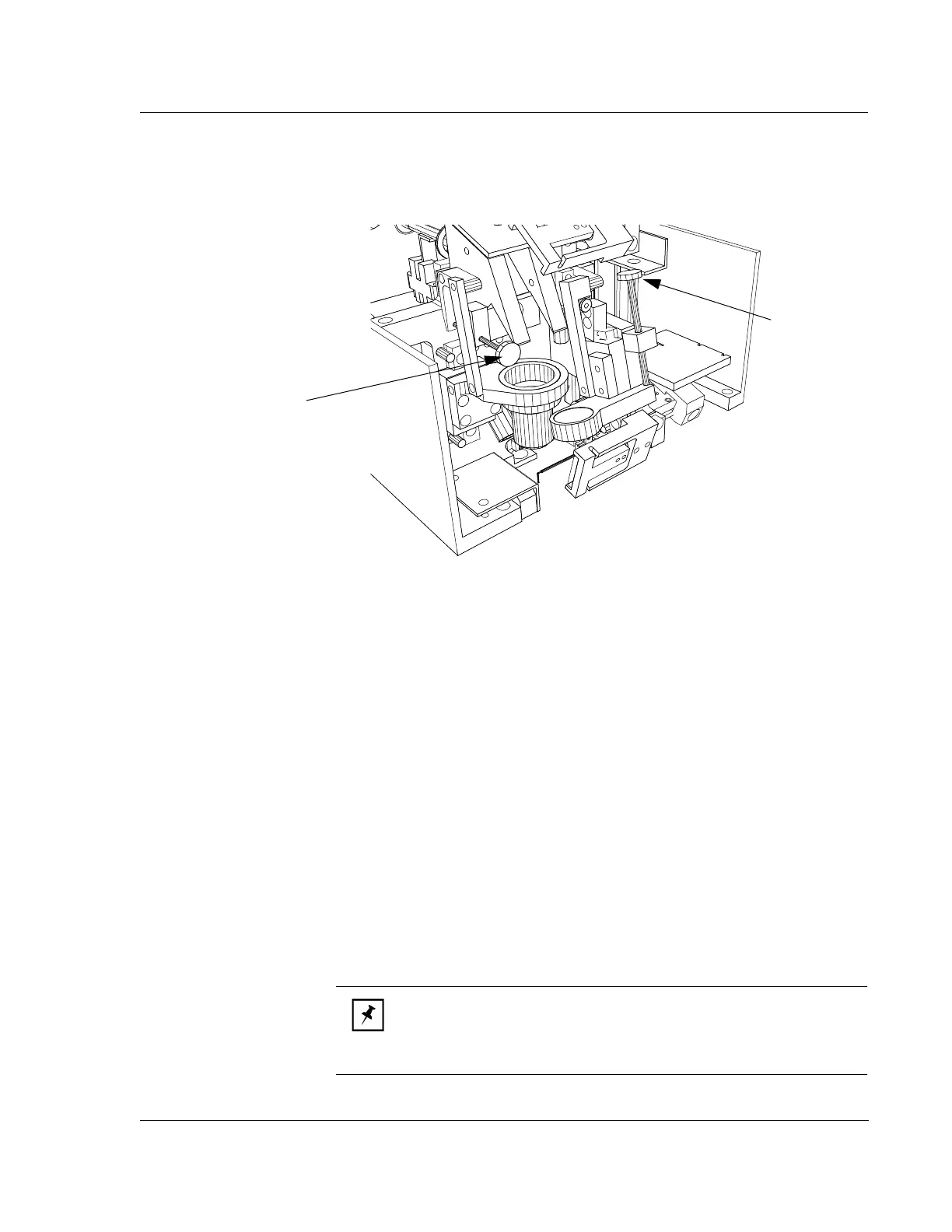
6. If the side view requires focusing, use the Side-View Focus knob to focus the
side view. (See Figure 4.8)
7. Test the Video Calibration after any mechanical refocusing event by clicking on
a clearly definable feature and see if it lines up exactly with the screen crosshair.
If not, perform the Video Calibration.
POSITIONING THE SCAN SITE 4
Introduction 4
The stage can be moved in the X, Y, and theta direction to orient an object image for
scan positioning. The stage can be moved to reach any point on the sample surface
within the Safe Area limits. (See Safe Area Configuration on page 14-12)
The stage moves incrementally in the following directions:
The X direction moves the stage left and right
The Y direction moves the stage forward and backward
The theta direction rotates the stage clockwise and counterclockwise.
A common way to move the stage is to click the arrow button that points in the
direction that the stage is to move. Notice that the arrow points in the direction the
stage moves and not in the direction that the image moves in the field of view.
Figure 4.8 P-16+ Focusing the Optics (Dual-View Optics).
Side-View
Focus Knob
(P-16+ Only)
Top-View
Focus Knob
NOTE: When using the toolbar arrow buttons, the image appears to
wiggle as it stops. This is a normal part of the procedure designed to
eliminate the slight mechanical backlash in the stage movement that
could make precise positioning difficult.



 To Next Page