0142530-000 AB KLA-Tencor Confidential 11-17
3/13/09
KLA-Tencor P-16+ / P-6 User’s Guide System Security - Global Settings
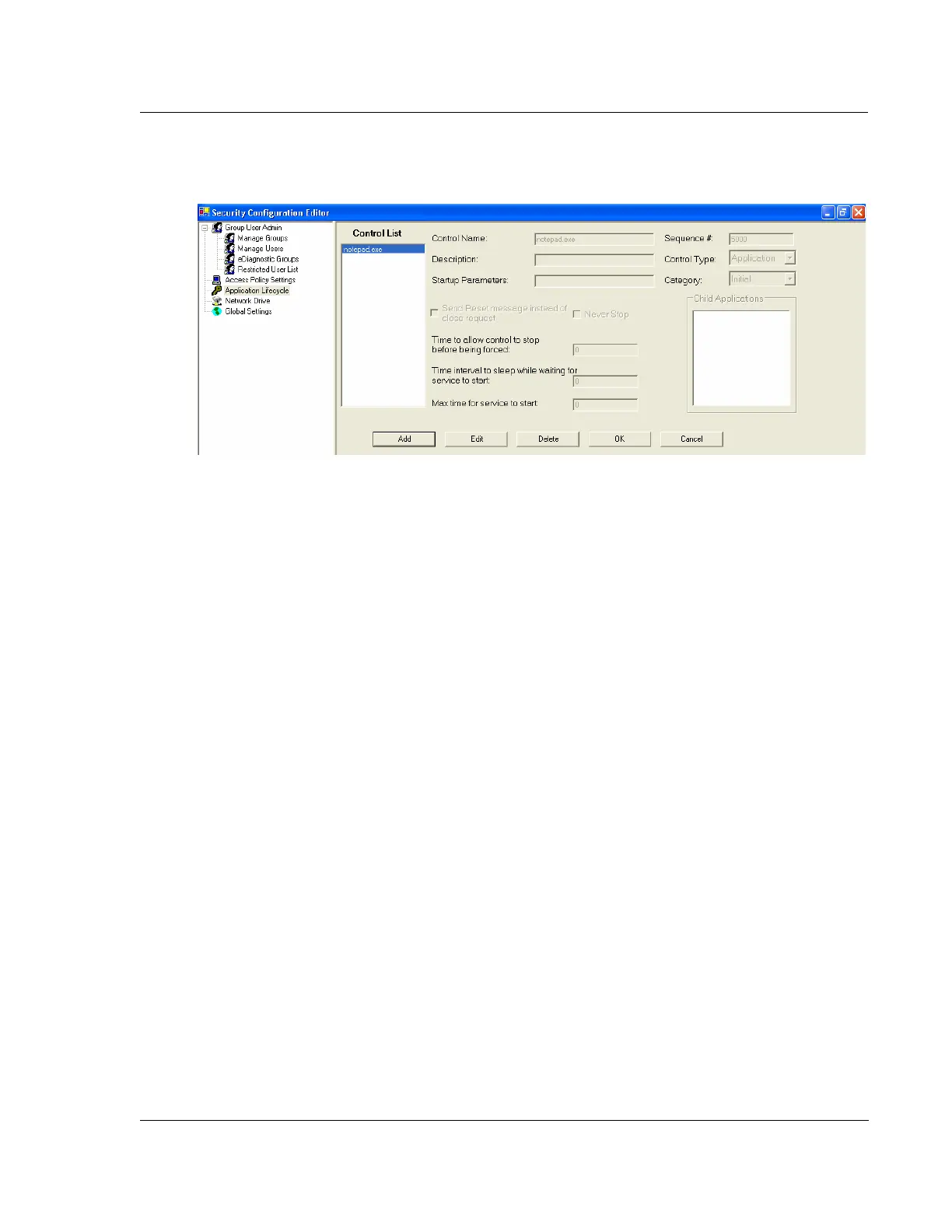
d. To save the changes to the Control List, select OK in Figure 11.16
e. Repeat Step 3 to add additional programs
f. Proceed to Step 4, when done adding programs
4. Select Save from the lower, left corner as shown in Figure 11.14.
5. Close the Security Configuration Editor and restart Windows XP for the changes
to take affect.
GLOBAL SETTINGS 11
Figure 11.17 shows the Global Settings dialog box. This is used to enable or disable
automatic logon into Windows XP. Profiler security requires that the user logs into
Windows XP as an Administrator. If you do not login as an Administrator, the
software will not function correctly. To prevent non-administrators from being
required to know an Administrative password to log into Windows XP, automatic
logon will log into Windows XP using an Administrator account, without user
intervention. After Windows XP is launched, the profiler login dialog is presented to
the user and at this point profiler software controls Windows XP security and
provides appropriate access level based on the user that logs into the profiler login
dialog
Figure 11.16 Save Changes to the Control List



 To Next Page