0142530-000 AB KLA-Tencor Confidential 11-23
3/13/09
KLA-Tencor P-16+ / P-6 User’s Guide System Security - Procedure to Add Users to Security Groups
5. Enter the information for the new user and when complete, click on Create.
When all of the new users have been added, click Close.
6. Now add the new user(s) to the correct Windows XP and Profiler security
groups. For limited access only provide Windows XP User group access and
then give access to the required Profiler security groups. This can be done by
adding users to security groups or by adding security groups to the user
accounts.
PROCEDURE TO ADD USERS TO SECURITY GROUPS 11
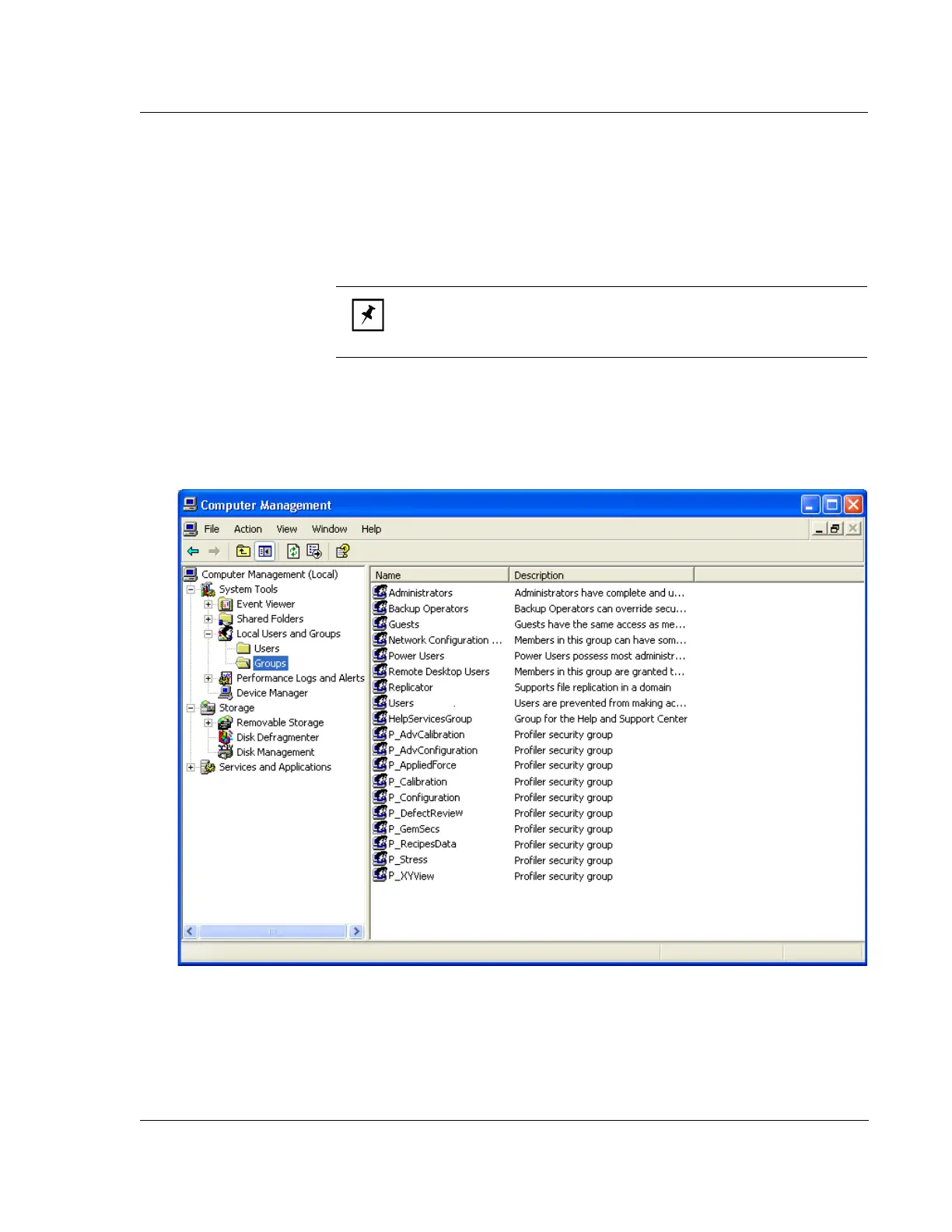
1. Select the Groups folder, as shown in Figure 11.23.
NOTE: It is generally easier to add users to the security groups since
it is easy to remember the user name and more difficult to remember
all of the combinations of groups.
Figure 11.23 Security Group Management



 To Next Page