System Security - Procedure to Change Access Policy Settings KLA-Tencor P-16+ / P-6 User’s Guide
11-12 KLA-Tencor Confidential 0142530-000 AB
3/13/09
y
Remove user folders from
teh Start Menu
0 False 1 True Operator has minimal
access to Win XP settings
Remove Help Menu from
the Start Menu
0 False 1 True Operator has minimal
access to Win XP settings
Remove My Pictures from
the Start Menu
0 False 1 True Operator has minimal
access to Win XP settings
Remove My Music from
the Start Menu
0 False 1 True Operator has minimal
access to Win XP settings
Remove My Network
Places from the Start Menu
0 False 1 True Operator has minimal
access to Win XP settings
Remove drag and drop
context menus from the
Start Menu
0 False 1 True Operator has minimal
access to Win XP settings
Turn off personalized
Menu
0 False 1 True Operator has minimal
access to Win XP settings
Force classic Start Menu 0 False 0 False Do not need to force users
to classic start menu
Remove All Program list
from the Start Menu
0 False 0 False All users have access to
start menu shortcuts
Remove frequently
accessed program list from
the Start Menu
0 False 1 True Operator has minimal
access to Win XP settings
Remove Properties from
My Computer context
message
0 False 1 True Operator has minimal
access to Win XP settings
Prohibit access to control
panel
0 False 1 True Operator has minimal
access to Win XP settings
Remove the Documents
menu from the Start menu
0 False 1 True Operator has minimal
access to Win XP settings
Remove Windows
Security item from the Start
Menu
0 False 1 True Operator has minimal
access to Win XP settings
Remove Set Program
Access and Defaults page
from the Start Menu
0 False 1 True Operator has minimal
access to Win XP settings
Hide user name from the
Start Menu
1 True 1 True Operator has minimal
access to Win XP settings
Remove Pinned Programs
List from the Start Menu
0 False 1 True Operator has minimal
access to Win XP settings
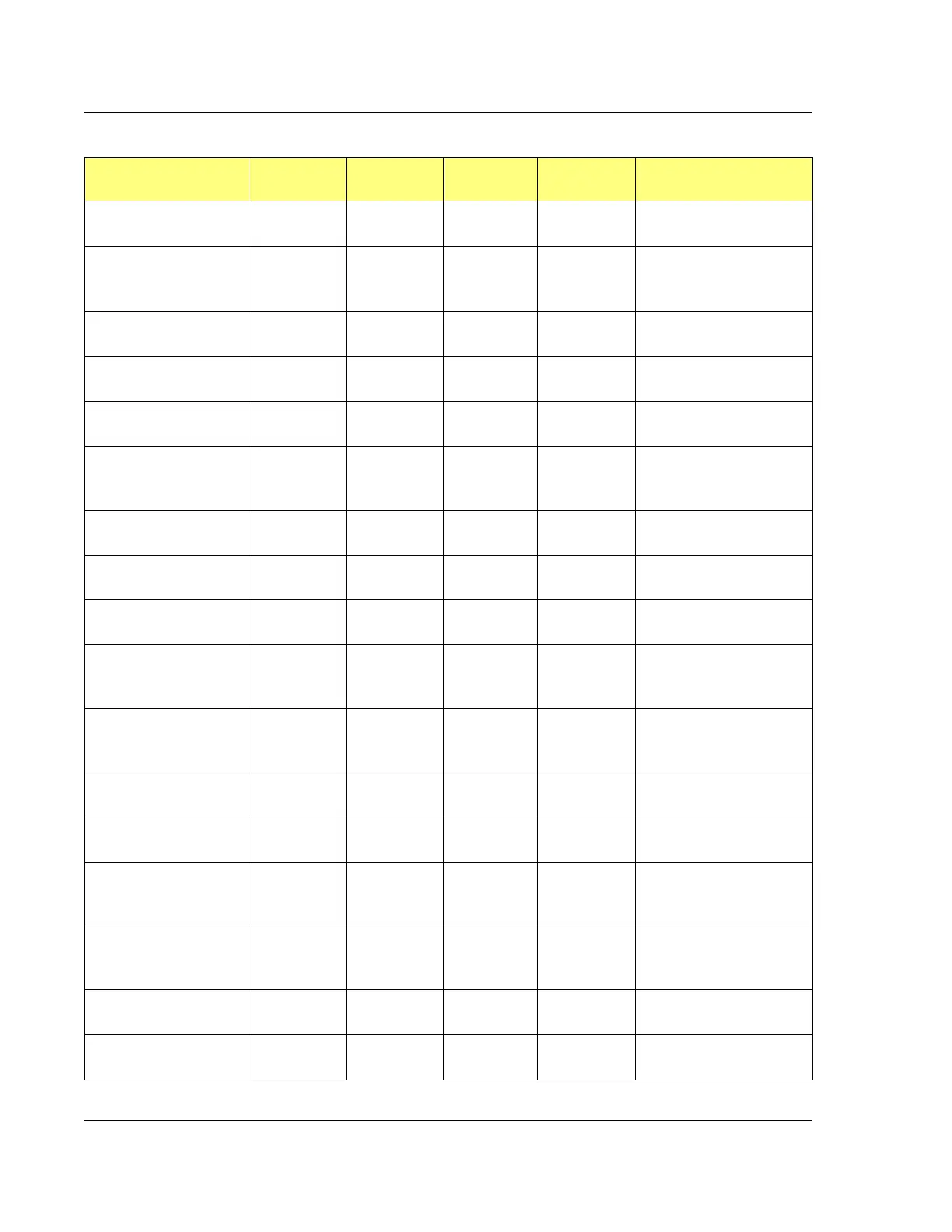
Table 11.2 Access Policy Settings
Policy Description Admin Value Admin Operator
Value
Operator Notes



 To Next Page