Analyzing 3D Scan Data - 3D Analysis Screen Features KLA-Tencor P-16+ / P-6 User’s Guide
7-20 KLA-Tencor Confidential 0142530-000 AB
3/13/09
This option displays another menu presenting options, each of which rotate the image
by one increment each time they are chosen. (See Table 7.4 for a complete
explanation of the movement of each option.)
This option causes the magnification of the entire image by one increment of
magnification each time it is clicked on.
This option causes the reduction in size of the entire image by one increment of
magnification each time it is clicked on.
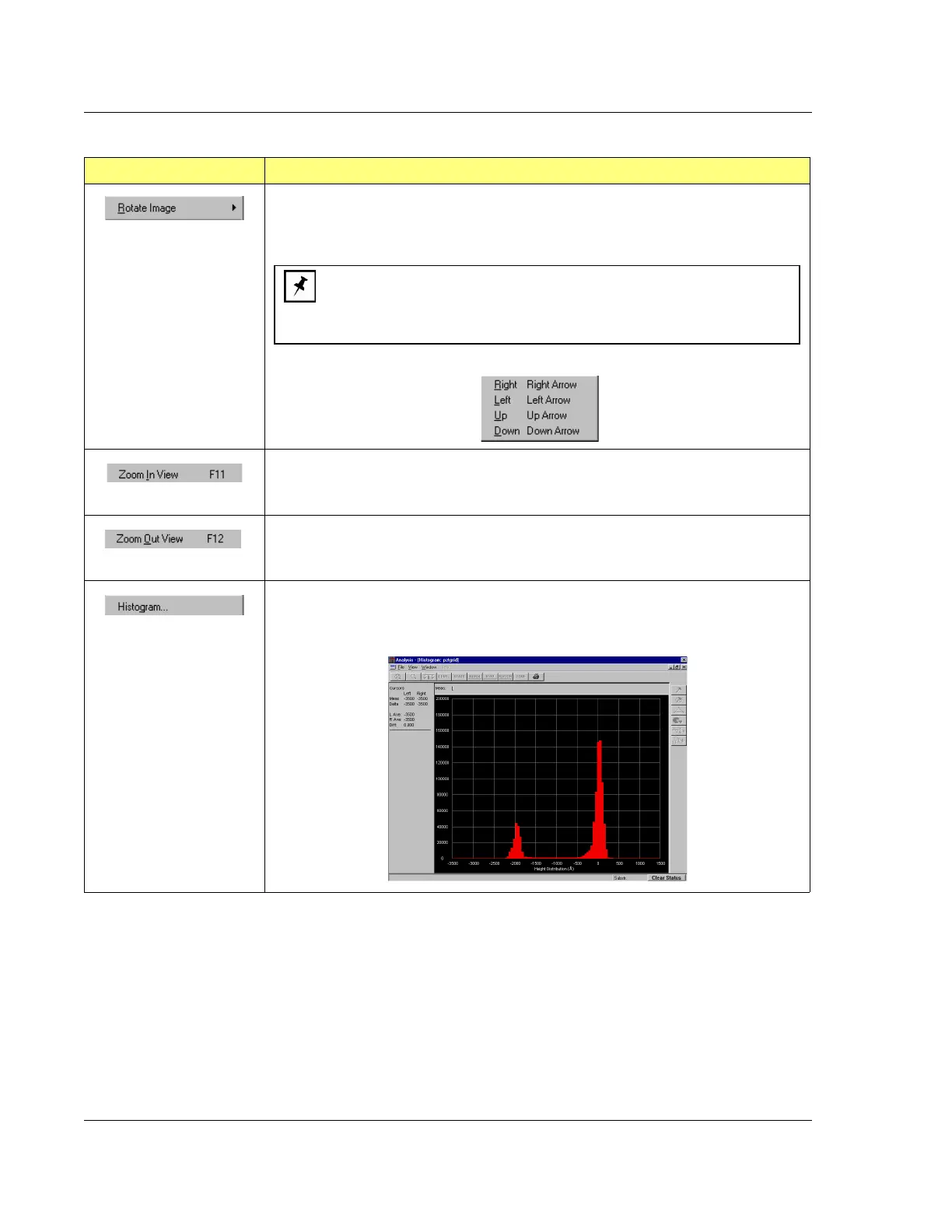
This option opens the Analysis screen where it presents a graphical representation of
the histogram of the data in the chosen data file allowing the user to select the
histogram for leveling or depth analysis..
Table 7.9 View Menu Options (Continued)
Menu Item Description of Action
NOTE: This is the most inefficient way of image rotation since each
time an option is used, the menu disappears and must be accessed
again for another single movement rotation. The rotation buttons in the
tool bar or the arrow keys on the keyboard are much more efficient.


 To Next Page
 Loading...
