0142530-000 AB KLA-Tencor Confidential 7-21
3/13/09
KLA-Tencor P-16+ / P-6 User’s Guide Analyzing 3D Scan Data - 3D Analysis Screen Features
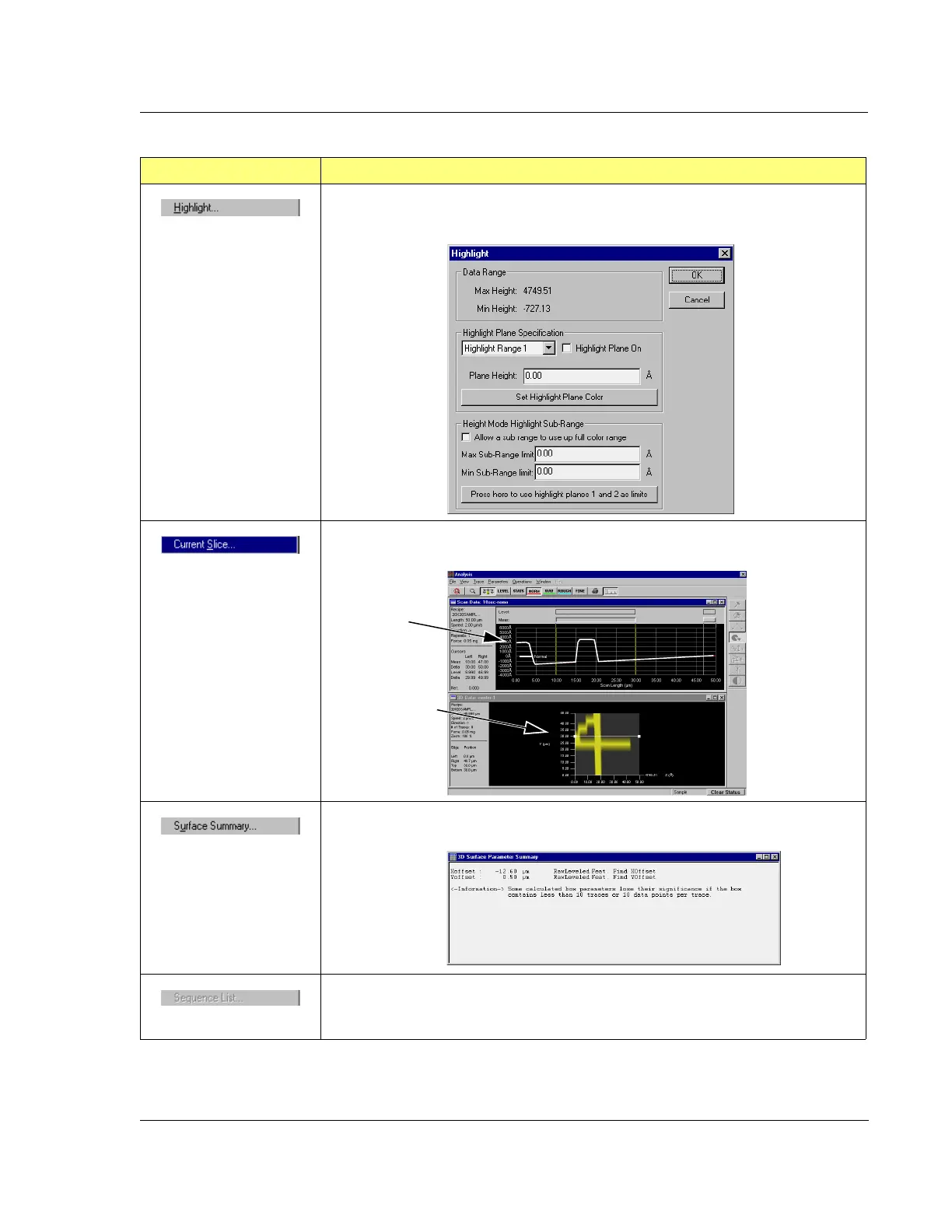
This option displays the Highlight dialog box with its highlight options for chosen
planes in the analysis image.
This options presents the trace of the
Current Slice as an Analysis Screen graph.
This option displays the Surface Summary box in the Analysis Screen.
Not applicable to 3D data analysis
Table 7.9 View Menu Options (Continued)
Menu Item Description of Action
2D image of the
slice.
3D image with a
horizontal slice
displayed.


 To Next Page
 Loading...
