User Manual UMN:CLI
V5808
163
7.3.2.1 Subject of RMON Alarm
You need to configure RMON alarm and identify subject using many kinds of data from
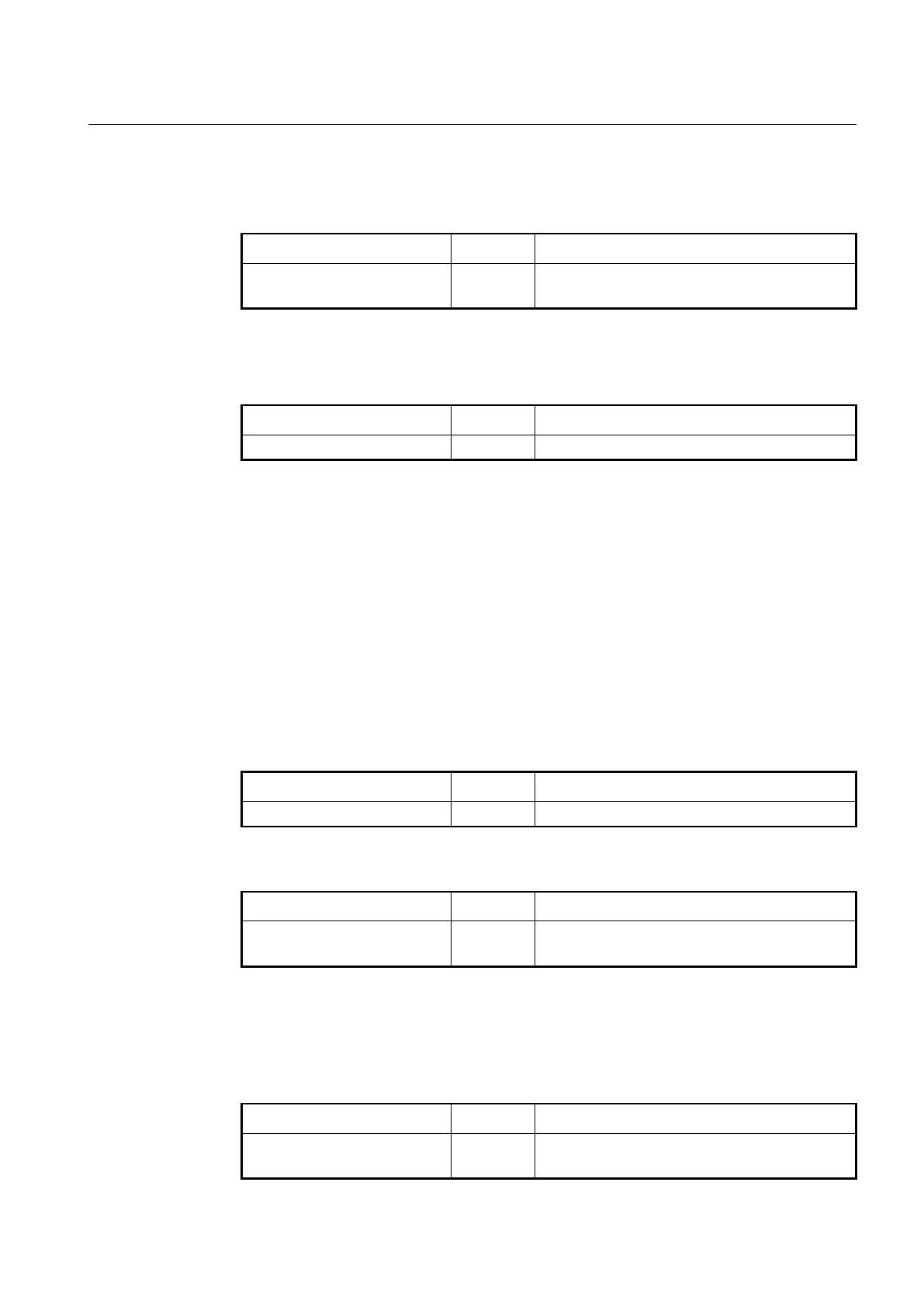
alarm. To identify subject of alarm, use the following command.
Identifies subject using relevant data, enter the name
(max. 32 characters).
7.3.2.2 Object of Sample Inquiry
To assign object used for sample inquiry, use the following command.
sample-variable MIB-OBJECT
Assigns MIB object used for sample inquiry.
7.3.2.3 Absolute and Delta Comparison
There are two ways to compare with the threshold: absolute comparison and delta
comparison.
• Absolute Comparison
Comparing sample data with the threshold at configured interval, if the data is more
than the threshold or less than it, alarm is occurred
• Delta Comparison
Comparing difference between current data and the latest data with the threshold, if
the data is more than the threshold or less than it, alarm is occurred.
To compare object selected as sample with the threshold, use the following command.
Compares object with the threshold directly.
To configure delta comparison, use the following command.
Compares difference between current data and the
latest data with the threshold.
7.3.2.4 Upper Bound of Threshold
If you need to occur alarm when object used for sample inquiry is more than upper bound
of threshold, you have to configure the upper bound of threshold. To configure upper
bound of threshold, use the following command.
Configures upper bound of threshold.
VALUE: 0-2147483647


 To Next Page