User Manual UMN:CLI
V5808
213
7.9 Max Host
You can limit the number of users by configuring the maximum number of users also
named as max hosts for each port. In this case, you need to consider not only the number
of PCs in network but also devices such as switches in network.
Max-new-hosts is to limit the number of users by configuring the number of MAC
addresses that can be learned on the system and on the port for a second. The number
of MAC addresses that can be learned on the system has the priority.
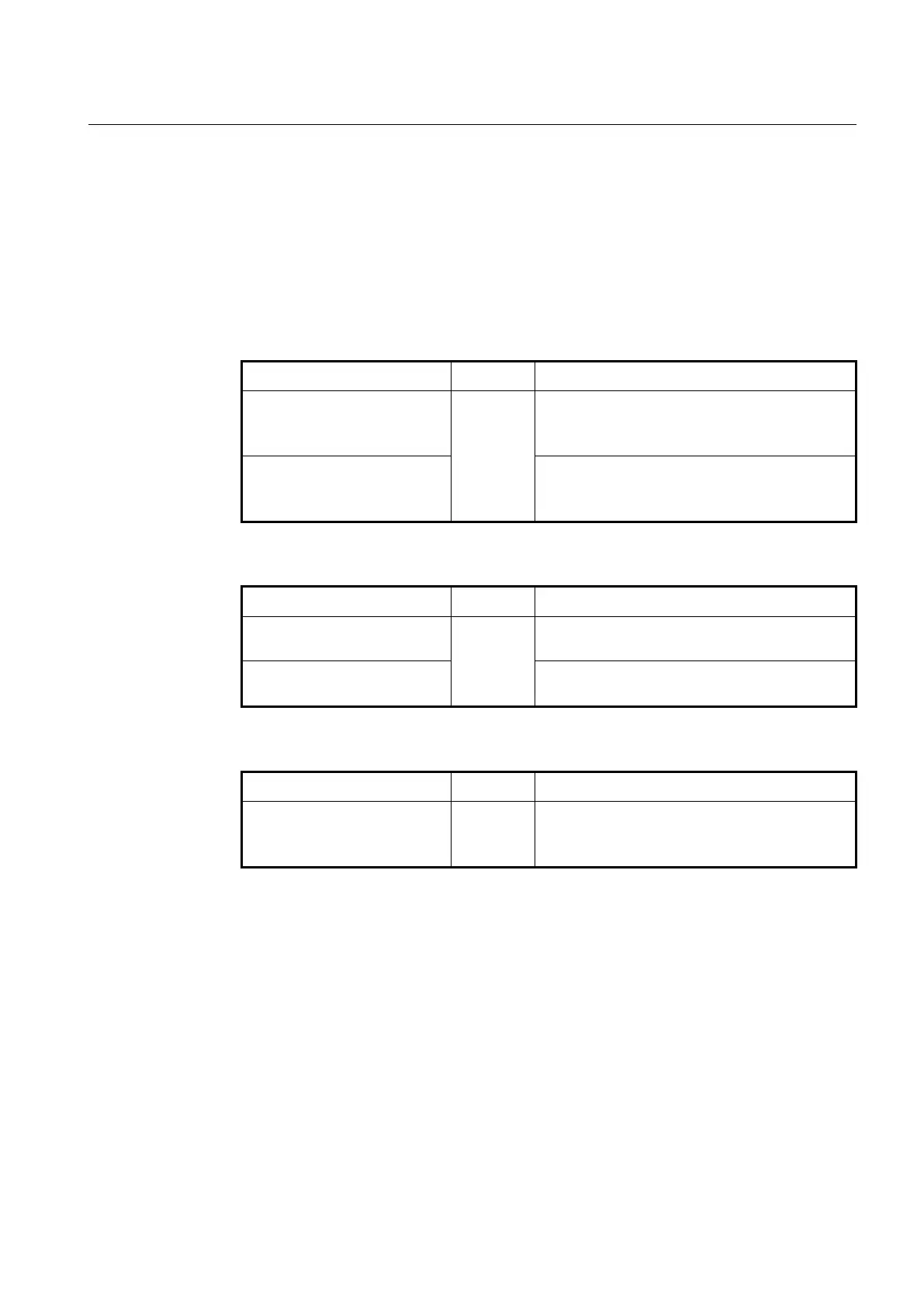
To configure max new hosts, use the following command.
max-new-hosts PORTS VALUE
The number of MAC addresses that can be learned on
the port for a second.
VALUE: maximum MAC number <1-2147483646>
max-new-hosts system VALUE
The number of MAC addresses that can be learned on
the system for a second.
VALUE: maximum MAC number <1-2147483646>
To delete configured max new hosts, use the following command.
Deletes the number of MAC addresses that can be
learned on the port.
Deletes the number of MAC addresses that can be
learned on the system.
To display configured max new hosts, use the following command.
Shows the configured Max-new-hosts.
If MAC that already counted disappears before passing 1 second and starts learning
again, it is not counted. In case the same MAC is detected on the other port also, it is not
counted again. For example, if MAC that was learned on port 1 is detected on port 2, it is
supposed that MAC moved to the port 2. So, it is deleted from the port 1 and learned on
the port 2 but it is not counted.



 To Next Page