UMN:CLI User Manual
V5808
280
8.2 Link Aggregation (LAG)
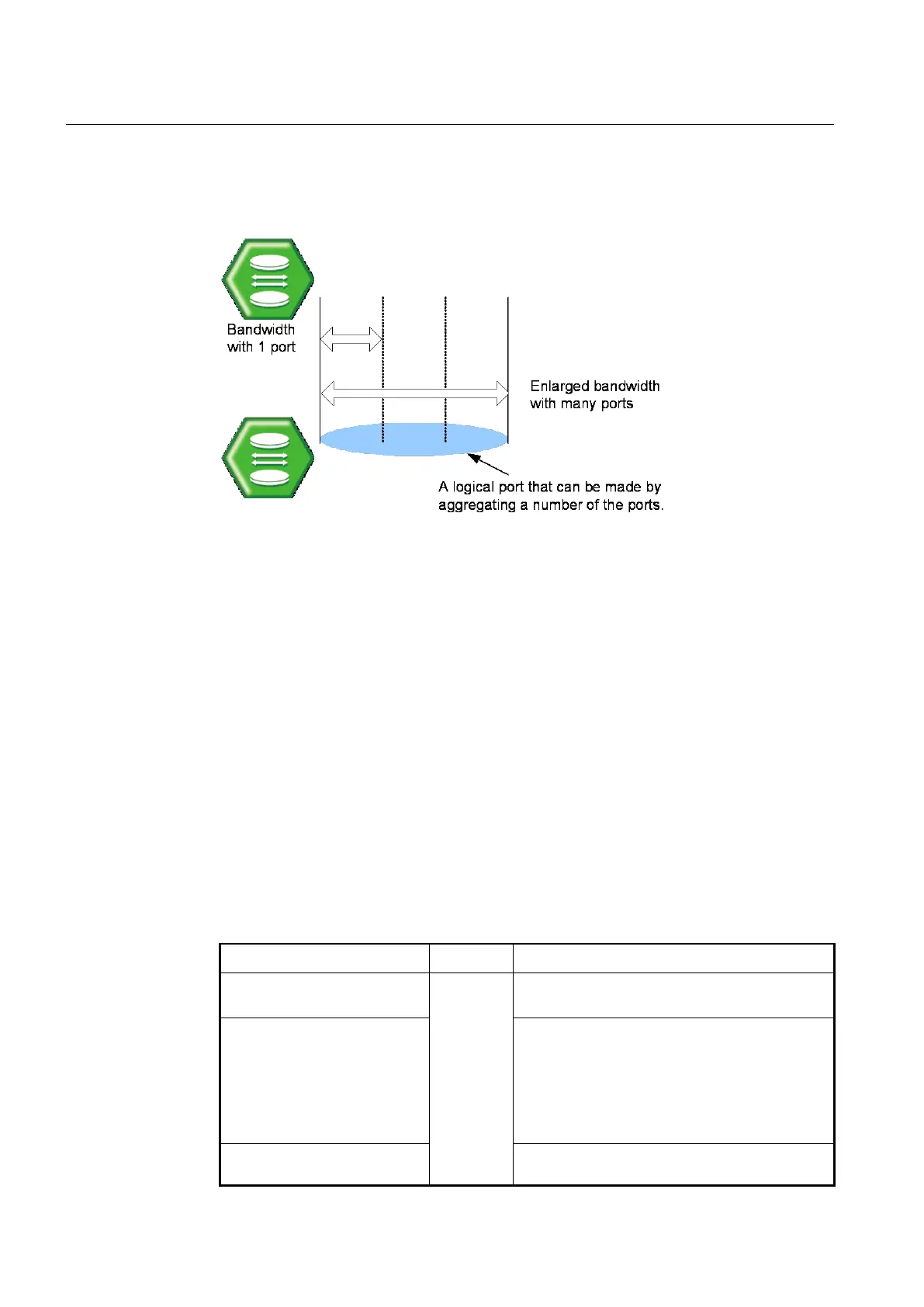
Link aggregation complying with IEEE 802.3ad bundles several physical ports together to
one logical port so that you can get enlarged bandwidth.
Fig. 8.8 Link Aggregation
The V5808 supports two kinds of link aggregation as port trunk and LACP. There is a little
difference in these two ways. In case of port trunking, it is quite troublesome to set the
configuration manually and the rate to adjust to the network environment changes when
connecting to the switch using logical port. On the other hand, in case of LACP, once you
specify LACP member ports between the switches, the ports will be automatically
aggregated by LACP without manually configuring the aggregated ports.
8.2.1 Port Trunk
Port trunking enables you to dynamically group the similarly configured interfaces into a
single logical link (aggregate port) to increase bandwidth, while reducing the traffic
congestion.
8.2.1.1 Configuring Port Trunk
To create a logical port by aggregating the ports, use the following command.
Adds a port to the aggregation group.
GID: trunk group ID <0-7>
trunk active-link GID <1-8>
Specifies the number of minimum active member ports
within a Trunk group. A Trunk group is automatically
disabled if the operational member ports fall at the
same value or below the configured number.
1-8: the number of minimum active member ports
(default:1)
trunk distmode GID {dstip |
dstmac | srcdstip | srcdstmac |
Selects the distribution mode for a specified



 To Next Page