User Manual UMN:CLI
V5808
791
12.12.3 Saving Rate-limit Profile
After configuring an Rate-limit profile, you need to save the profile with the following
command.
Saves an Rate-limit profile configuration.
Whenever you modify an rate-limit profile, you should apply the changes again using the
apply command. If you do not, it will not be applied.
12.12.4 Applying Rate-limit Profile
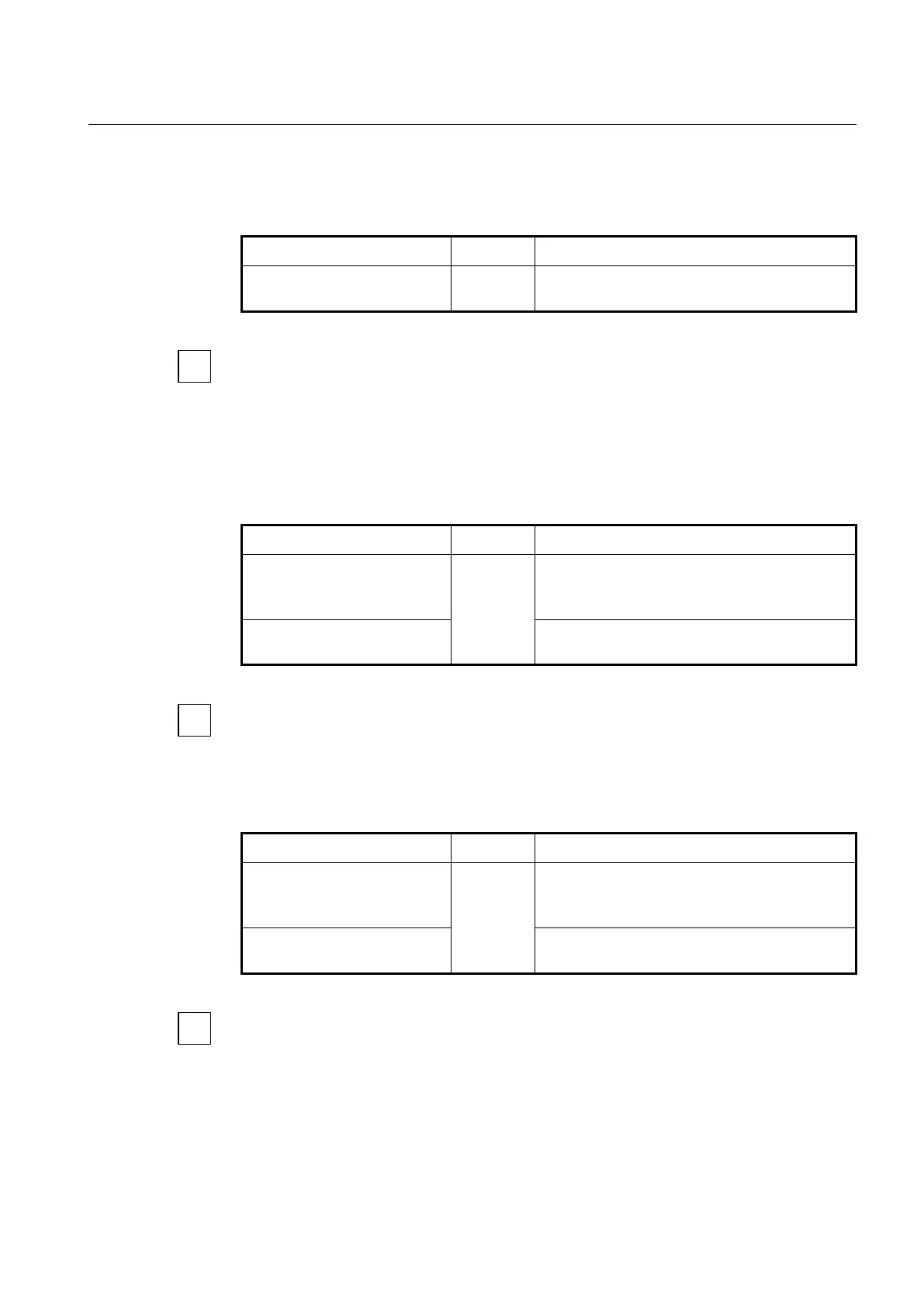
To apply the configured Rate-limit profile for GEM ports, use the following command.
gemport RANGE rate-limit
profile NAME
Applies the configured Rate-limit profile to specified
GEM port.
NAME: Rate-limit profile name
no gemport RANGE rate-limit
profile
Removes the Rate-limit profile from the GEM port.
For the details of how to create and configure the Rate-limit profile, see 12.4.2 Creating a
Mapper.
To apply the configured Rate-limit profile for an UNI-side port of ONU, use the following
command.
Applies the configured Rate-limit profile to specified
UNI port.
NAME: Rate-limit profile name
Removes the Rate-limit profile from connected UNI
port.
For the details of how to create and configure the Rate-limit profile, see 12.4.3.6 UNI Port
Configuration.



 To Next Page