UMN:CLI User Manual
V5808
66
SWITCH# where
admin at ttys0 from console for 4 days 22 hours 15 minutes 24.88 seconds
admin at ttyp0 from 10.0.1.4:1670 for 4 days 17 hours 53 minutes 28.76 seconds
admin at ttyp1 from 147.54.140.133:49538 for 6 minutes 34.12 seconds
SWITCH# disconnect ttyp0
SWITCH# where
admin at ttys0 from console for 4 days 22 hours 15 minutes 34.88 seconds
admin at ttyp1 from 147.54.140.133:49538 for 6 minutes 44.12 seconds
SWITCH#
4.1.10 IP Login Delay
It is possible to set the system that is not to accept users who fail three times of
connection via ssh or telnet. And the blocked user can attempt to login after a specified
time period.
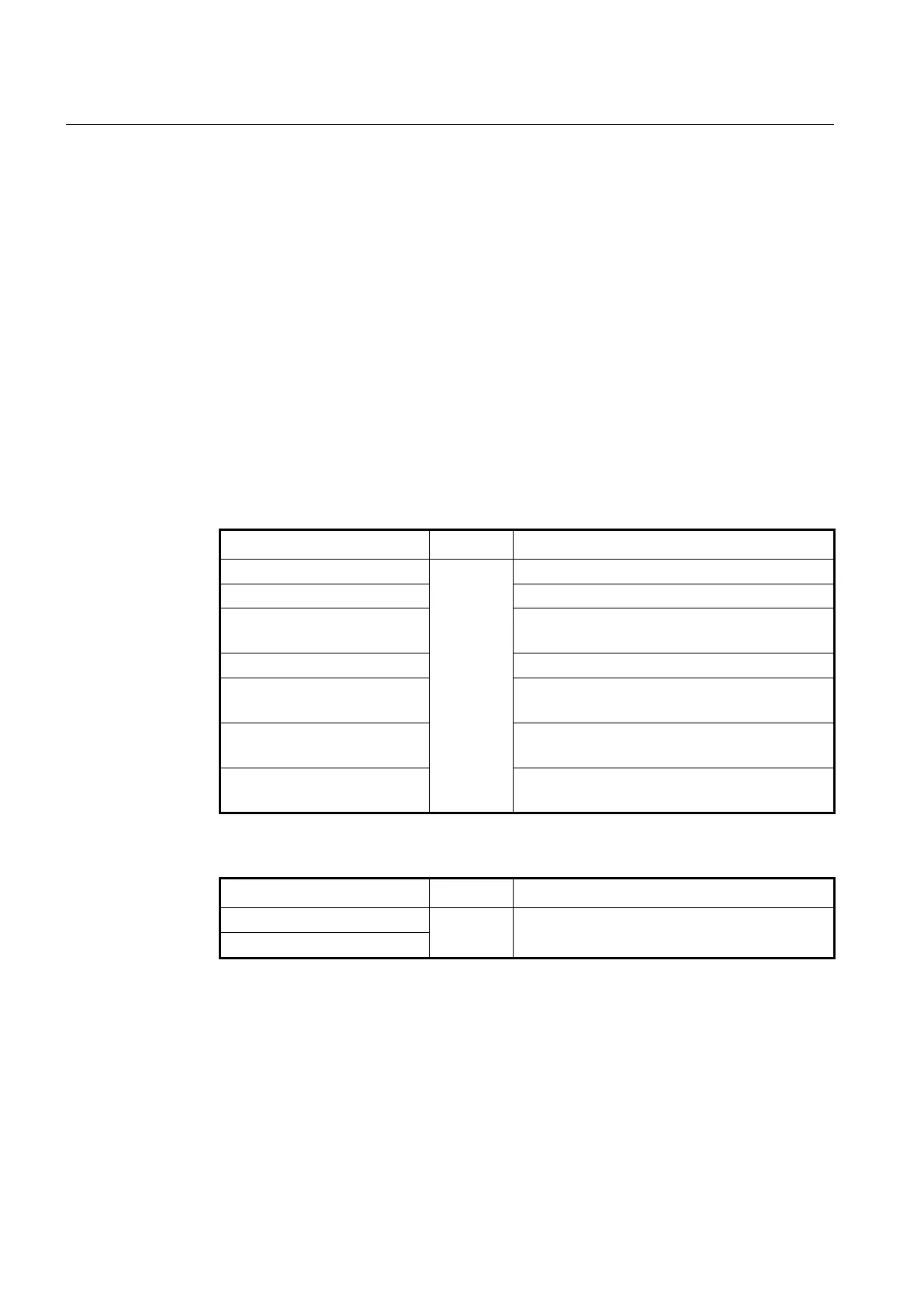
To set system login delay feature, use the following command.
Enables the login delay feature.
Disables the login delay feature.
ip auth-fail-block expire-time <1-
60>
Sets the expire time for log-in again after the failed log
in the system. (default: 5 min)
no ip auth-fail-block expire-time
Restores the default expire time value.
ip auth-fail-block max-entry <1-
512>
Sets the number of hosts that can log in the system.
(default: 128)
no ip auth-fail-block max-entry
Restores the default value of hosts that can log in the
system.
clear ip auth-fail-block entry
[A.B.C.D]
Release the blocked hosts (IP).
To display the configured auth-fail-block, use the following command.
Shows the configured auth-fail-block information.
show ip auth-fail-block entry
4.1.11 System Rebooting
4.1.11.1 Manual System Rebooting
When installing or maintaining the system, some tasks require rebooting the system by
various reasons. Then you can reboot the system with a selected system OS.
To restart the system manually, use the following command.



 To Next Page