UMN:CLI User Manual
V5808
68
4.1.12 Auto Reset Configuration
The V5808 reboots the system according to user’s configuration. There are two basises
for system rebooting. These are CPU and memory. CPU is rebooted in case CPU Load or
Interrupt Load continues for the configured time. Memory is automatically rebooted in
case memory low occurs as the configured times.
4.1.12.1 CPU Load
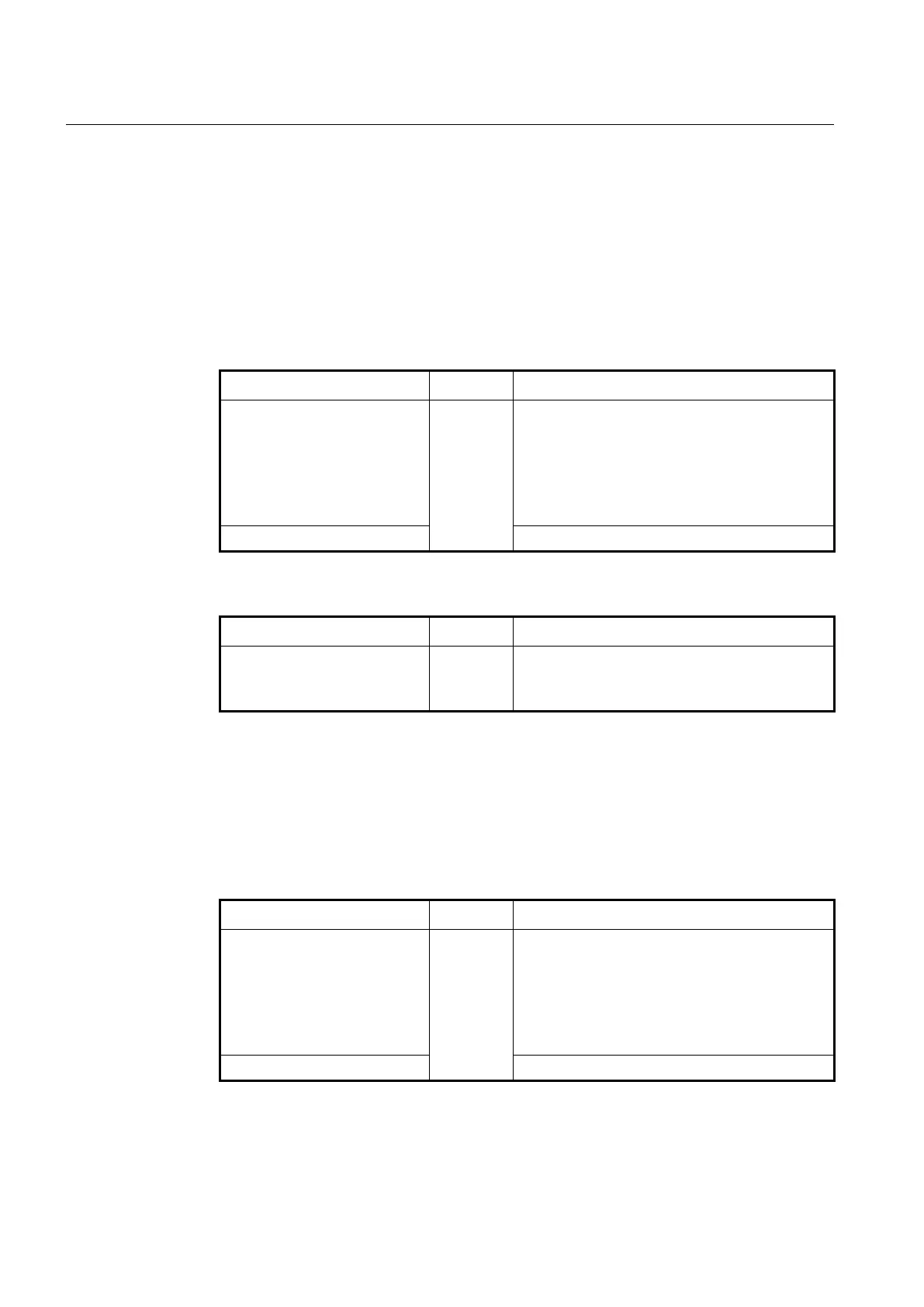
To enable auto system rebooting function, use the following command.
auto-reset cpu <50-100> <1-100>
TIME
Configure to reboot the system automatically in case
an average of CPU or interrupt load exceeds the
configured value during the user-defined time.
50-100: average of CPU load per 1 minute
1-100: average of interrupt load
TIME: minute
Disables auto system rebooting function by CPU.
To display a current configured auto system rebooting, use the following command.
Shows a current configured auto system rebooting by
CPU.
4.1.12.2 Memory
The V5808 provides auto system rebooting function using memory low configuration.
Memory-low indicates the low threshold value of system memory in use. To enable auto
reset function of memory low setting when a memory-low has occurred as many as its
specified numbers during the certain minutes, use the following command.
auto-reset memory <1-120> <1-
10>
Enable to reboot the system automatically in case
memory low has occurred more than its count during
the configured time.
1-120: time threshold of memory-low (default: 10
minutes)
1-10: counts of memory-low (default: 5)
Disables auto system rebooting function by memory.
To display a current configured auto system rebooting by system memory, use the
following command.



 To Next Page