6. BASIC OPERATION
92
6.3.7 Multi Display
To show a multi screen, which is a combination of measurement screens, press MULTI.
If Mode Key Direct on the GENERAL tab is set to Single, you can select between six types of
layouts by using F•1 LAYOUT SELECT.
To set each measurement screen, use F•2 MULTI WFM MENU to F•7 MULTI EYE MENU.
If Mode Key Direct on the GENERAL tab is set to Multi/Single Common, you can switch
between measurement screens by pressing MULTI. To select the layout, hold MULTI down
for 2 seconds to display the function menu. Then select using F•1 LAYOUT USER 1 to F•6
LAYOUT USER 6.
[See also] GENERAL tab → 7.2.1, “General Settings”
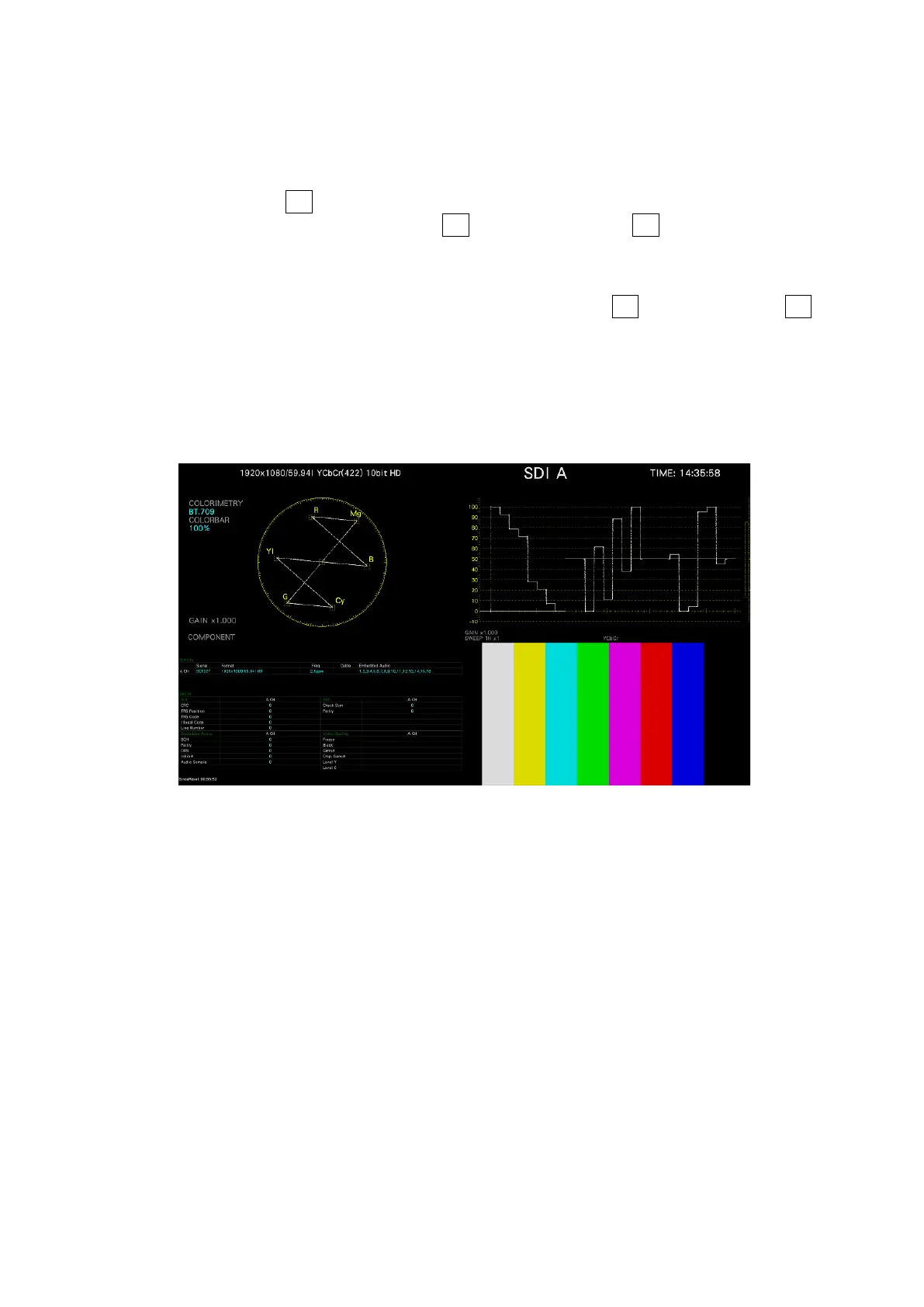
• USER 1
The vector, video signal waveform, status, and picture are displayed in four divided
screens.
Figure 6-33 Multi display (USER 1, Single Mode)



 To Next Page