16. Status Display
386
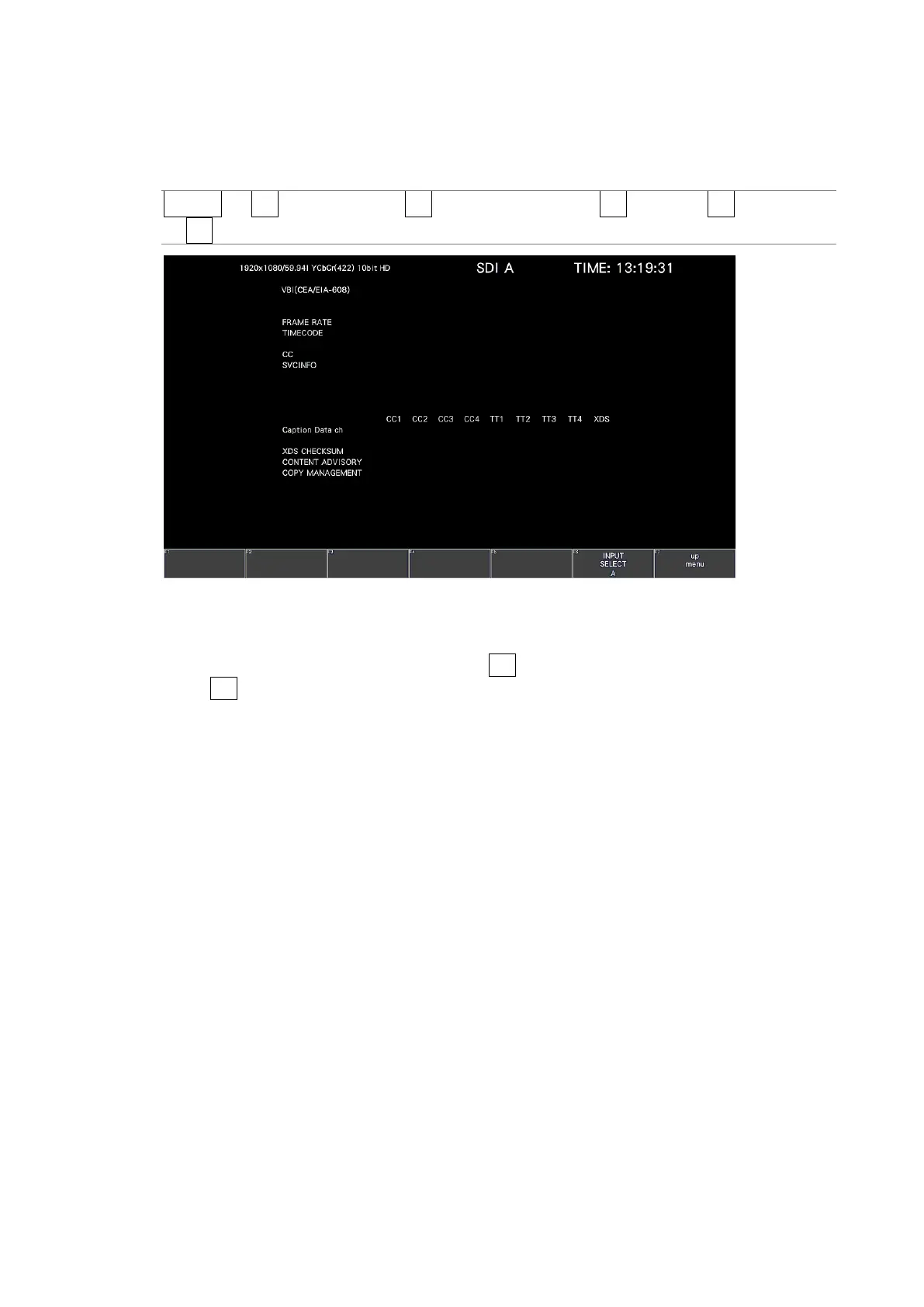
16.9.14 Displaying VBI Data
When the input signal is SD, to display VBI data, follow the procedure below.
Procedure
STATUS → F•4 ANC PACKET → F•1 PACKET ANALYSIS → F•4 V-ANC → F•2 SMPTE
→ F•4 VBI
Figure 16-34 VBI data display
• Selecting the Content to Display
You can select the displayed content using F•5 LINK when the input signal is multi link
and F•5 SUB when the input signal is 6G or 12G.



 To Next Page